Skip to product information
1 of 8

MOES Smart Fingerbot Plus, Wireless Touch Button Switch Bot ON/OFF

MOES Smart Fingerbot Plus, Wireless Touch Button Switch Bot ON/OFF

SKU: BS-FB-V3-MS

Regular price $32.99 USD
$32.99 USD Regular price $0.00 USD Sale price
Save Liquid error (snippets/price line 121): Computation results in '-Infinity'% Sold out
Versions
Kit
DISCOUNT CODE

THXM25

25% OFF

Buy 2 Get 25% OFF

DISCOUNT CODE

THXM30B

30% OFF

Over $500 with 1 Free Smart Bulb

Quantity

Description

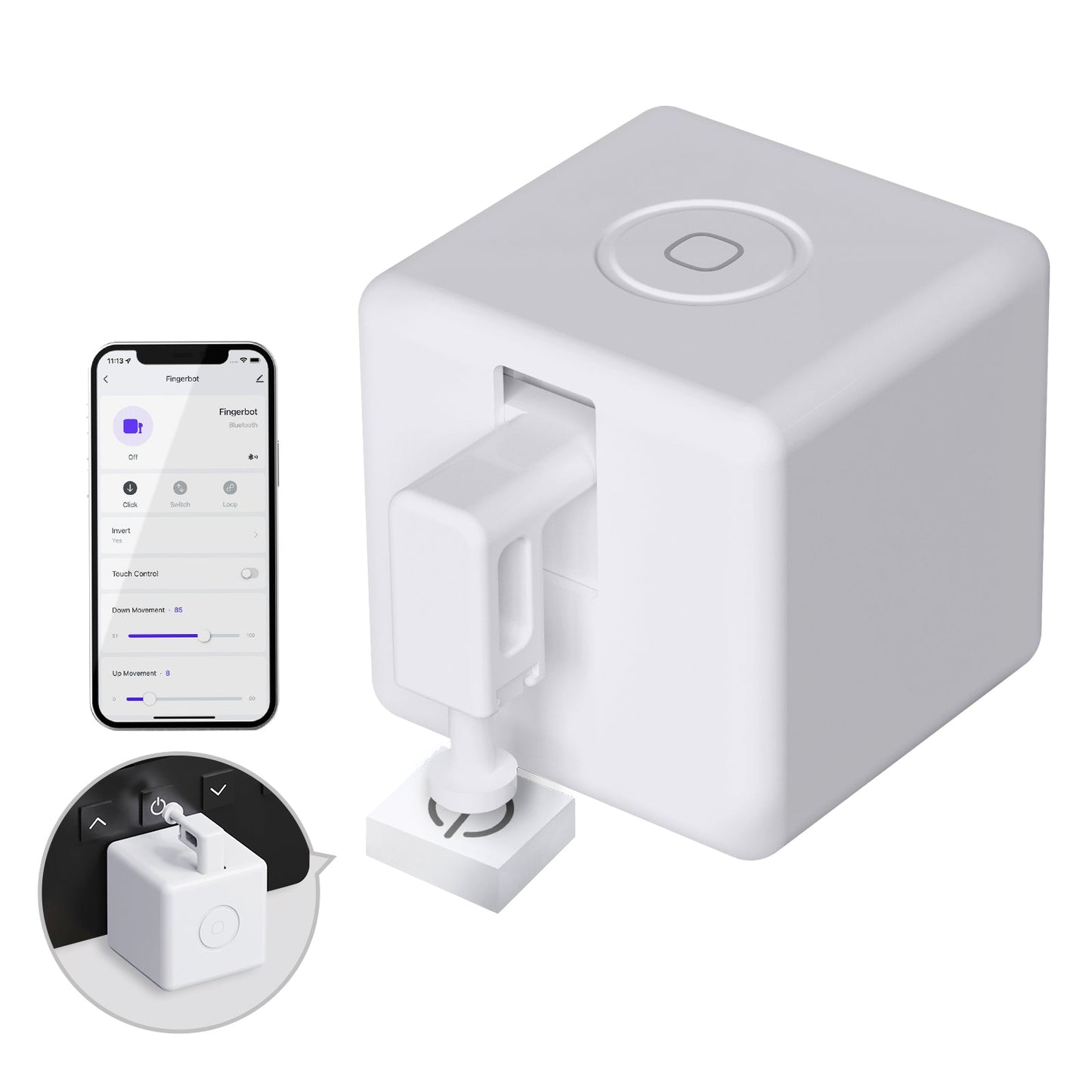
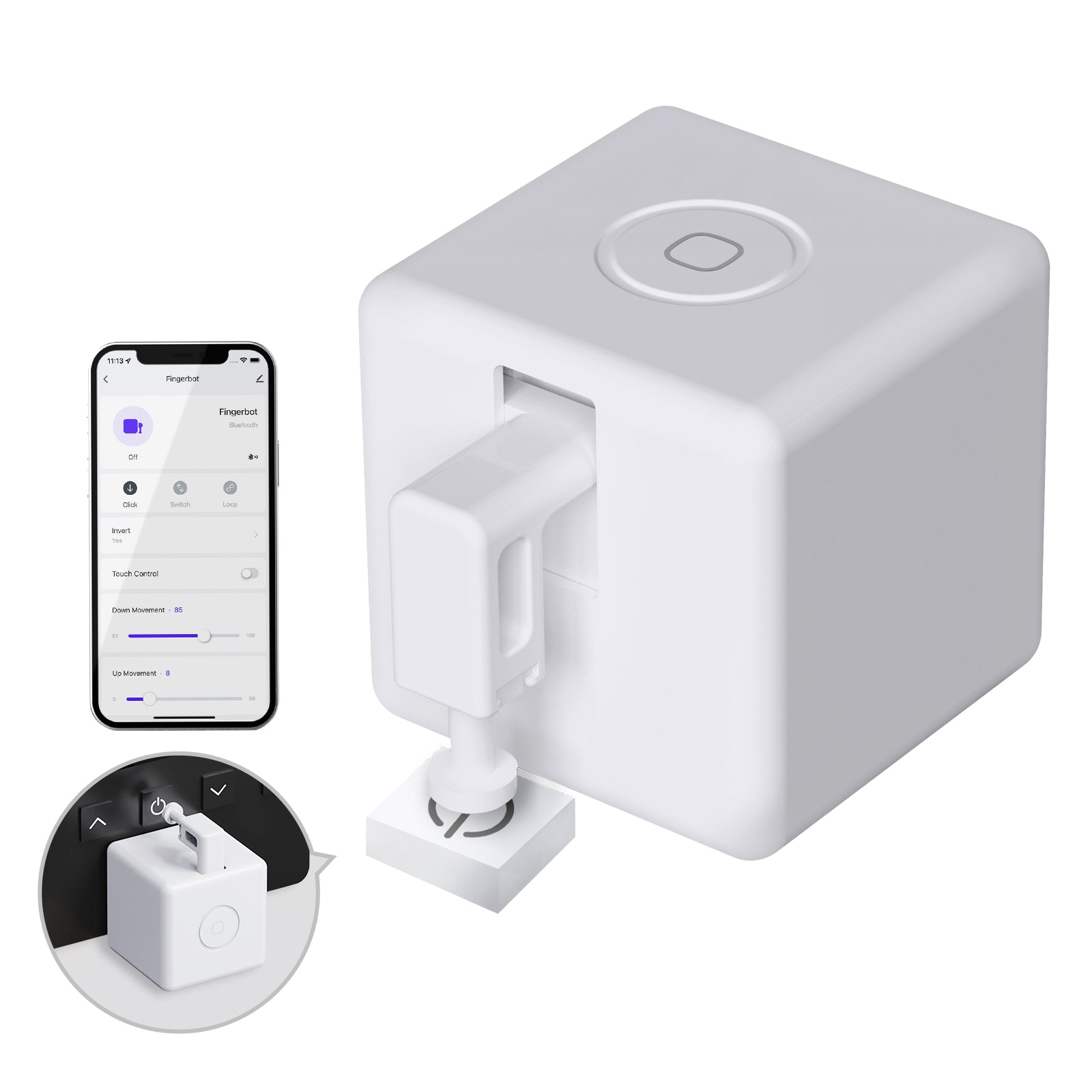
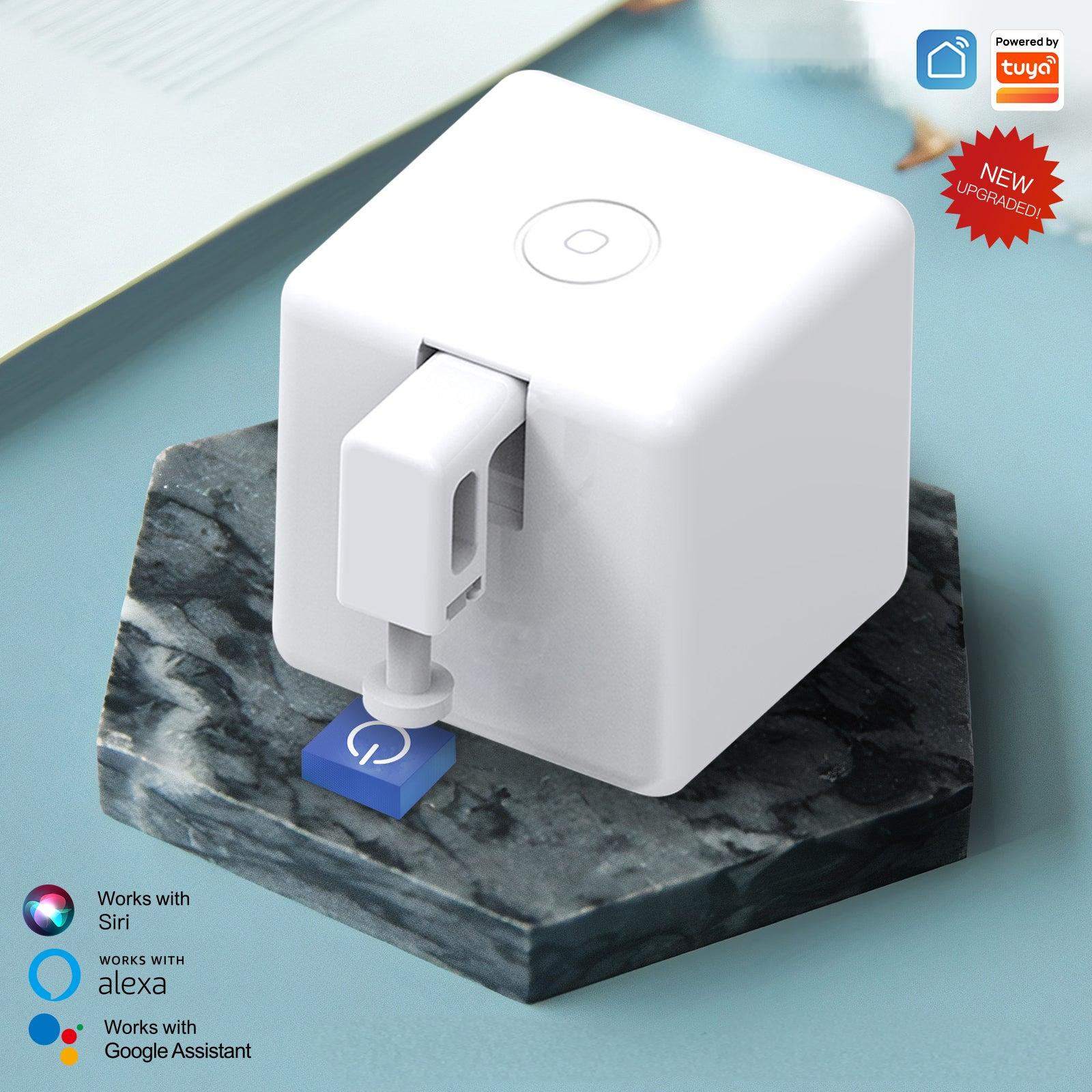
Don't want to replace your traditional appliances or rewire your home? The MOES Smart Bluetooth Fingerbot Plus is a tiny, retrofittable robotic arm that physically pushes buttons and flips switches for you.

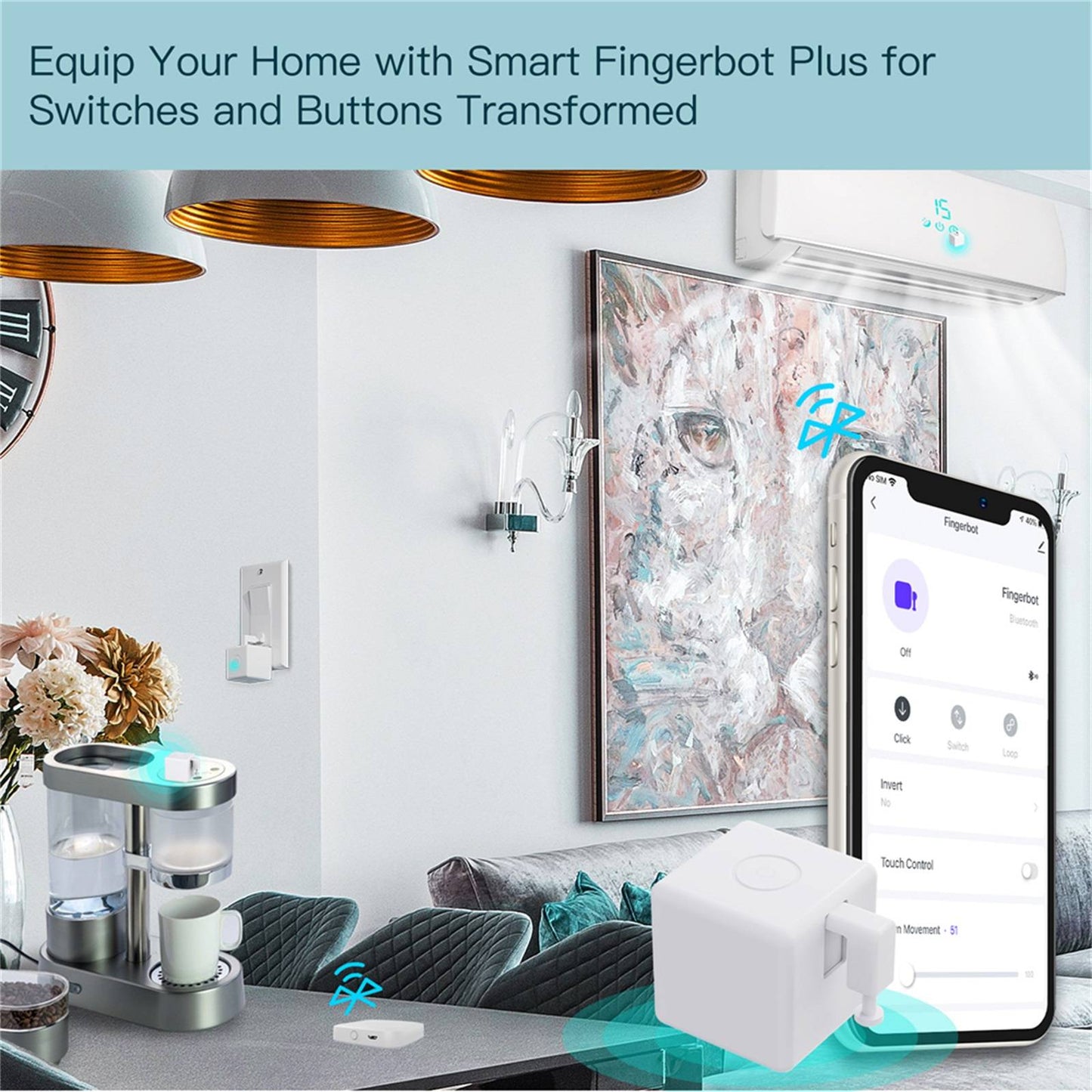
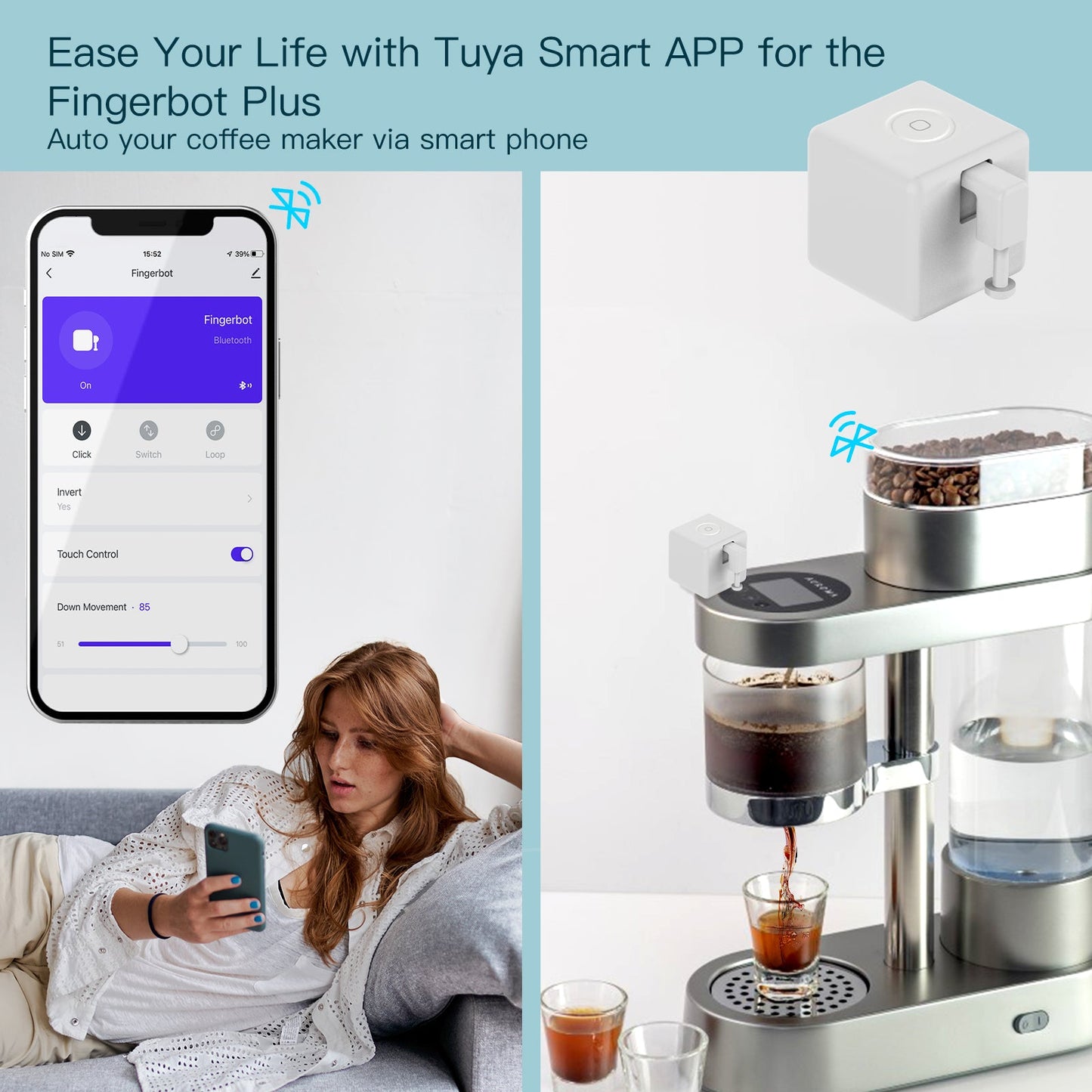
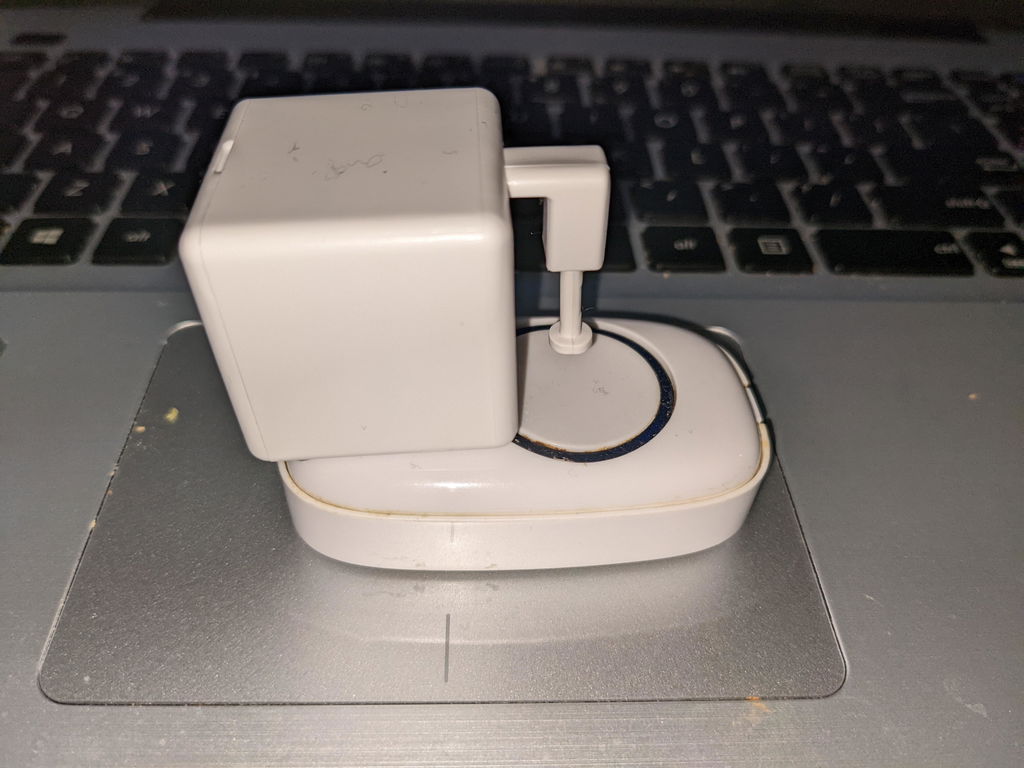
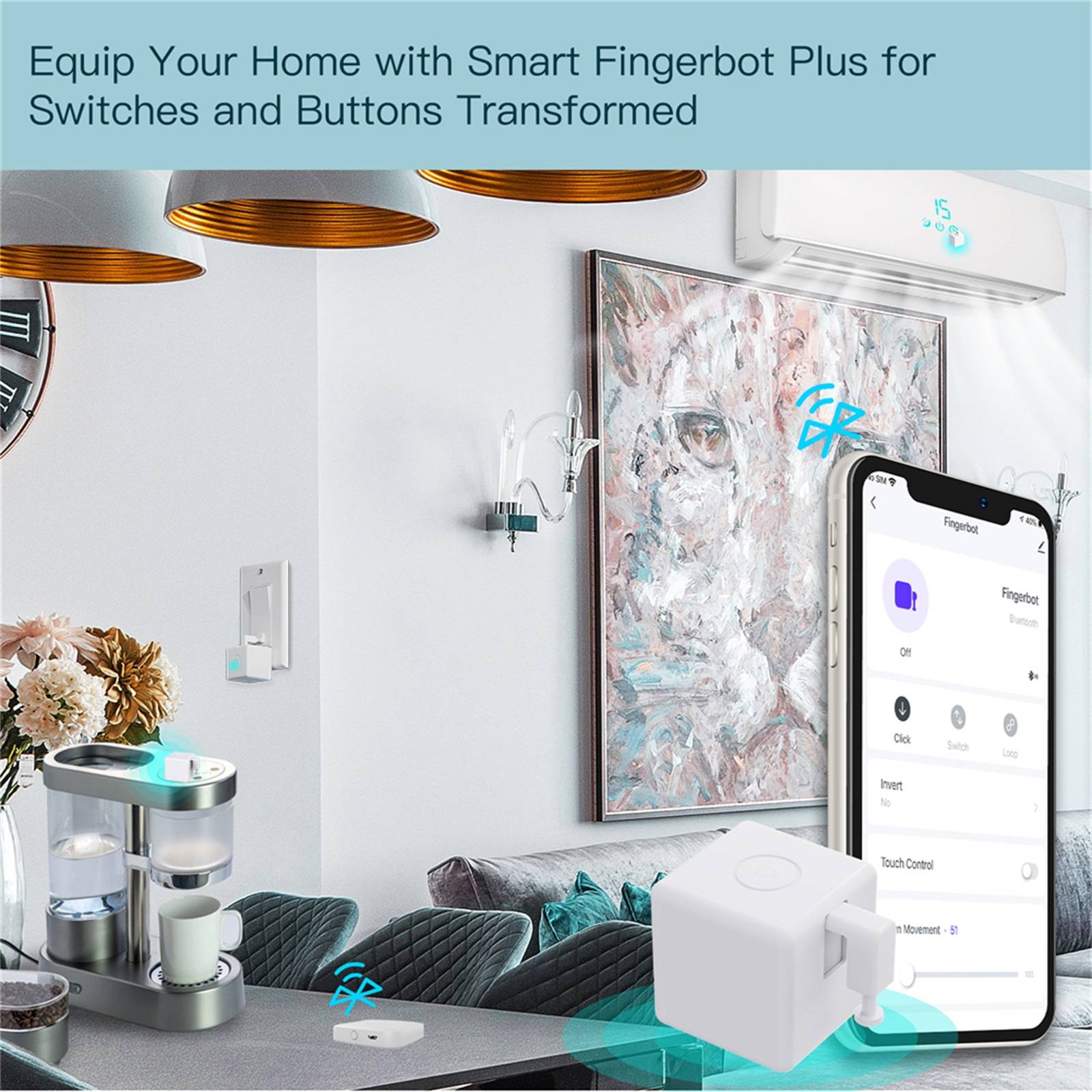
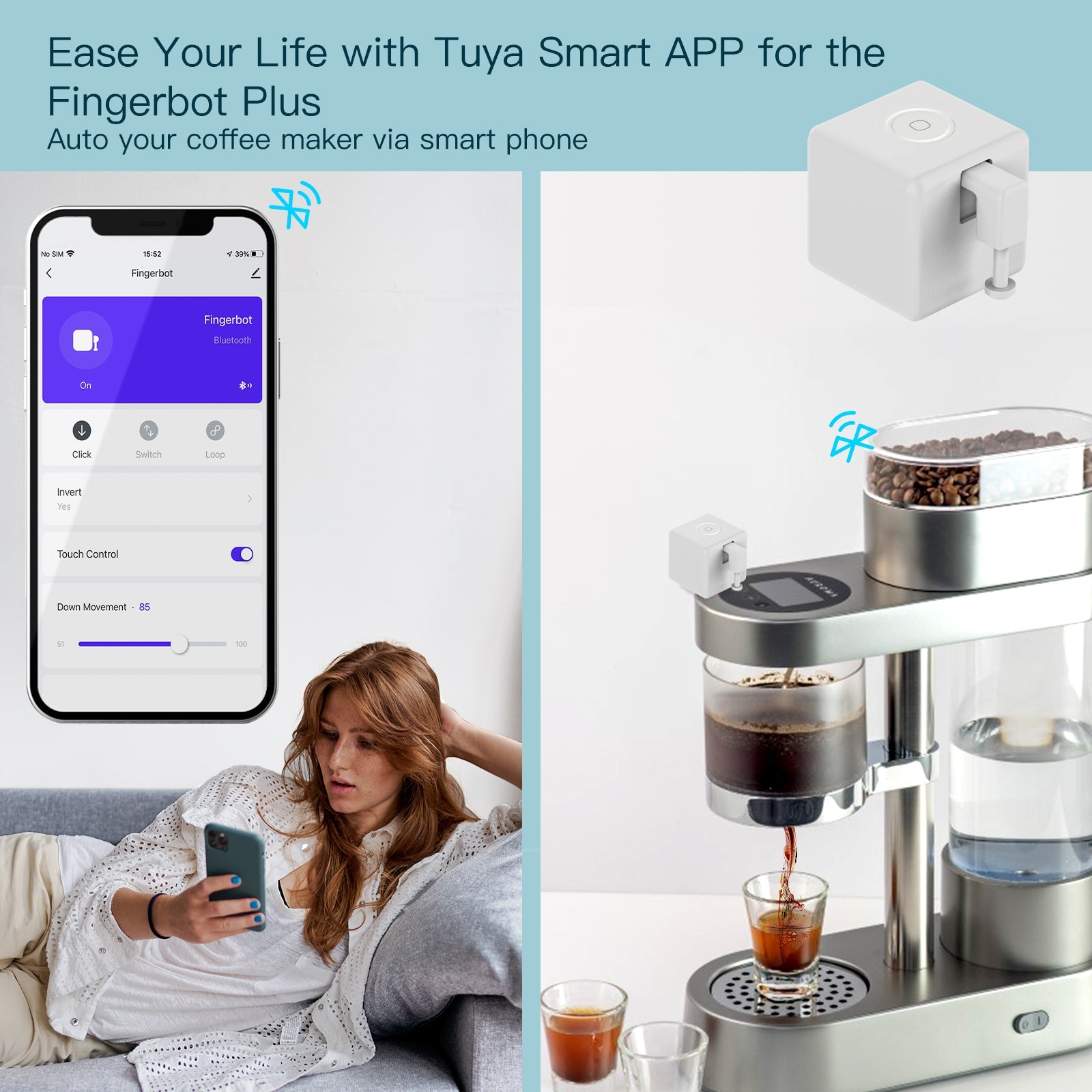
Whether it's your morning coffee maker, your PC power button, or a stubborn garage door switch, simply tape the Fingerbot next to it. You can instantly control your old devices via your smartphone, set automated schedules, or even just tap the built-in touch button for manual control. It is the easiest, most cost-effective way to bring your entire home into the smart era.

Features

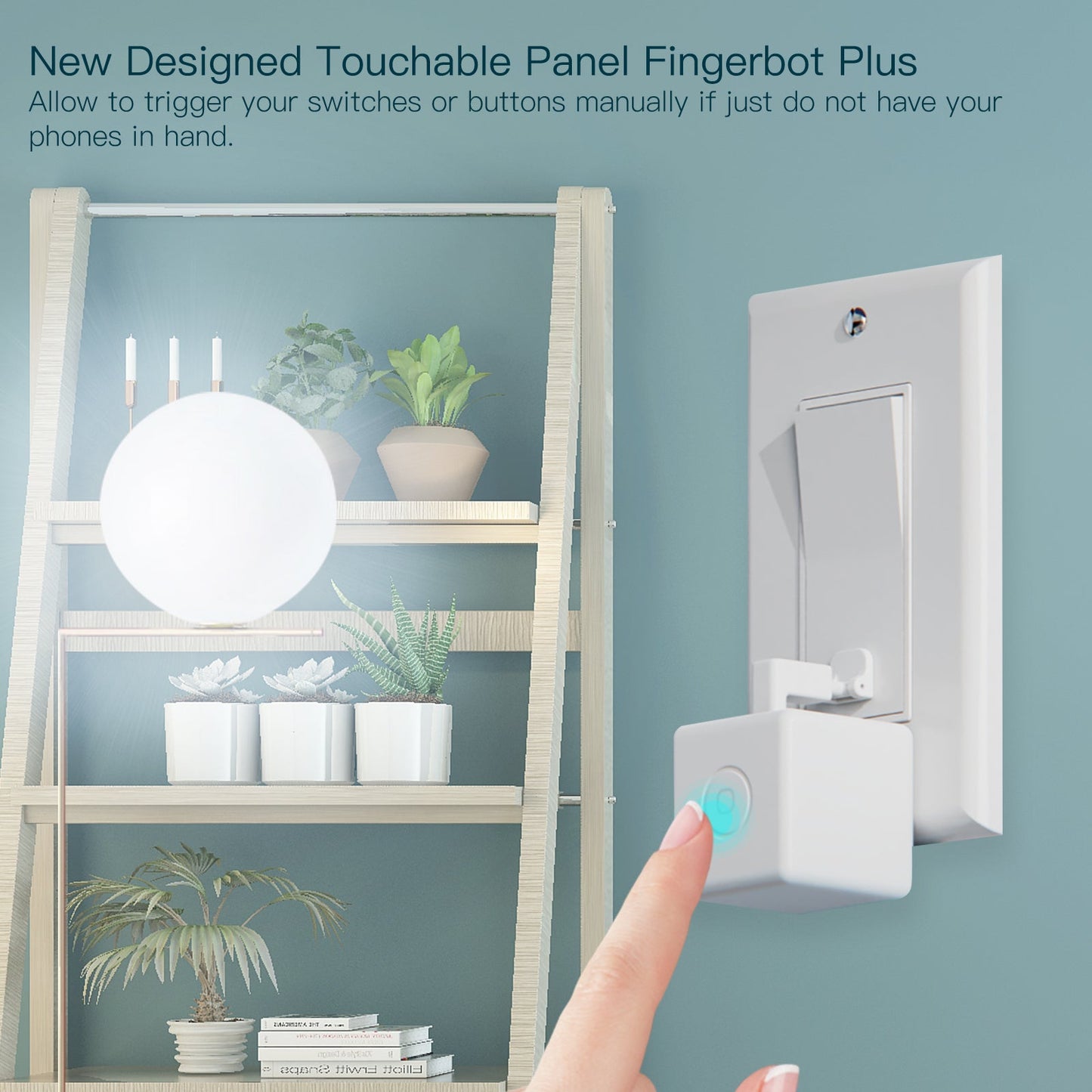
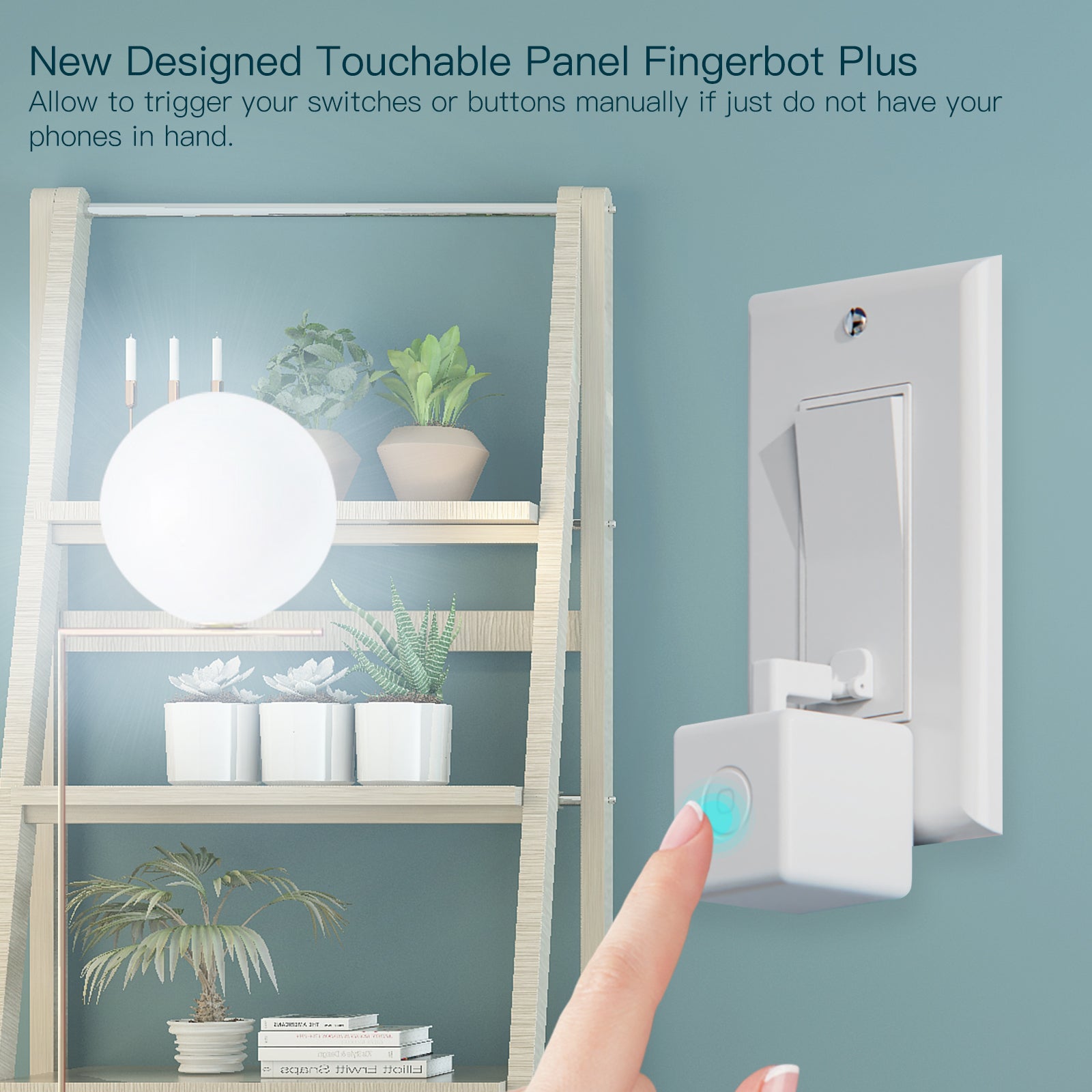
  • Built-in Touch Control: The enhanced Fingerbot Plus features an integrated capacitive touch button on the device. This allows you to manually trigger the robotic arm instantly without needing to access your smartphone.
  • 5-Second Effortless Installation: No complex wiring, tools, or electrical expertise required. Simply attach the device next to any standard rocker switch or push button using the provided highly-adhesive 3M tape.
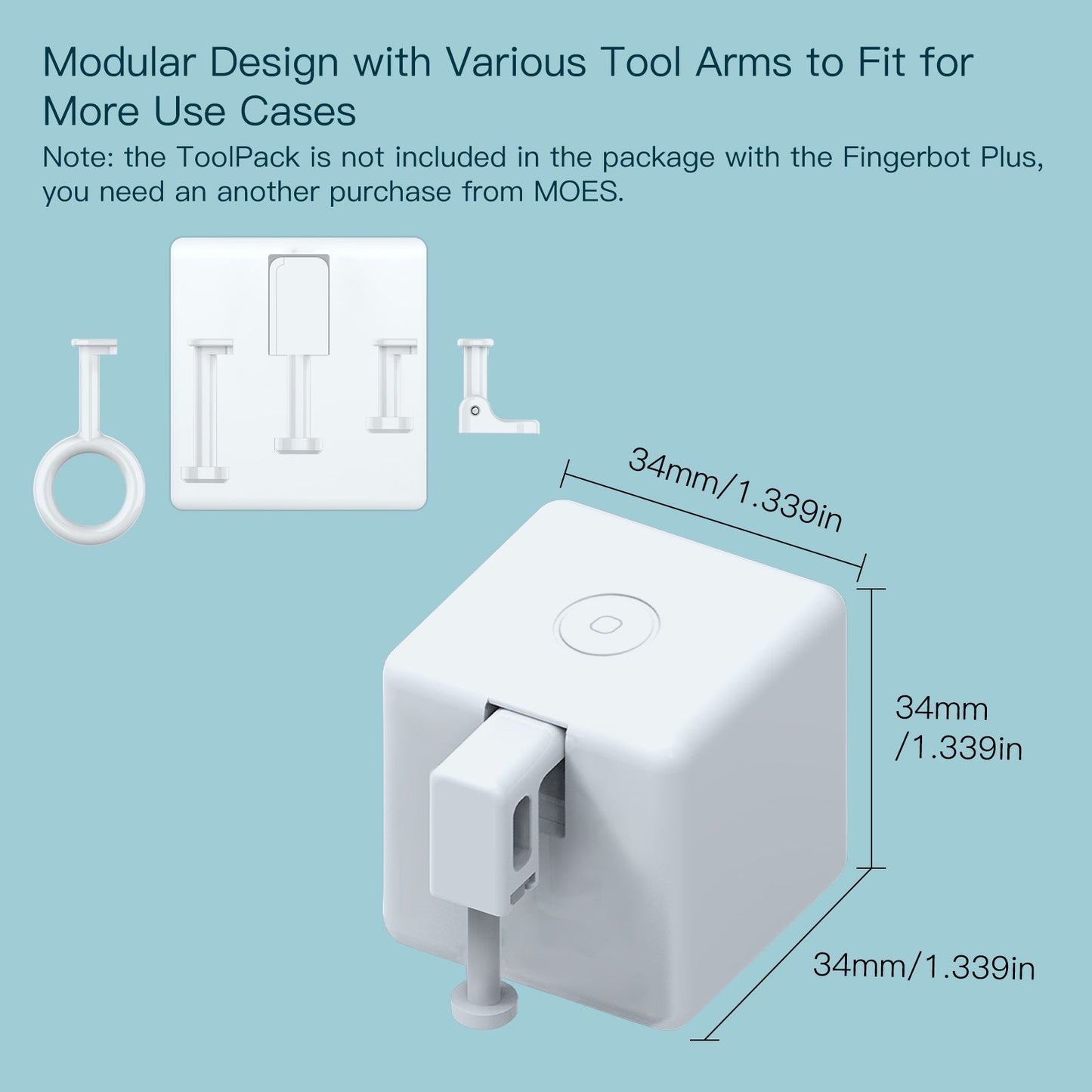
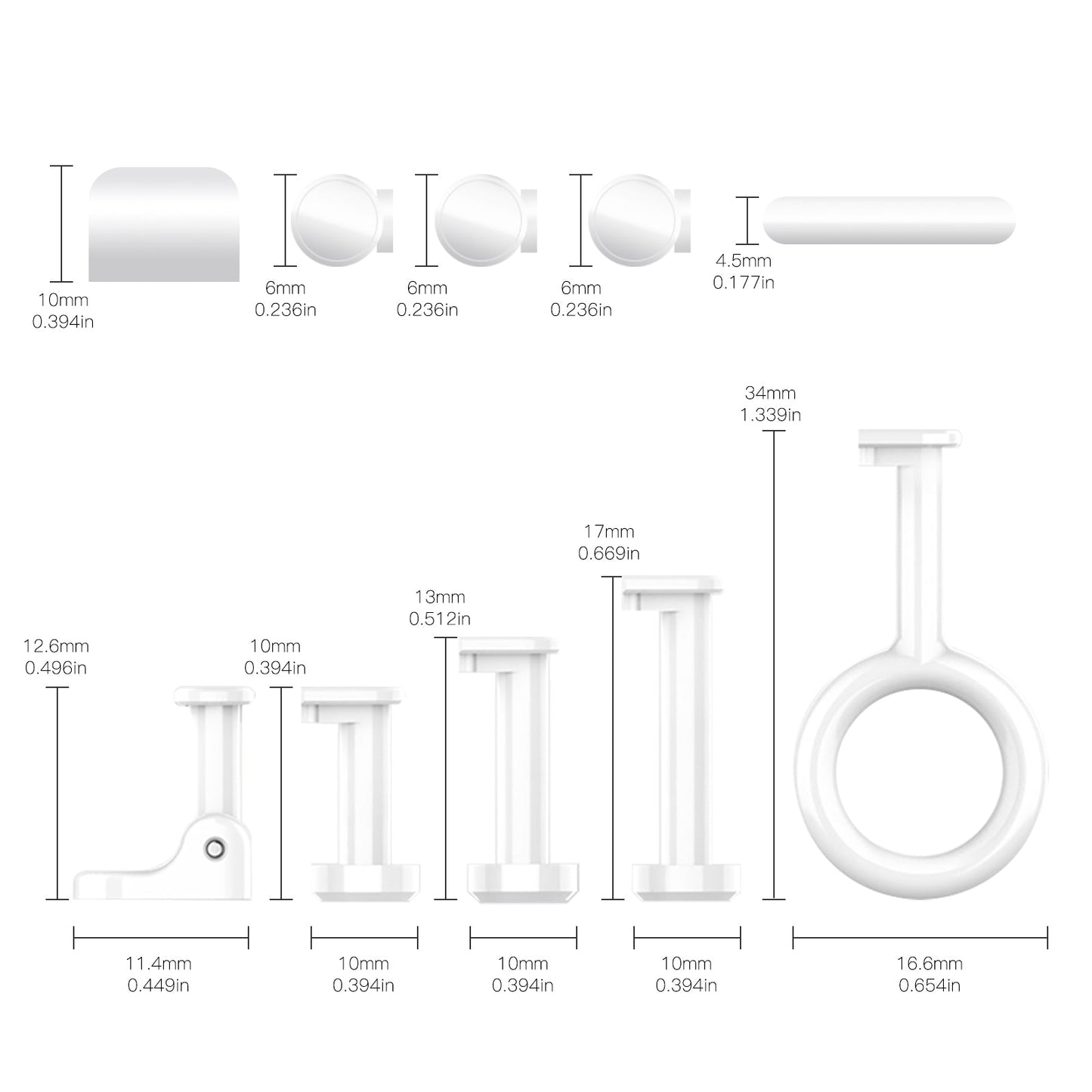
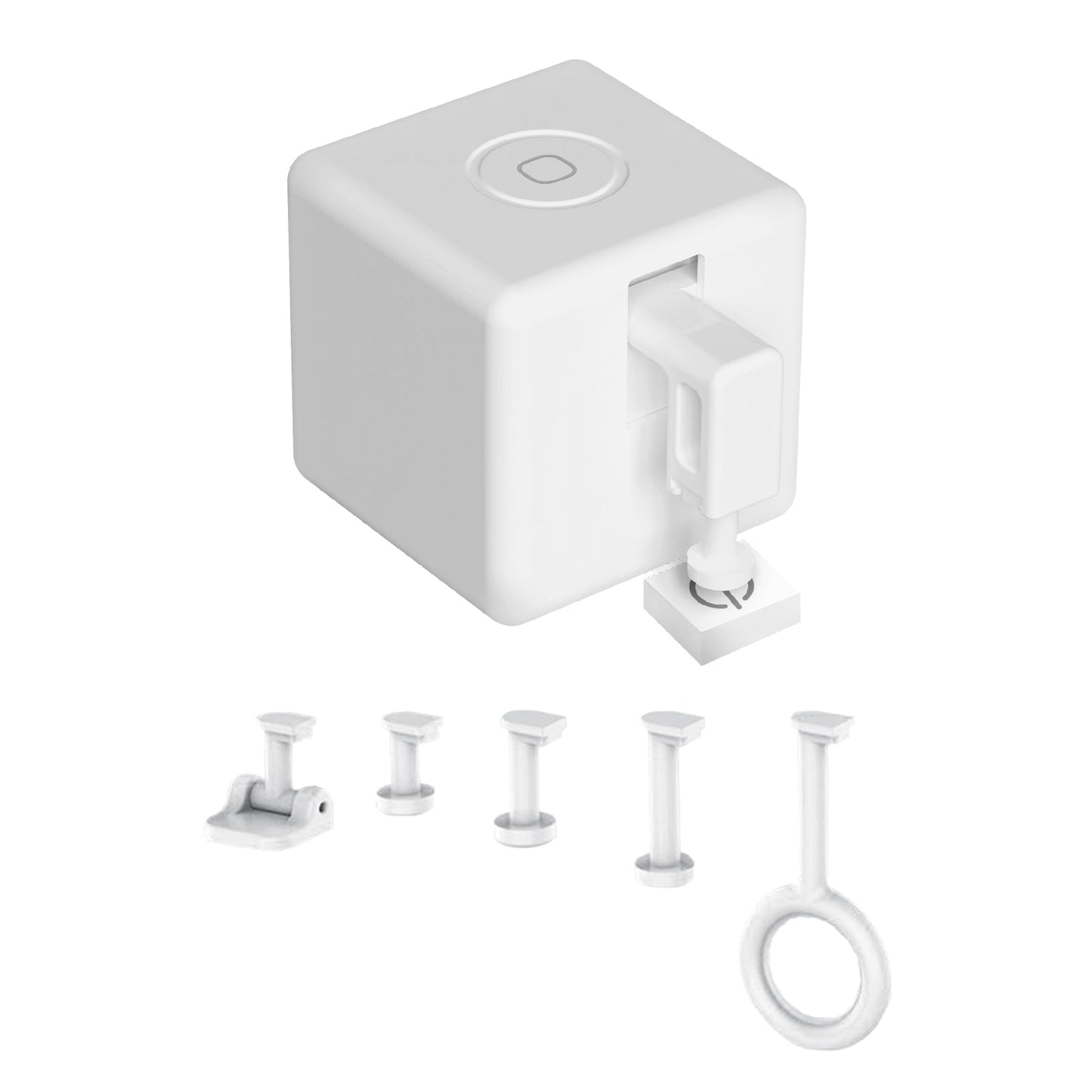
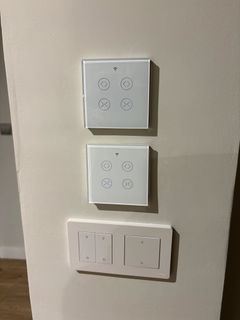
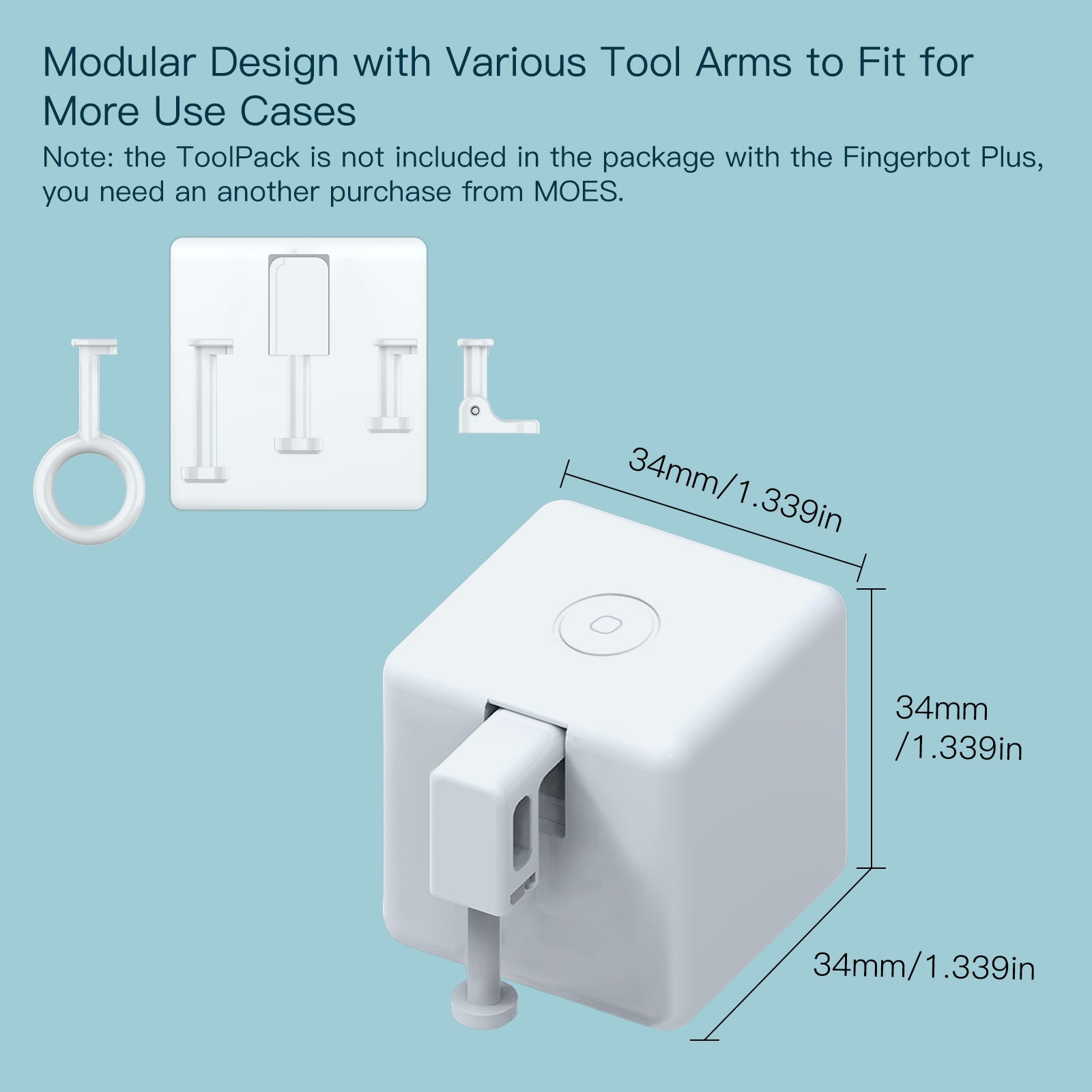
  • Broad Compatibility: Engineered to work with the vast majority of physical buttons and switches (Note: incompatible with capacitive touch-screen buttons). Optional add-on toolpacks are available separately to accommodate specialized switch types, enabling both push and pull motions.
  • Energy Efficient Design: Powered by a highly efficient and easily replaceable CR2 battery (included), ensuring reliable operation for months under normal daily usage.
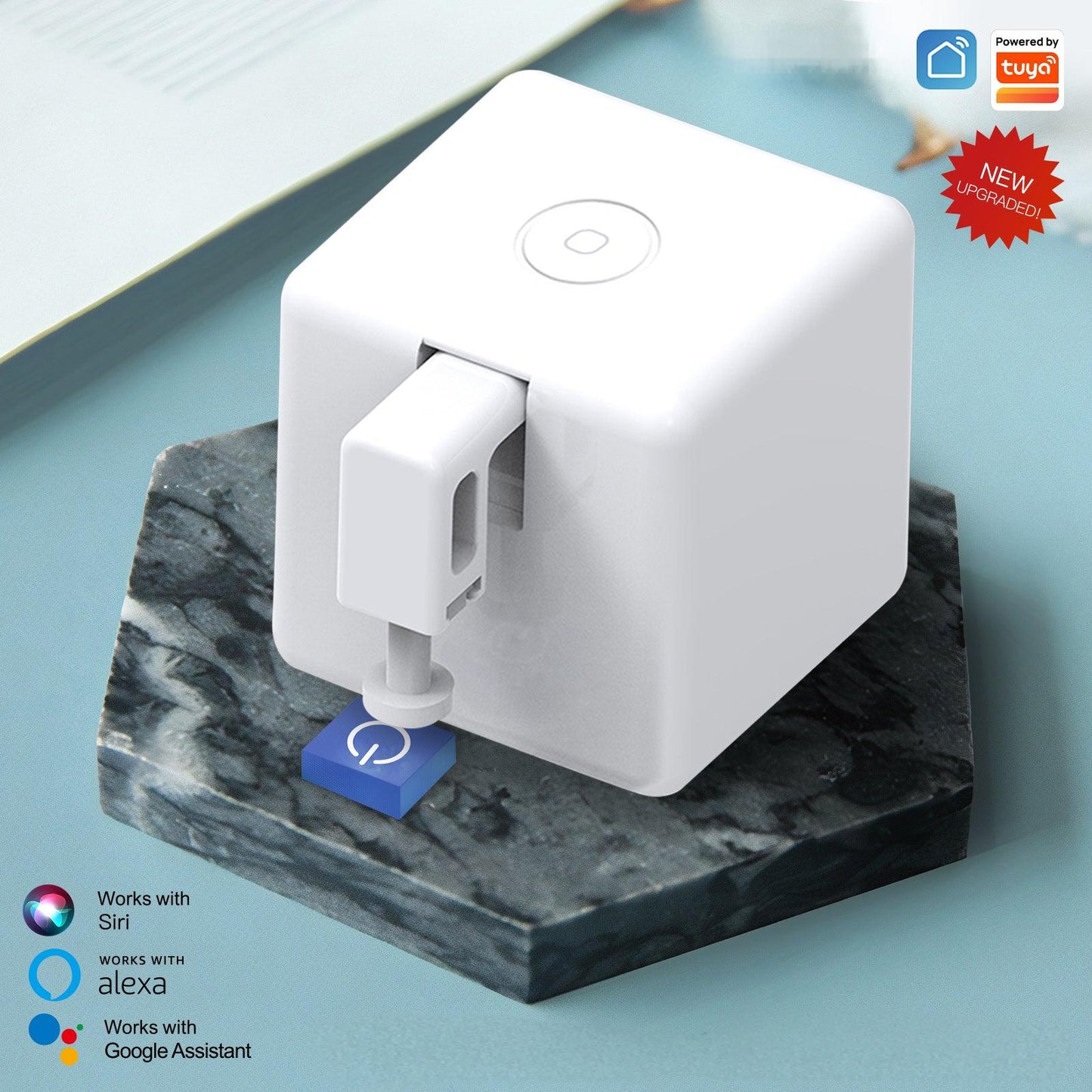
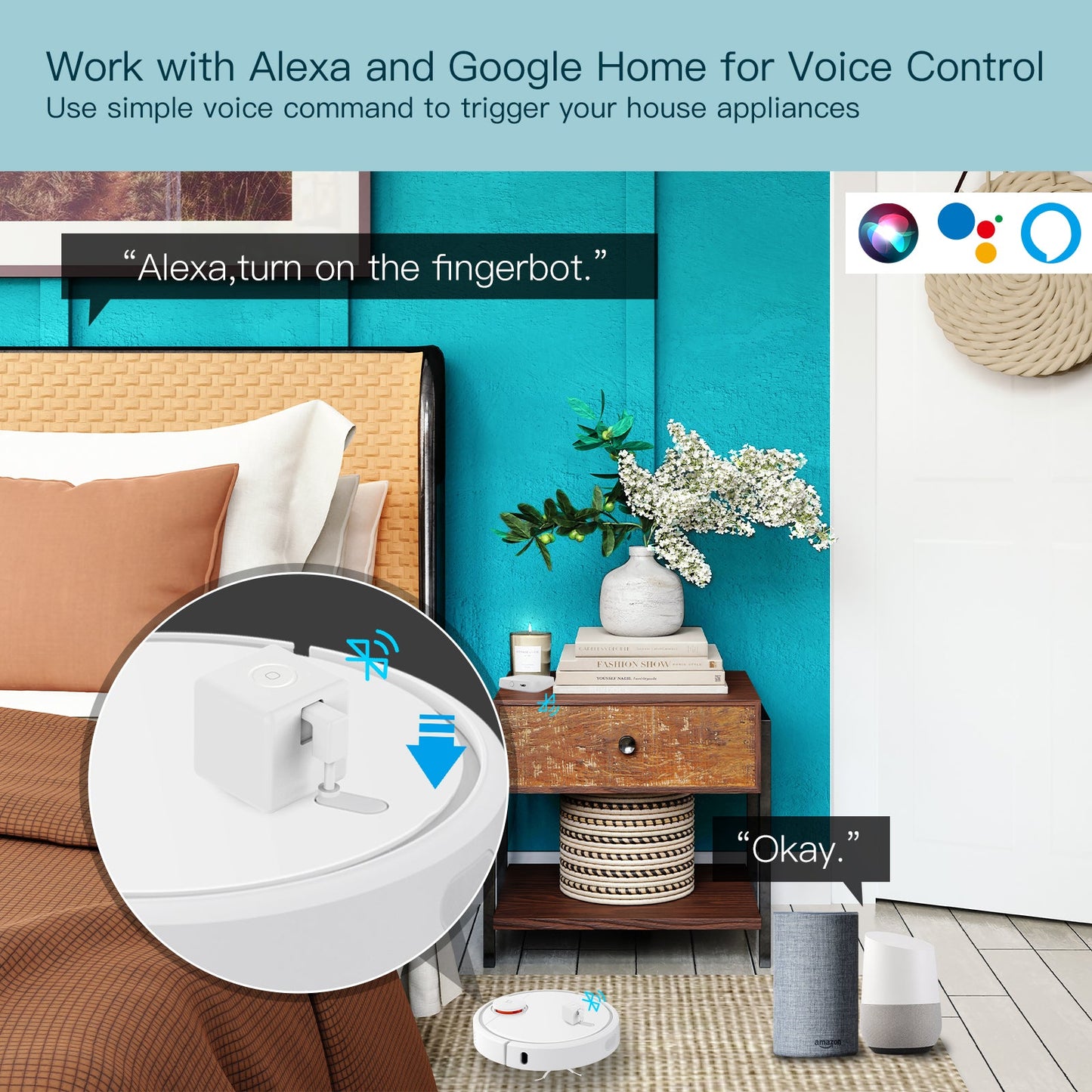
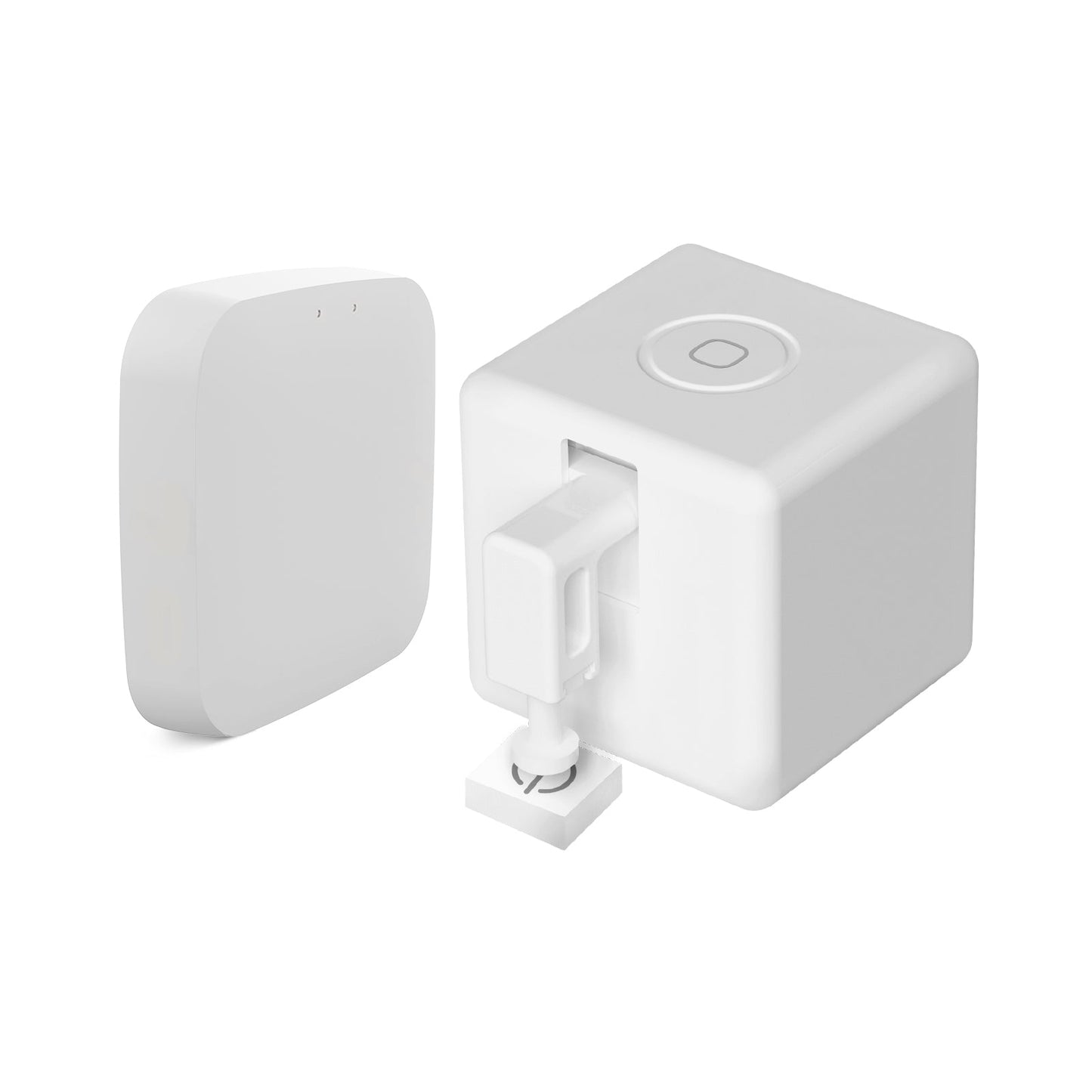
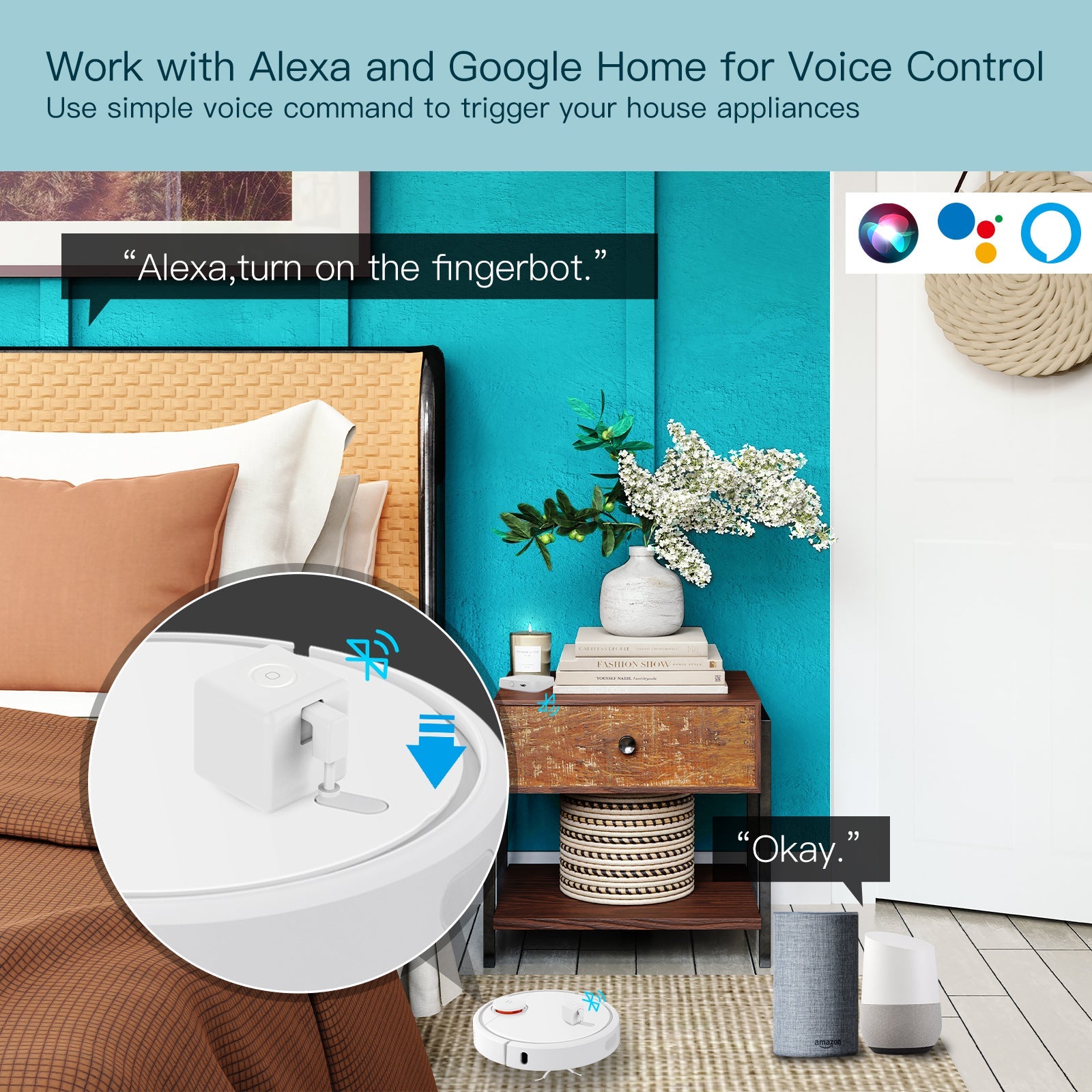
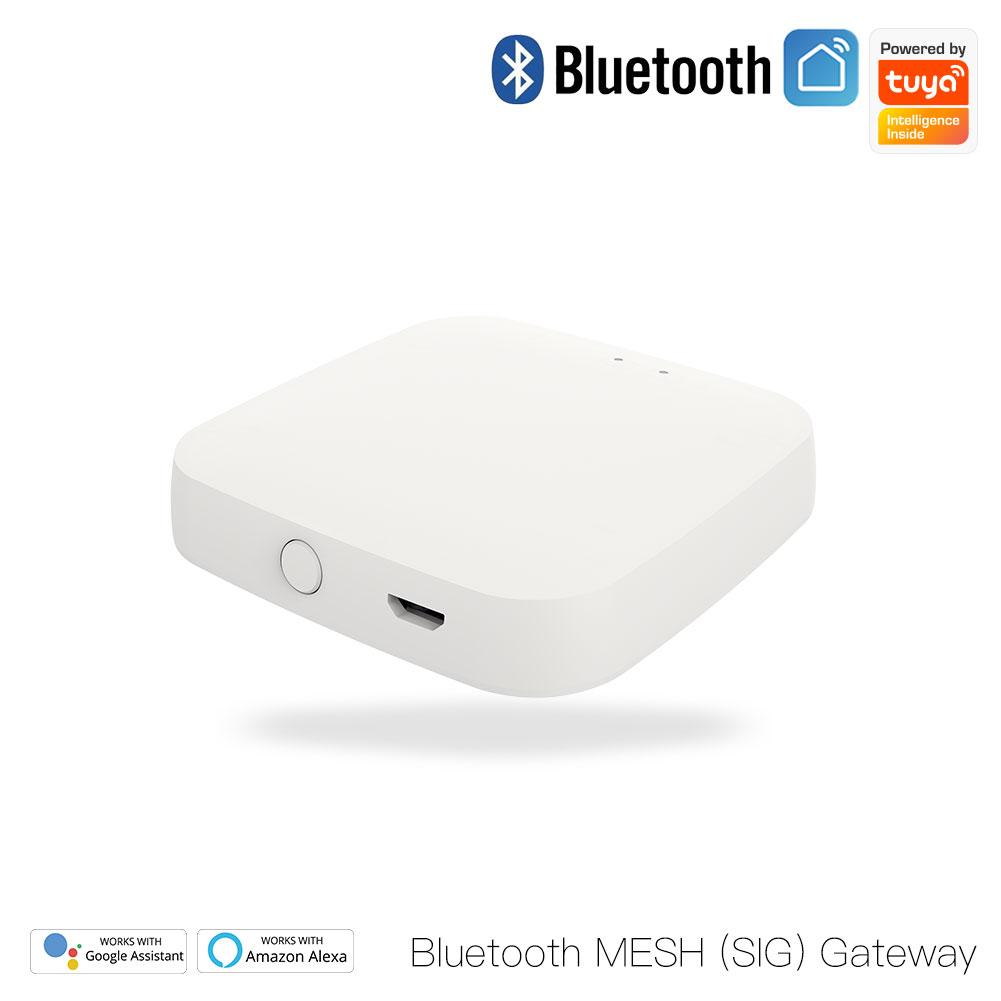
  • Voice & Remote Control Ready: Maximize the Fingerbot's capabilities by pairing it with a MOES or Tuya Bluetooth Gateway (sold separately). This integration unlocks remote cloud control from anywhere, automated scheduling, and seamless voice command compatibility with Amazon Alexa and Google Assistant.

Important Usage Note

  • Gateway Requirement: The Fingerbot can be controlled locally via your smartphone's Bluetooth connection. However, a dedicated Bluetooth Gateway is required to enable advanced functionalities, including Voice Control (Alexa/Google), Cloud Remote Control (access away from home), and Smart Timers.

Specification

  • Model: BS-FB-V3
  • Dimensions: 32 x 32 x 32 mm (1.3 x 1.3 x 1.3 inch)
  • Product Weight: 32g (1.1 oz)
  • Communication Protocol: BLE 4.2 (Bluetooth Low Energy)
  • Frequency Band: 2.4GHz
  • Maximum Radio Transmit Power: +4dbm
  • Stall Torque: 1.6 kgf·cm
  • Battery Type: 1 x CR2 500 mAh (Included and replaceable)
  • Operating Temperature: -10℃ to 55℃ (14℉ to 131℉)
  • App Support: MOES App / Smart Life / Tuya Smart
  • Supported Functionalities: Local App Control, Manual Touch Control. (Note: Voice Control, Cloud Remote Control, and Scheduling require a Bluetooth Hub)

Help File

View full details
Free Shipping Over $29.9
60 Days Refund | 2 Years Warranty
24/7 online support

Scheduling & Routine Management

Automate your daily routines by setting specific ON/OFF schedules directly in the app. Program your coffee maker to start brewing at 7:00 AM, or have your PC boot up before you sit at your desk.

Important Hardware Note: While basic manual control works directly via your phone's Bluetooth connection, setting up automated background timers and schedules requires the device to be continuously connected to the network. Therefore, a compatible MOES Bluetooth Gateway is strictly required for the timer functionality to operate.

Unlock more features with Smart Fingerbot

FAQ

Can I use this Fingerbot to flip a rocker switch back and forth?

Out of the box, the Fingerbot is designed for a single pressing or clicking motion. To pull a rocker switch back up, you will need to attach the specific loops and arms provided in the Fingerbot Toolpack, which is sold separately.

Do I absolutely need a gateway to use this product?

No, a gateway is not mandatory for basic use. You can pair the Fingerbot directly to your phone via Bluetooth and control it locally within Bluetooth range. However, if you want to control it while away from home, use voice assistants, or set automated timers, a MOES Bluetooth Hub is required.

How long does the battery last?

The Fingerbot Plus operates on ultra low power Bluetooth technology. Under typical daily usage, the included CR2 battery can last for approximately 8 months before needing to be replaced.

Will it work on touch screen buttons?

No. The Fingerbot is a physical mechanical pusher. It is only compatible with physical buttons, tactile switches, and toggle switches. It cannot activate flat capacitive touch panels or digital screens.

Is it strong enough to press stiff buttons?

Yes, the device is designed with a stall torque of 1.6 kgf·cm. This provides enough mechanical force to press most standard wall switches, appliance buttons, and garage door panels reliably.