Smart Home Devices for Aging in Place
Most of what makes a smart home useful to an older person is not voice control, and it is not the features marketed for it. It is the handful of devices that remove a specific risk or a specific daily difficulty, and it is worth choosing them one at a time rather than buying a bundle.
This guide works through the risks in the order they cause harm, then shows which device addresses each.
Start With the Risks Rather Than the Devices
Aging in place goes wrong in four ways, and each one has a device that addresses it. Beginning with the risk rather than the product keeps the installation small and makes the purpose of each device obvious.
- A fall that is not discovered for hours
- A stove, heater, or appliance left on or unattended
- A door left unlocked, or a person leaving at night without anyone knowing
- A medicine, water, or heating routine that becomes difficult to manage
The first two account for the most serious consequences and cost the least to address. The last two are the ones families raise most often and the ones where technology helps least on its own.
Detecting a Fall Without a Wearable
A pendant alarm only works if it is worn, and the reason people fall is often the reason they are not wearing it. A presence sensor mounted on a wall or ceiling removes that dependency.
A millimeter-wave radar presence sensor can detect human presence in a room without a camera or wearable device. Depending on the sensor's capabilities and configuration, it can report occupancy changes or trigger alerts when a room remains unoccupied for an unusual period. These alerts can help families notice changes in daily routines, but they do not confirm that a fall has occurred or that the person needs assistance.
The radar sensors are listed under presence sensors, and the setup is covered in the guide on setting up a millimeter-wave presence switch.

A camera is the alternative, and it carries a cost that matters here. Nobody wants a camera in a bathroom or a bedroom, which is where falls most often happen, so a sensor without a lens covers ground a camera cannot.
Removing the Unattended Appliance Risk
A forgotten stove or heater can create serious safety risks. A smart plug with power monitoring and supported automation features may help manage certain compatible appliances by tracking power consumption and switching off power under predefined conditions. However, smart plugs should not be used to control gas stoves, hardwired appliances, or heating equipment unless the manufacturer explicitly confirms that the setup is compatible and safe. Power monitoring alone does not provide automatic shutoff.
Two complementary measures can help improve household safety. For compatible plug-in appliances, a properly rated smart plug with a supported automatic shutoff feature may help manage power use. A standalone smoke or carbon monoxide alarm provides an additional layer of protection through audible and visual alerts when a hazard is detected. Always follow the appliance manufacturer's safety instructions, and never rely on a smart plug as a substitute for safe appliance operation.
Smart plugs with power monitoring are listed under smart sockets. For additional household safety, see our guide to multi-function smoke, CO, and gas detectors, which explains the detection and local alarm features of these standalone devices.
Doors, Lights, and the Way Out at Night
For nighttime movement inside the home, motion-activated lighting can help reduce the risk of trips and falls by illuminating walkways. Door and window sensors, smart locks with supported notifications, and agreed-upon family check-in arrangements may provide additional awareness of entry or exit events. However, lighting alone cannot prevent someone from leaving the house unnoticed. Motion-activated lighting along the route to the bathroom and the kitchen prevents more incidents than an alarm that reports one.
A smart door lock adds a record of when the door was opened, which is information a family wants and a person living alone rarely asks for. The value is retrospective rather than preventive, and it is worth being honest about that when proposing it.
The devices for this group are listed under smart door locks and smart lighting.
Choosing the Interface
The interface decides whether the installation gets used, and it is where most well-intentioned setups fail. A phone app is a poor interface for somebody who did not choose to have the system installed.
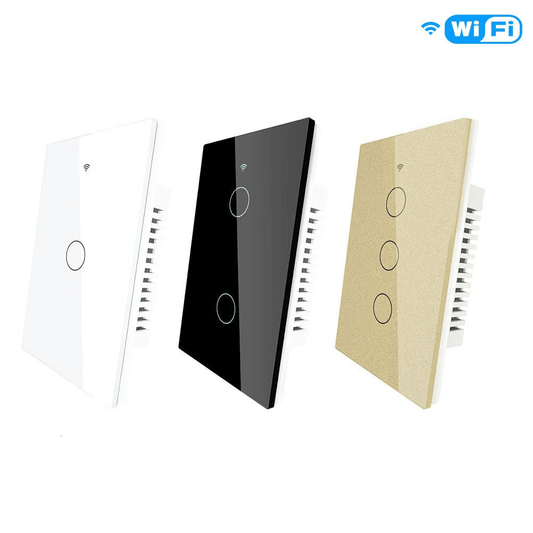
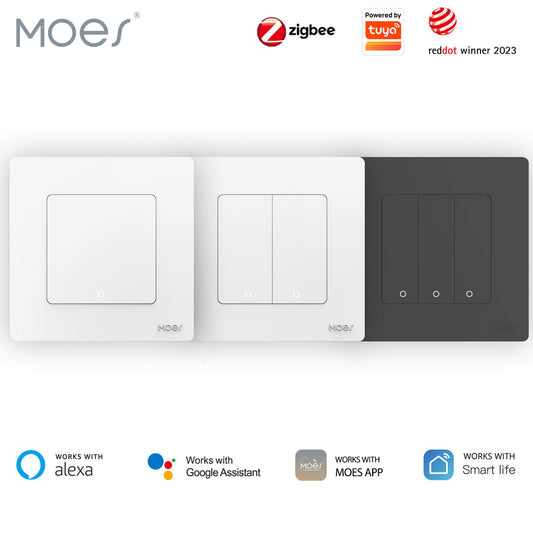
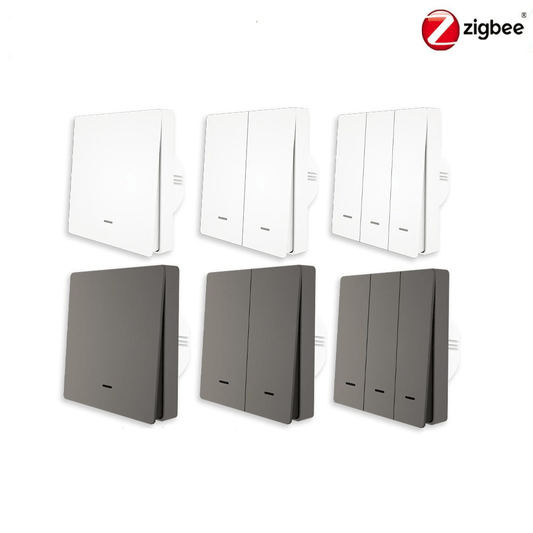
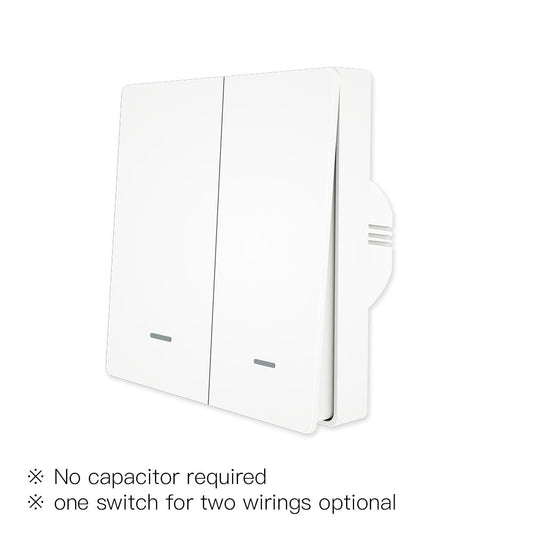
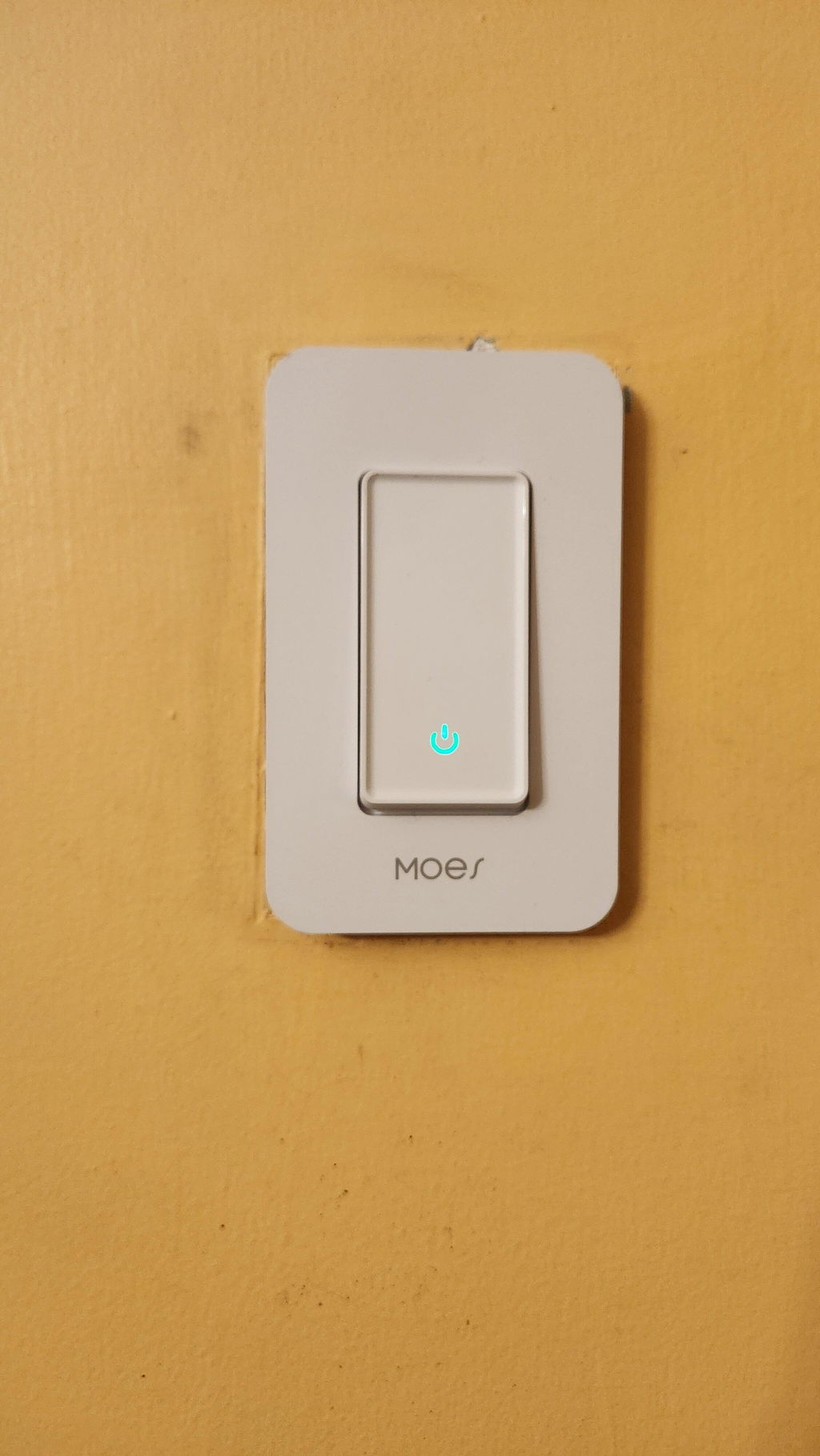
- A physical switch or a wall panel, which works the way the old one did
- Voice control, which suits a person who already uses it and frustrates one who does not
- An app, which suits a family member checking in and rarely suits the resident
- Automatic rules, which need no interface at all and are the best option where they work
Automatic rules can reduce the need for manual interaction when routines are predictable and the required devices and connections are reliable. Physical switches should remain available as a straightforward way to control essential functions when automation is unavailable or unsuitable.
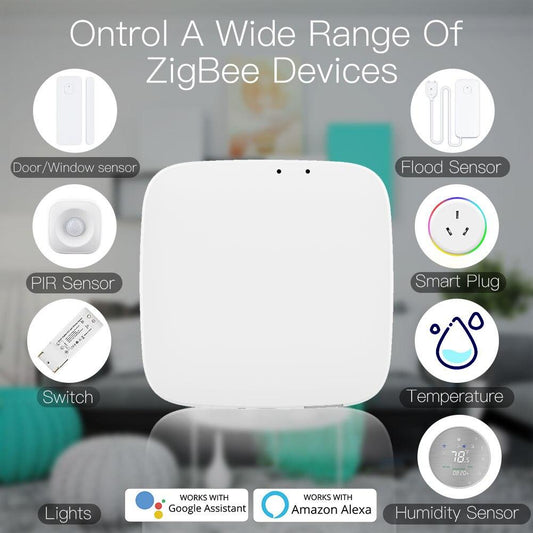
The central control options are listed under central control, and the beginner overview is in the guide to essential smart home products for beginners.

What to Set Up and What to Leave Alone
| Risk | Device | Interface |
|---|---|---|
| A fall not discovered | Millimeter-wave presence sensor | Automatic alert |
| Forgotten appliance | Smart plug with power monitoring | Automatic switch-off |
| A door left open at night | Door and window sensor | Automatic alert |
| Dark route at night | Motion-activated lighting | Automatic |
| Smoke, CO, or combustible gas hazard | Compatible multi-function detector | Built-in audible and visual alarms |
| Water left running | Leak sensor with valve | Automatic shutoff |
The table prioritizes devices and functions that can operate automatically, reducing the need for residents to remember additional steps. Manual controls should still be available where appropriate, and automated systems should be checked regularly to ensure that sensors, alerts, and connected devices are working as intended.
Frequently Asked Questions
The five questions below are the ones families ask before fitting a system for a parent. Each answer is written to stand alone.
Do smart home devices help an older person live independently?
They help with specific risks rather than with independence in general. Presence sensing, supported automatic shutoff features, and standalone alarms with audible and visual alerts can help address specific household safety risks. However, they do not replace regular contact, practical support, or appropriate emergency precautions.
Is a camera needed to detect a fall at home?
No. A millimeter-wave radar presence sensor can monitor room occupancy without a camera or wearable device. When supported by the sensor and automation system, it can trigger an alert if a room remains unoccupied longer than expected. This can provide an additional layer of awareness in bathrooms and bedrooms, where privacy is especially important. However, occupancy monitoring is not the same as direct fall detection.
What is the most useful single device for an older person living alone?
A presence sensor configured to alert someone when an unexpected absence is detected can be a useful option for older adults living alone. It requires no wearable device and may be suitable for rooms such as bathrooms, depending on sensor placement and coverage. To be effective, the system must be configured correctly, and alerts must reach someone who can respond. It should be used as a supplementary safety measure rather than a substitute for dedicated fall detection or emergency assistance.
Do smart home devices work for someone who does not use a smartphone?
The automatic ones do. A presence sensor, an automatic plug, and a reporting alarm need no interface at all, and they are the devices to prioritize. Systems that depend on an app tend not to be used by someone who did not choose to install one.
Should a smart door lock replace a key for an older person?
It is worth keeping the key rather than replacing it. A smart lock adds a record of when the door was opened, which helps a family, and a person who is used to a key is better served by having both than by having the lock alone.
Before You Install Anything
Choose devices that work without an interface, because a system that needs to be operated will eventually not be. Start with presence sensing and automatic shutoff, which address the two risks with the worst outcomes, and add lighting and reporting alarms around them. Keep the key and keep the manual switch, so nothing depends on an app being reachable. The measure of the setup is not how much it does; it is how little it asks of the person living with it.
Have questions about device features or compatibility? Contact the MOES team.