

Smart Dimmer Switches: The Right Light for Every Moment
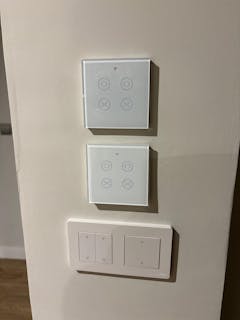
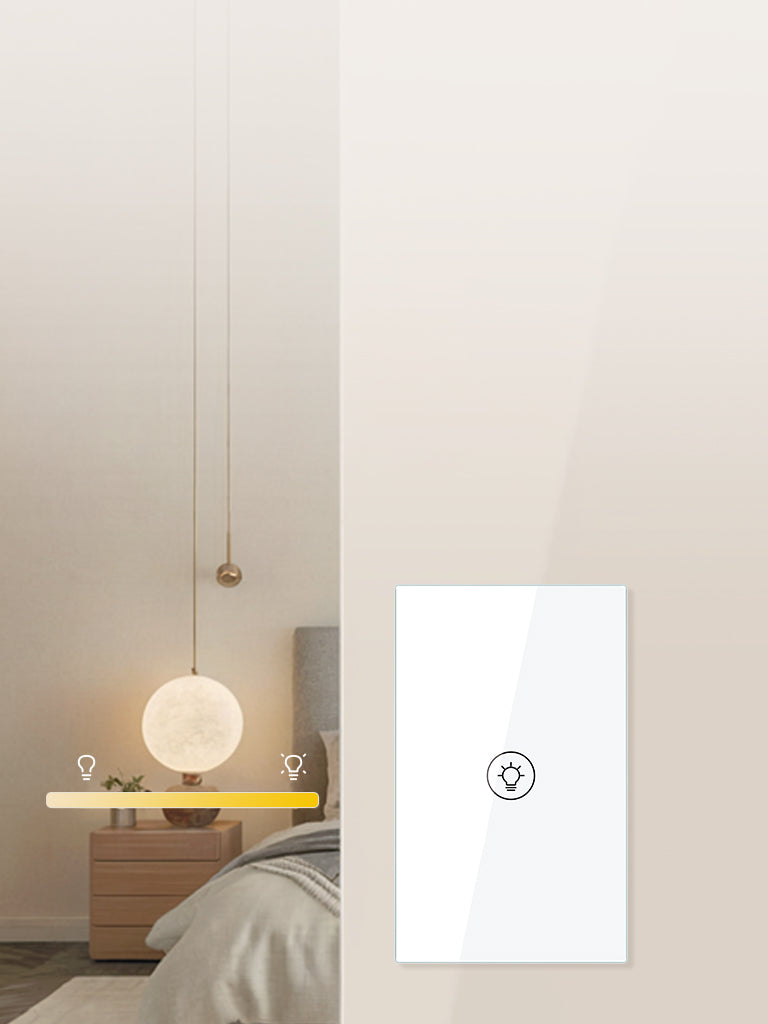
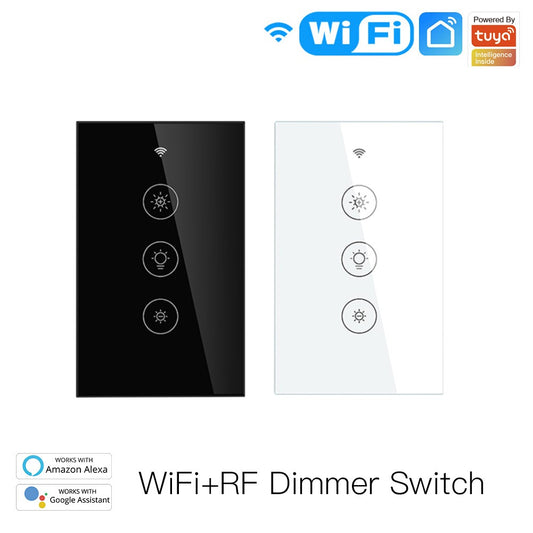
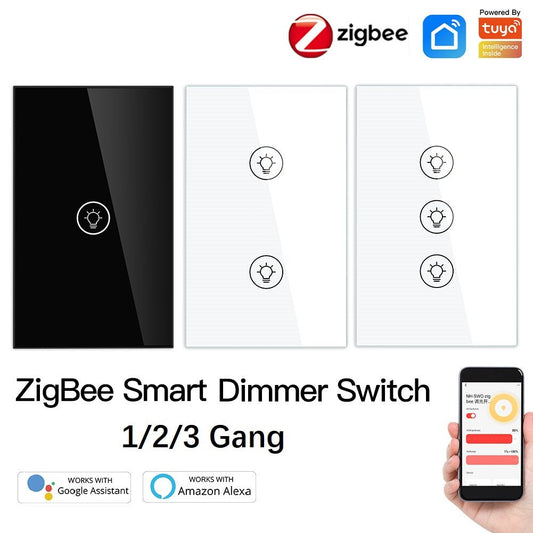
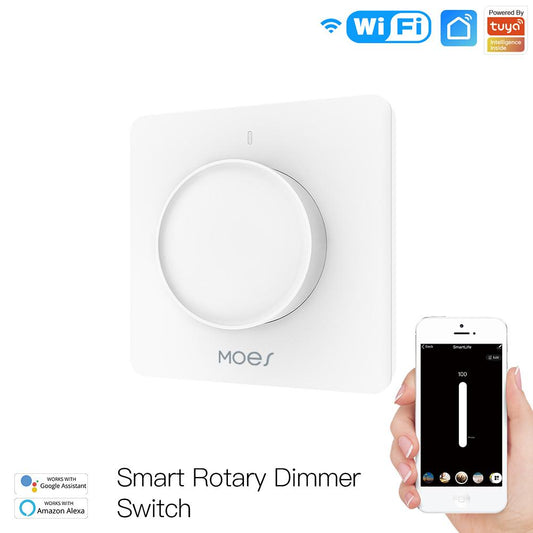
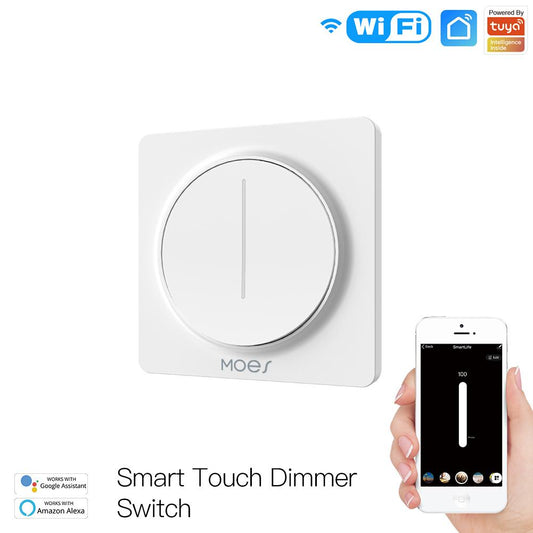
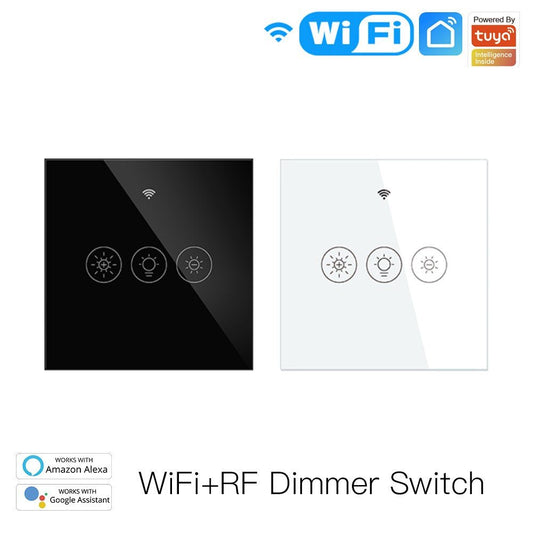
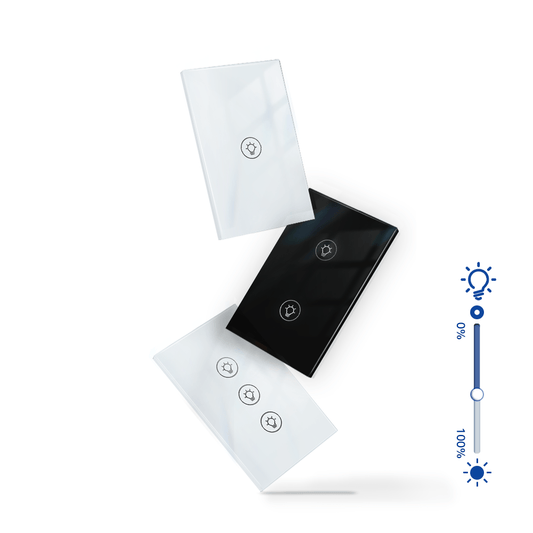
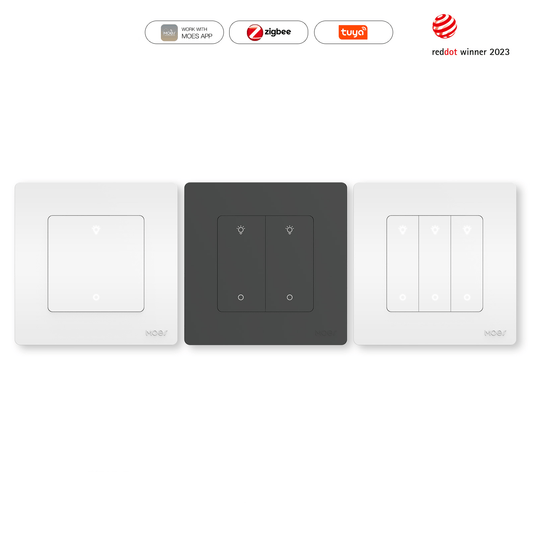
A standard on/off switch gives you two options. A MOES smart dimmer gives you complete control, from a bright working light to a soft evening glow, all adjustable from your phone, by voice, or with a touch on the switch itself. Set schedules, create scenes, and let your lighting adapt to how you actually use each room throughout the day.
Why People Switch to Smart Dimmers
Your lighting does not match how you use the room. A living room needs bright light for reading and dim light for watching a film. A bedroom needs full brightness in the morning and a gradual fade at night. A standard switch forces you to choose one setting. A smart dimmer switch lets you set the exact level you want and save it as a scene you can activate with a single tap or a voice command.
You want to reduce energy use without sacrificing comfort. Running lights at 70% brightness instead of 100% can reduce energy consumption noticeably over time, especially in rooms that are lit for long periods. Smart dimmers make it easy to find the right balance between comfort and efficiency, and scheduling means lights are never left on at full brightness when they do not need to be.
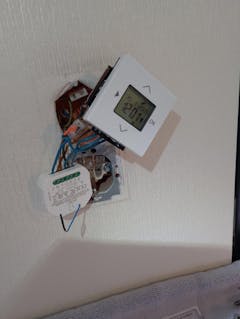
Your home has older wiring without a neutral wire. This is one of the most common barriers to installing smart switches. Many older homes in the UK, Europe, and parts of Asia were wired without a neutral wire at the switch, which most smart switches require. MOES offers no-neutral-wire dimmer models specifically designed for these installations, making it possible to upgrade without rewiring. Check individual product pages for wiring compatibility before purchasing.
You want to set the mood without getting up. Whether it is dimming the lights for a dinner party, brightening the room when guests arrive, or fading everything down at bedtime, a smart dimmer connected to Alexa or Google Home means you can adjust every light in the room with a single voice command without touching a switch.
Compatibility: What to Check Before You Buy
Smart dimmers work with dimmable LED bulbs, dimmable CFL bulbs, and incandescent bulbs. They do not work with non-dimmable LED bulbs, which are the most common type sold today. Before purchasing, check that your existing bulbs are labelled as dimmable. If they are not, you will need to replace them with dimmable equivalents. Also check the minimum and maximum load ratings on the dimmer product page to ensure compatibility with your bulb wattage. Browse our smart light bulb range for compatible dimmable options.