Do You Need an Electrician to Install a Smart Light Switch? A Comprehensive Guide
The transition to a smart home is an exciting journey. The ability to control your lighting with a voice command or a tap on your smartphone is not only convenient but also energy-efficient.
However, unlike plugging in a smart speaker, installing a smart light switch involves interacting with your home's electrical infrastructure. This leads to a common and critical question for homeowners: Do I need to hire an electrician, or can I do this myself?
While many smart home upgrades are designed for "Plug and Play" simplicity, replacing a wall switch is a renovation task that requires respect for electricity, a basic understanding of wiring, and a strict adherence to safety protocols.
The Golden Rule of Electrical Work
Before you even consider picking up a screwdriver, the absolute priority is safety. Electricity is invisible and instant; there is no room for error.
1. Cutting the Power
The very first step in any electrical installation is to shut off the power at the source. You must locate your home’s main service panel (often called the breaker box or fuse box). Find the specific breaker that controls the room where you are working and switch it to the "OFF" position.
Pro Tip: If your breaker panel is not clearly labeled, or if you are unsure which breaker controls the light, turn off the main breaker to cut power to the entire house. It is better to reset your clocks later than to risk an electric shock.
2. Verifying the Power is Off
Never assume the power is off just because the light switch doesn't turn the light on because the bulb could simply be burnt out. You need to verify the circuit is dead.
Use a Voltage Tester: A non-contact voltage tester is an essential, inexpensive tool for this. By simply holding the tip of the tester near the wires or the switch, it will beep or light up if live current is detected.
Use a Voltmeter: For a more detailed analysis, a multimeter or voltmeter can tell you exactly what is happening in the wires.
Only once you have confirmed at least twice that there is no power flowing should you proceed to remove the faceplate.
The "Neutral Wire" Dilemma
One of the most common hurdles DIYers face when upgrading to smart switches is the Neutral Wire. To understand if you need a professional, you must understand what this wire does.

Why do Smart Switches Need it?
Old-fashioned "dumb" switches are simple interruptions in the wire. When you flip the switch down, you break the connection, and the power stops completely. However, a Smart Switch is actually a small computer.
Even when the light is "off," the switch itself needs to stay "on" to listen for Wi-Fi signals, Zigbee commands, or voice instructions. To stay powered without turning on the main light bulb, the smart switch needs a Neutral wire to complete its own little electrical circuit.
How to Check
- After ensuring the power is off, unscrew the wall plate and the existing switch.
- Gently pull the switch out and don't disconnect wires yet.
- Look into the box in the wall. You are looking for a bundle of white wires in North
- America or blue wires in Europe that are capped together and tucked in the back.
The Verdict
If you cannot find a neutral wire, you have two choices:
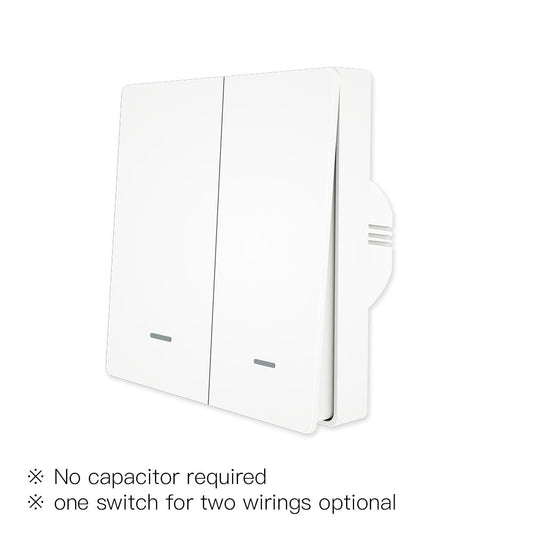
Buy a "No-Neutral" Smart Switch: These use specific technology, often requiring a capacitor or a specific hub, to function without a neutral wire.
Hire an Electrician: If you want to use a standard Wi-Fi or Matter switch that requires a neutral, a licensed electrician can often run a new neutral wire to the box, though this can be a complex task depending on your home's architecture.
DIY vs. Professional Installation
The Case for the Licensed Electrician
While YouTube tutorials can be helpful, they cannot replace years of apprenticeship and certification. Licensed electricians are trained to adhere to the latest National Electrical Code (NEC) or IEC standards.
When should definitely hire an electrician
You have aluminum wiring: Common in homes built in the mid-1960s to early 1970s, aluminum wiring requires special connectors and handling. Connecting a copper-wired smart switch directly to aluminum wiring creates a significant fire hazard.
The wiring is old or messy: If you open the wall and see crumbling insulation, cloth-wrapped wires, or a "spaghetti" mess of unidentified cables, do not touch it. A pro can diagnose and fix the underlying safety issues.
You are installing multiple switches: Replacing a single switch is one thing; replacing 20 switches throughout a home increases the likelihood of encountering a complex 3-way or 4-way circuit where multiple switches control one light. These are notoriously difficult for beginners to wire correctly.
You lack the tools: If you don't own wire strippers, voltage testers, or lineman's pliers, the cost of buying tools might outweigh the cost of a service call.
The Professional Advantage: An electrician ensures the installation is safe, compliant with insurance requirements, and durable. They can also troubleshoot issues that a DIYer might miss, such as a loose ground wire or an overloaded circuit.
The Case for DIY Installation
If your home was built recently, likely has copper wiring with neutral wires present, and you are comfortable with basic tools, you can likely handle this installation.
General Steps for DIY
Remove the Wall Plate: Unscrew the cover. In many homes, paint may have bonded the plate to the wall. Use a utility knife to gently score around the edge of the plate before pulling, or you will rip the drywall paper.
Label Your Wires: Before disconnecting the old switch, use masking tape to label the wires. Identify the Line (Live/Hot), Load (goes to the light), Neutral, and Ground. Taking a photo with your phone is also a great reference.
Connect the Smart Switch: Follow the manual strictly. Connect Line to Line, Neutral to Neutr al, etc. Use wire nuts or lever connectors to ensure tight connections. Loose wires cause sparks.
Fit it Back: Smart switches are often bulkier than dumb switches. You will need to neatly fold the wires back into the box to make it fit.
Test: Turn the power back on and check the manual controls and App connectivity.
Compatibility and Ecosystems
Before installation, you must ensure compatibility. Smart switches differ significantly in price, ease of installation, and connectivity protocols.
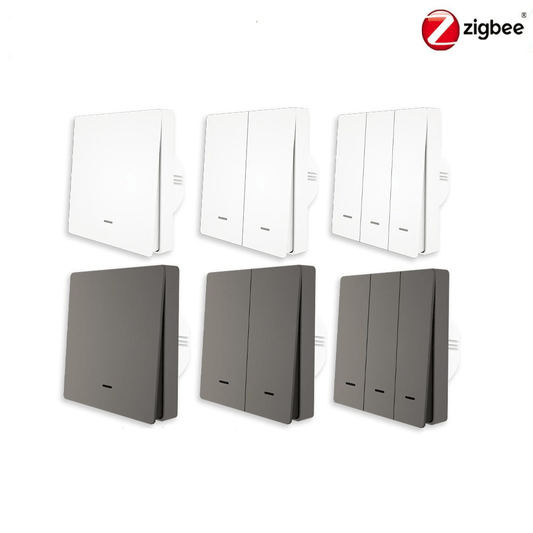
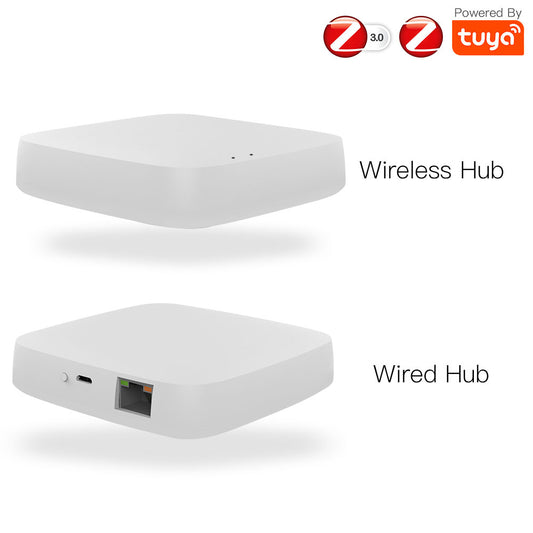
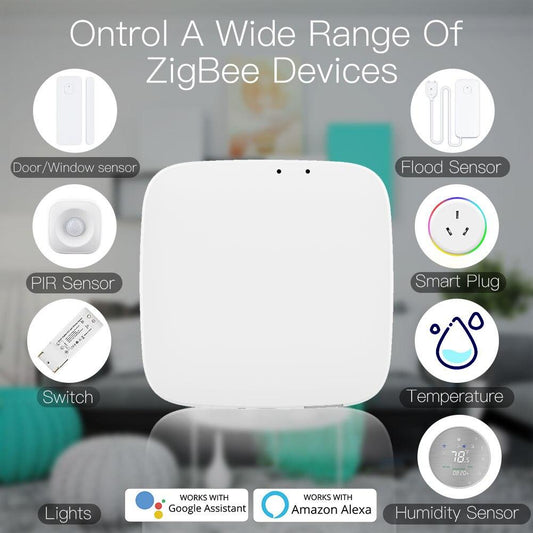
- Protocol: Wi-Fi switches connect directly to your router. Zigbee and Z-Wave switches require a separate Hub.
- Platform: Does it work with Amazon Alexa, Google Home, or Apple HomeKit?
- Matter: The new standard, "Matter," aims to unify these, allowing devices to work across all platforms locally and reliably.
Recommended Products for Your Upgrade
Once you have decided on your installation method, the next step is choosing the right hardware. MOES offers high-quality smart switches that blend premium aesthetics with cutting-edge technology.
Here are two of our top recommendations:
1. For EU Residents: The Future-Proof Choice
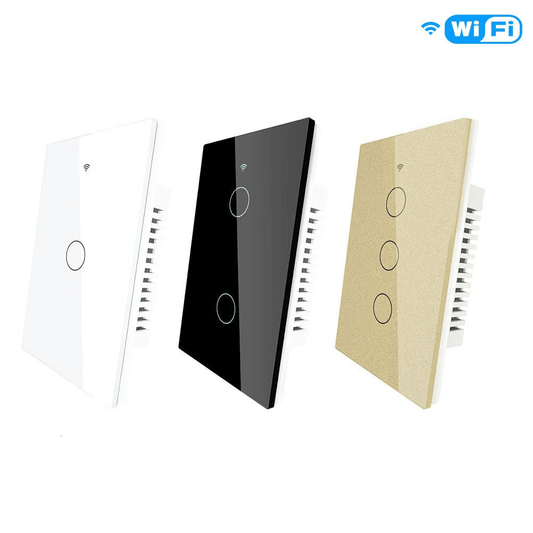
MOES Tuya Matter WiFi Smart Light Switch (2.5D Glass Panel)
This switch represents the next generation of smart home connectivity. It features support for Matter, the new universal standard that ensures your device works seamlessly with Apple HomeKit, Alexa, Google Home, and SmartThings without needing multiple apps.
Design: It features a stunning 2.5D arc glass panel that feels smooth to the touch and adds a modern, luxurious look to any room.
Durability: The glass is moisture-proof and scratch-resistant, making it perfect for kitchens and bathrooms.
Performance: By using the Matter protocol over Wi-Fi, it offers faster response times and local control, meaning your lights still work even if the internet goes down.
Requirement: Neutral Wire Required.
2. For US Residents: The Tactile & Versatile Choice
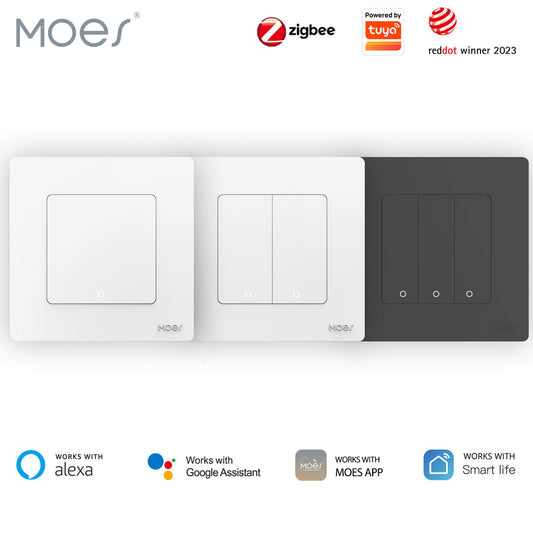
MOES WiFi Star Feather Series Smart Switch (Push Button)
The Star Feather series is designed for those who want the smart functionality but still love the tactile feel of a physical button. This isn't just a switch; it's a scene controller.
2-in-1 Functionality: This device acts as both a standard light switch (Circuit Control) and a wireless Scene Switch. You can program a "double click" or "long press" to trigger smart scenes, like turning off all house lights or closing the curtains, without affecting the main light connected to the switch.
Aesthetics: The matte finish and "Star Feather" design resist fingerprints and offer a soft, premium clicking experience.
Connectivity: Connects directly via Wi-Fi (no hub needed) and integrates fully with the MOES/Tuya App for voice control via Alexa or Google Home.
Requirement: Neutral Wire Required.
Conclusion
Updating your home wiring is not the place to "fake it until you make it." If you have any doubt about your ability to identify a Line wire from a Load wire, or if the sight of the junction box confuses you, call a certified electrician. They can complete the job faster, more efficiently, and most importantly, safely.
However, if you have the right wiring and the confidence to proceed, upgrading to smart switches is one of the most rewarding home improvements you can make.