Installing MOES Motorized Roller Shades Without a Pro
The biggest reason people delay buying motorized shades is the fear that installation requires a professional. The reality is closer to the ZDNET reviewer who installed smart shades in minutes and then wanted them in every room. A motorized roller shade mounts to the window frame with a few brackets, and the MOES line is designed for the DIY route. This guide covers the measurement, the mounting, and the setup that turns a shade into part of the smart home, step by step.

Measuring Windows for the Right Fit
The measurement is the part that cannot be fixed later. A shade that is a centimeter too wide will not fit, and a shade too narrow leaves light gaps at the edges. Measure the window opening at three points across the top, middle, and bottom, then use the narrowest width. Do the same for the height — left, center, and right — and use the shortest. Write both numbers down and measure again, because the reviewers who install these daily all repeat the same line: measure twice.
Decide the mount style at the same time. An inside mount sits within the window frame and shows clean, finished edges. An outside mount covers the frame and hides an imperfect window, but it needs extra width on each side. The choice changes the numbers, so settle it before ordering.
Sits within the window frame. Clean, finished look with precise fit.
Covers the frame. Hides imperfections — add extra width on each side.
Three points wide, three points tall. Always use the narrowest and shortest measurement.
The Tools You Actually Need
A motorized shade install needs a short list, and none of it is specialized:
- Drill or screwdriver
- The supplied mounting brackets
- A level
- A pencil for marking
The brackets bolt to the top of the window frame or the inside of the frame sides, and the shade clicks into them. For battery-powered models, no electrical wiring is required, which makes installation especially convenient for DIY projects.
The Mounting Steps
Level the Brackets
Mark the bracket positions with a pencil and check them with the level before drilling. A shade that hangs slightly crooked is visible from across the room, and the level check takes thirty seconds. Follow the mounting measurements provided with your shade and mark the bracket positions before drilling.
Click the Shade In
The shade itself clicks into the brackets, front first, then the back edge. There is no balancing act and no second pair of hands required, although a helper makes the click-in slightly easier on wide windows. The whole mounting job typically takes a few minutes per window once the measurements are right.
Charge and Test
Give the motor a full charge before the first use, then test the roll with the manual button on the motor housing. The shade should roll up and down smoothly with no catching on the fabric edges. If it catches, the brackets are not level or the shade is not seated properly — fix that before the app setup.

Setting Up in the App
MOES roller shades are available with different smart home protocols, including Zigbee, Z-Wave, and Matter over Thread, depending on the model you choose. The setup process may vary based on the motor protocol and the smart home platform you use.
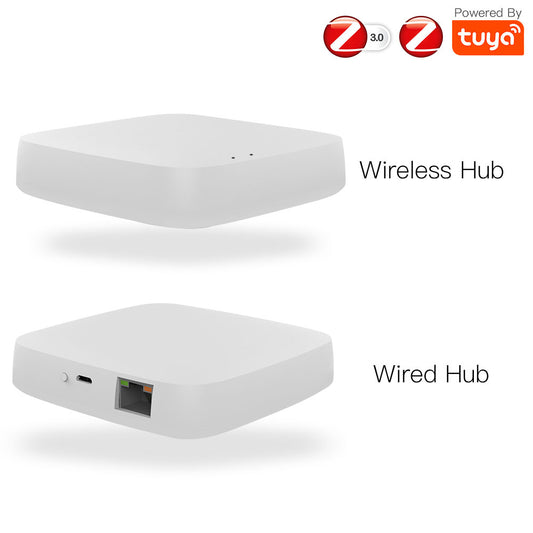
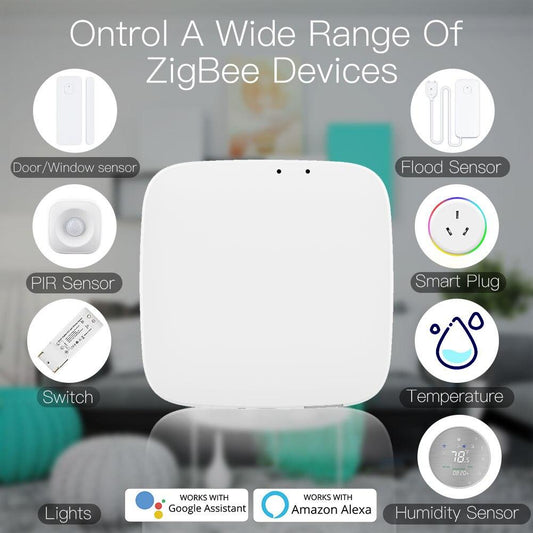
For Zigbee models, a compatible Zigbee hub is typically required for app control and smart home automation. Matter over Thread models can be added to compatible platforms such as Apple Home, Amazon Alexa, Google Home, and Samsung SmartThings. Depending on your existing setup, a compatible Matter controller and Thread border router may be required.
Follow the pairing instructions included with your specific motor to add the shade to your preferred smart home platform.
Requires a compatible Zigbee hub for app control and automation.
Works with Z-Wave compatible controllers and smart home hubs.
Apple Home, Alexa, Google Home & SmartThings compatible.
Name the Shade for the Room
Name each shade according to its location rather than the device model. A name like “Bedroom West Window” or “Living Room Left” is much easier to recognize in scenes, automations, and voice commands than a generic name such as “Shade 3.”
Build Automations
Once the shade is connected to your smart home platform, you can create schedules, scenes, and automations based on the features supported by your setup.
For example, you can open bedroom shades in the morning, close west-facing shades during periods of strong afternoon sunlight, or lower multiple shades together in the evening. Some smart home platforms can also use triggers such as temperature, time of day, or other connected devices.

Add Scenes and Voice Control
Smart shades can also become part of larger smart home scenes. A “Movie Night” scene, for example, could close the shades, dim compatible lights, and adjust a smart thermostat at the same time.
If your shade and smart home platform support voice control, you can also use compatible voice assistants such as Alexa or Google Assistant to control individual shades or groups using the names you assign.
Shades open on schedule as the alarm goes off
West-facing shades close during strong sunlight hours
Close shades, dim lights & adjust thermostat at once
All shades lower together as the evening winds down
The Wiring-Free Upgrade Path
Homes that already run a MOES curtain switch or an existing roller blinds motor can mix the two approaches. Retrofitting an existing blind with a motor is the budget route for blinds that are already in place, while the new roller shades are the clean route for windows getting fresh coverings. Both end up in the same app with the same routines, so the upgrade does not have to happen all at once.
The First Morning
The first morning with motorized shades is the moment the purchase justifies itself. The alarm goes off, the shades roll up on schedule, and the room fills with light without anyone touching a cord. That is the experience the reviewers describe, and it is exactly what the MOES roller shade line delivers for a fraction of the custom-install cost.
Measure the windows, order the fabric, and click the brackets in. The rest of the process is app setup, and the app is the same one the rest of the smart home already uses.
Shop MOES Roller Shades →