Saltar para a informação do produto
1 de 8

MOES Smart Fingerbot Plus, Wireless Touch Button Switch Bot ON/OFF

SKU: BS-FB-V3-MS

Preço normal $32.99 USD
$32.99 USD Preço normal $0.00 USD Preço de saldo
Save Liquid error (snippets/price line 121): Computation results in '-Infinity'% Esgotado
Versions
Kit
DISCOUNT CODE

MSHS25

$25 OFF

Over $100

DISCOUNT CODE

MSHS60

$60 OFF

OVER $200

Quantidade

Description

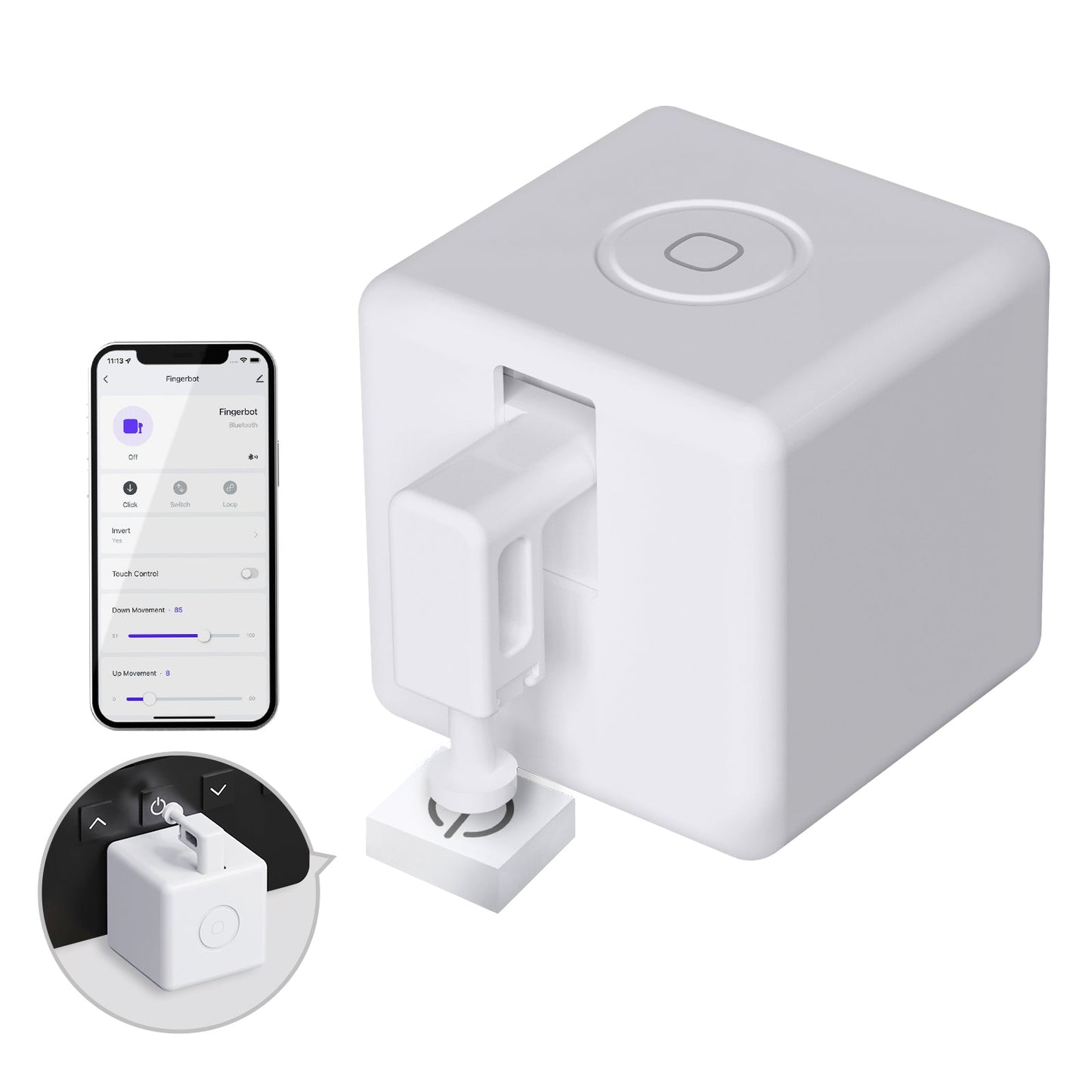
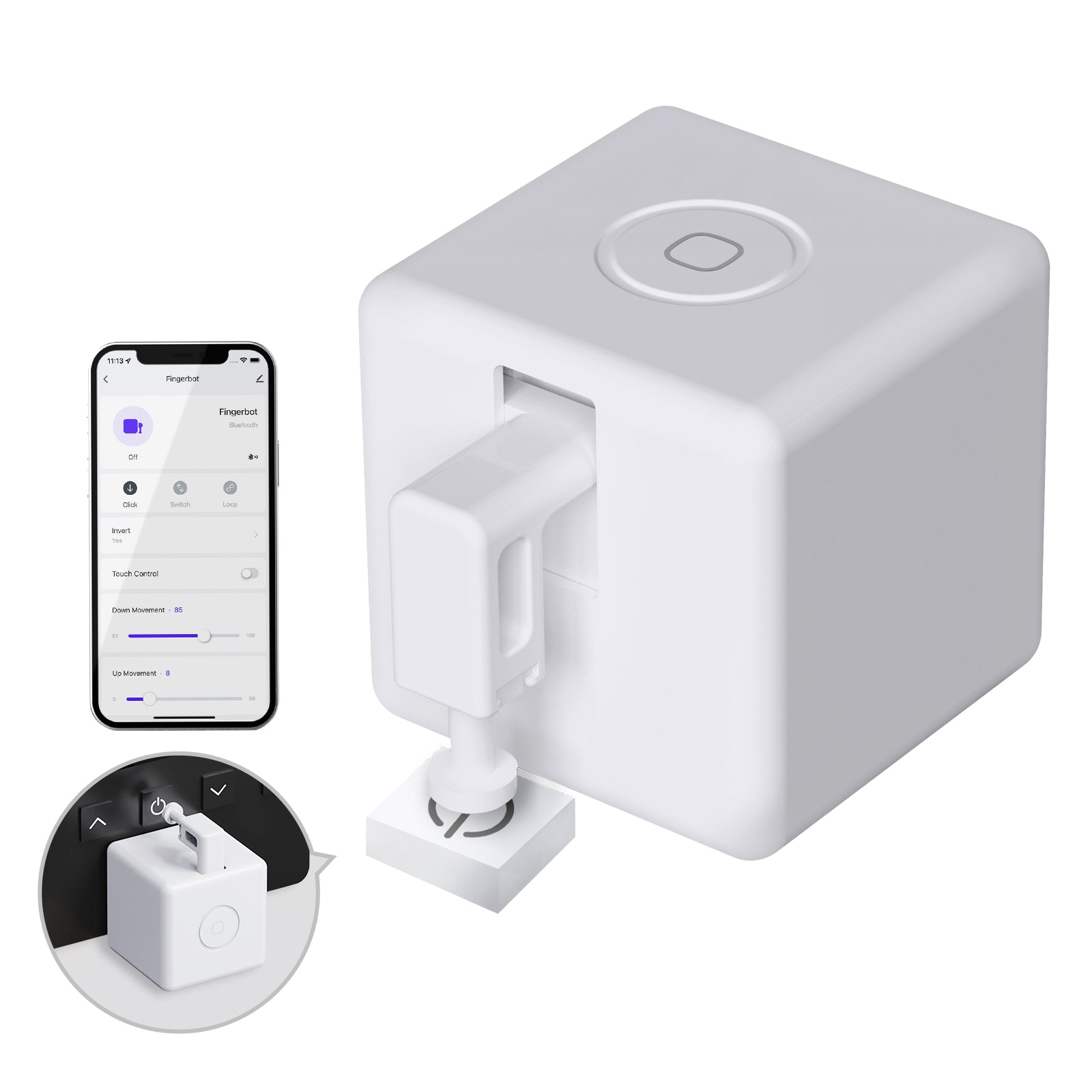
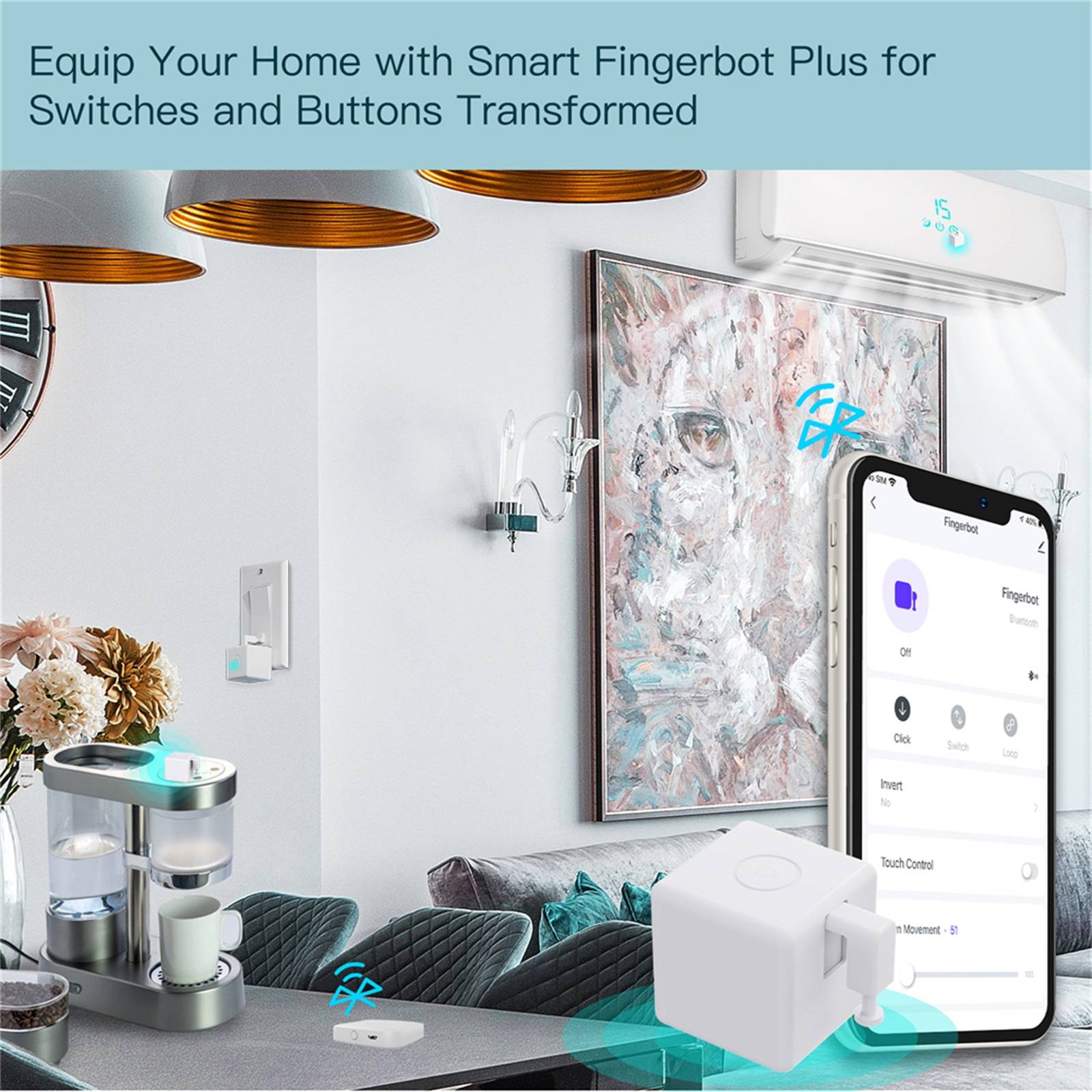
The MOES Smart Bluetooth Fingerbot Plus (BS-FB-V3) is a compact button pusher that presses physical switches for you. At 32 x 32 x 32 mm and 32 g, it sticks beside a rocker switch, appliance button, PC power key, or garage door panel with the included 3M tape. No rewiring and no tools.

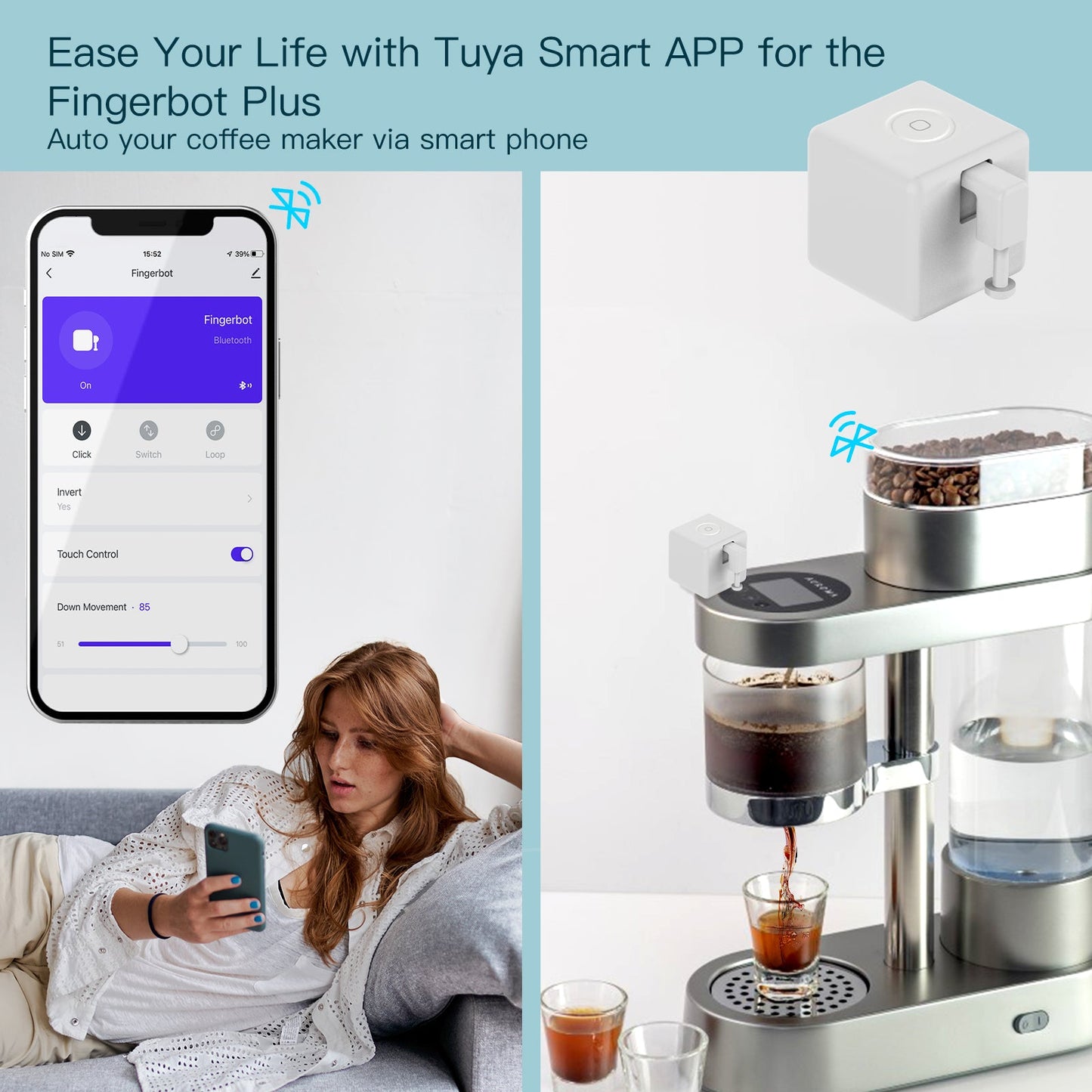
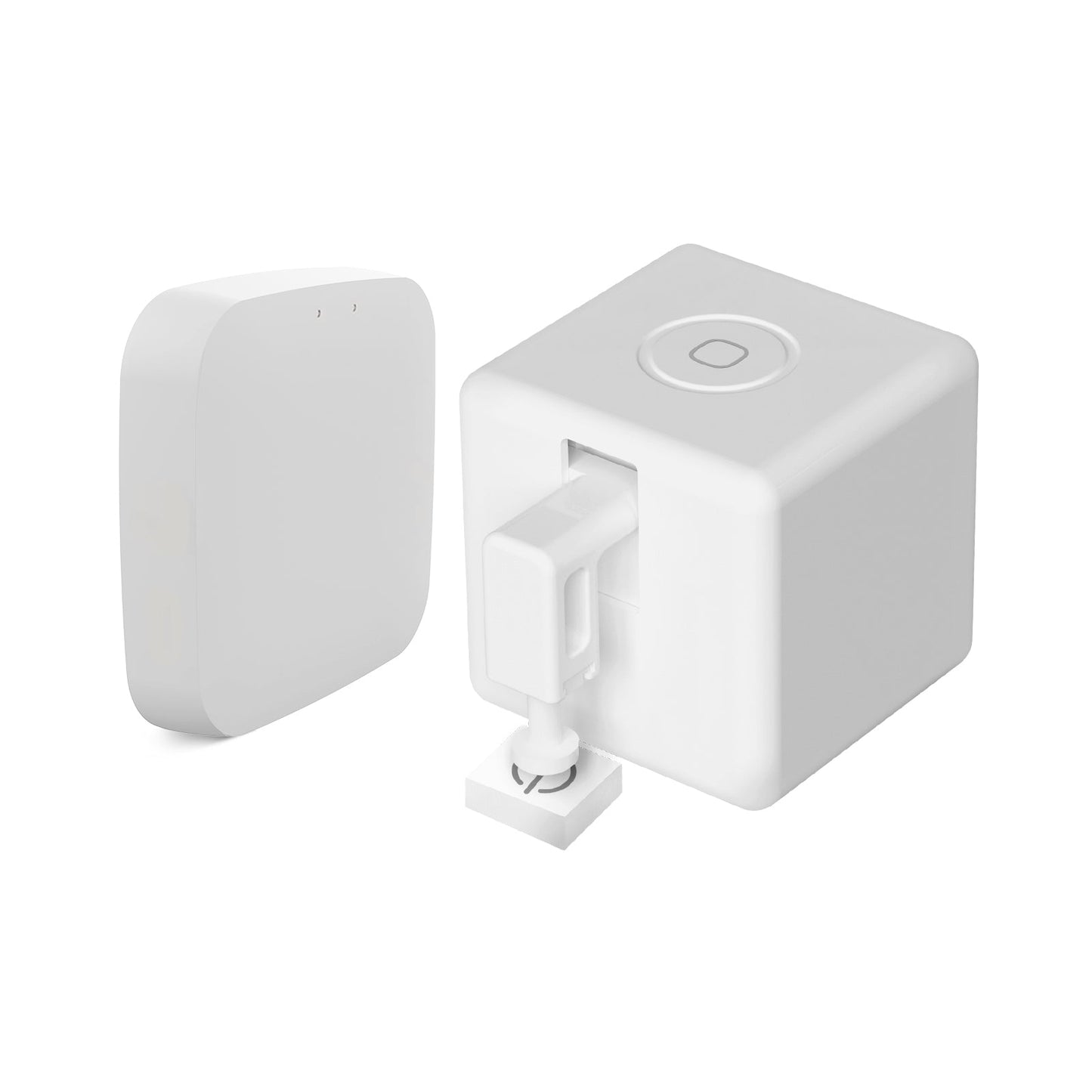
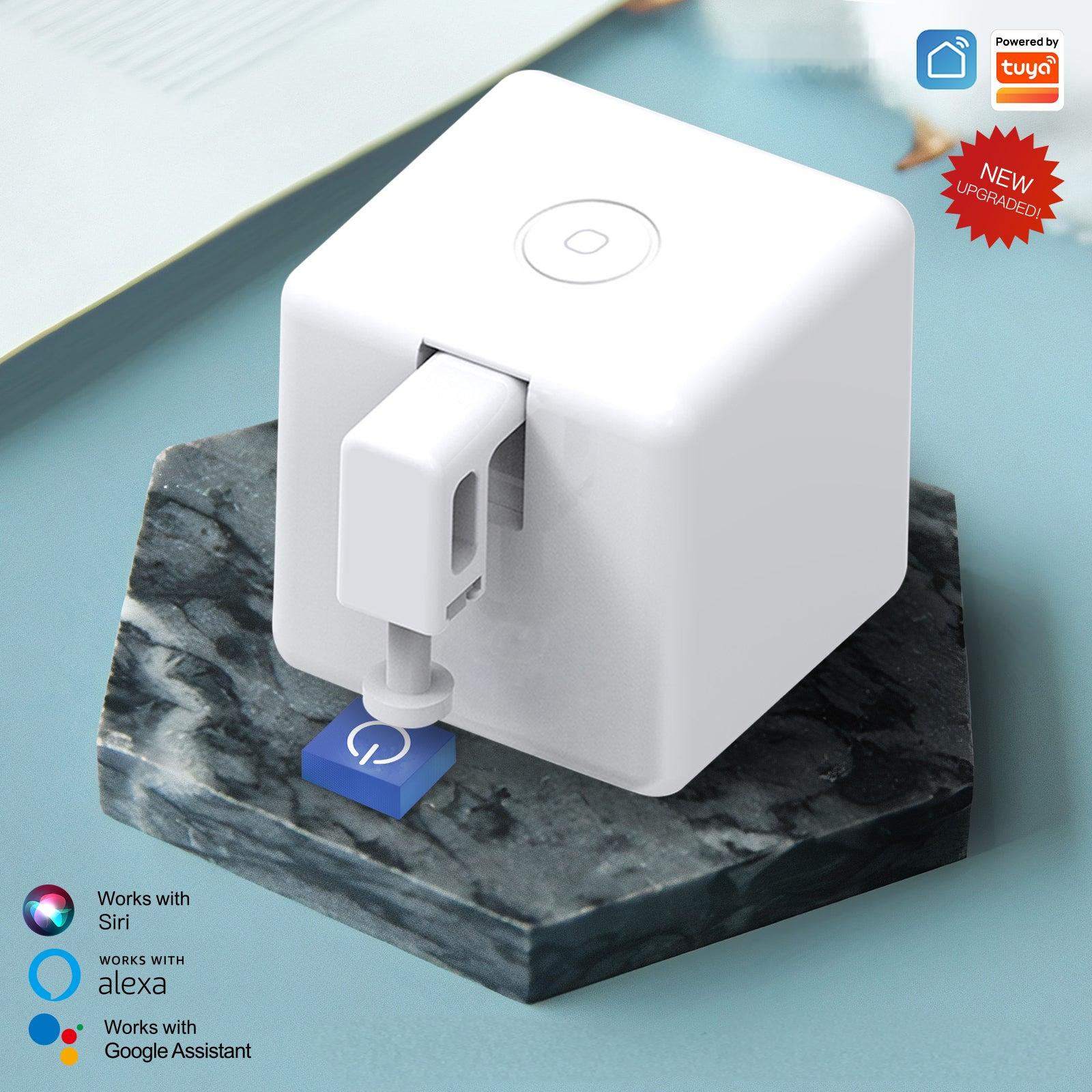
Pair it with the MOES App, Smart Life, or Tuya Smart over Bluetooth Low Energy 4.2. Tap the built-in capacitive touch button for a quick press, or run it from your phone within Bluetooth range. Add a MOES or Tuya Bluetooth gateway if you need timers, cloud remote control, Amazon Alexa, or Google Assistant.

Stall torque is 1.6 kgf·cm, enough for most wall switches and appliance buttons. It uses one replaceable CR2 500 mAh battery. It works on physical buttons and toggles only, not capacitive touch screens.

Features

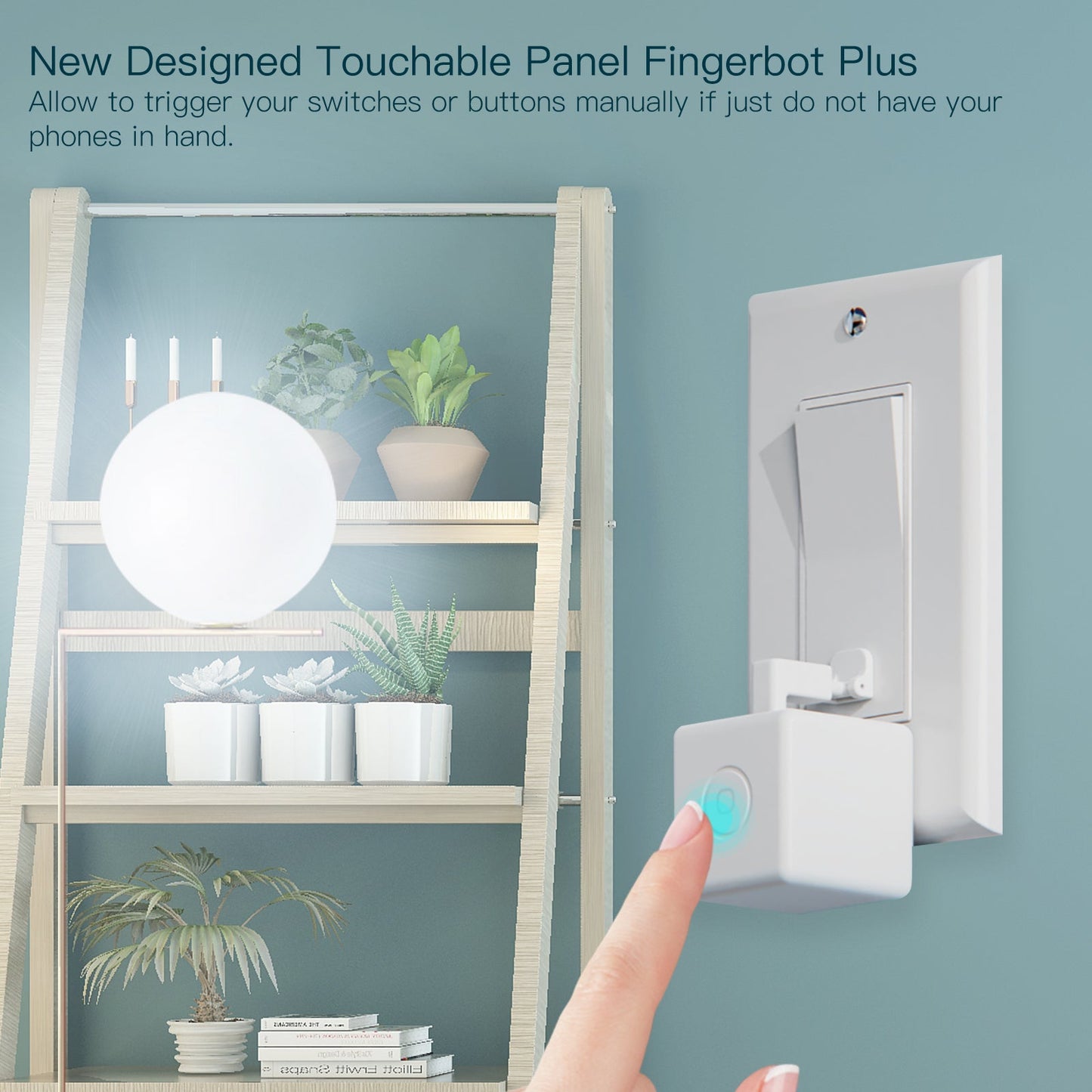
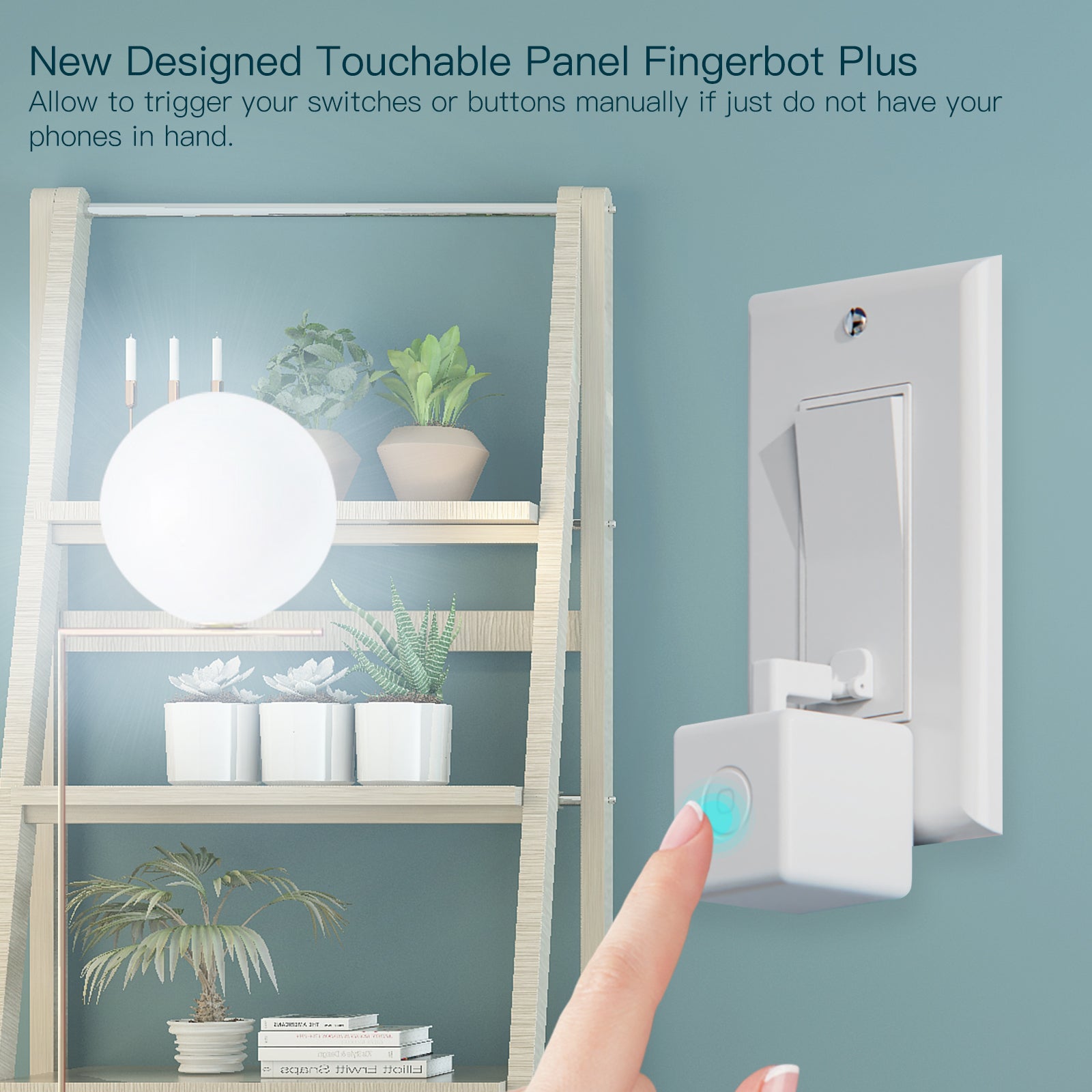
  • Built-in touch button: Press the capacitive touch panel on the Fingerbot Plus to trigger the arm without opening the app.
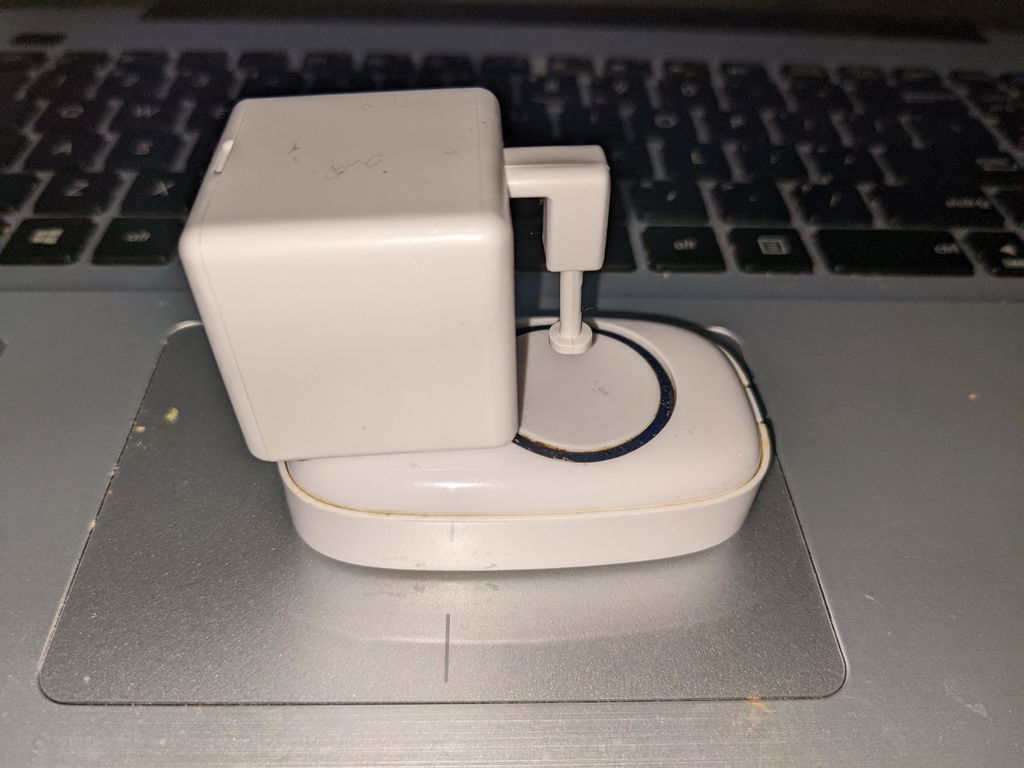
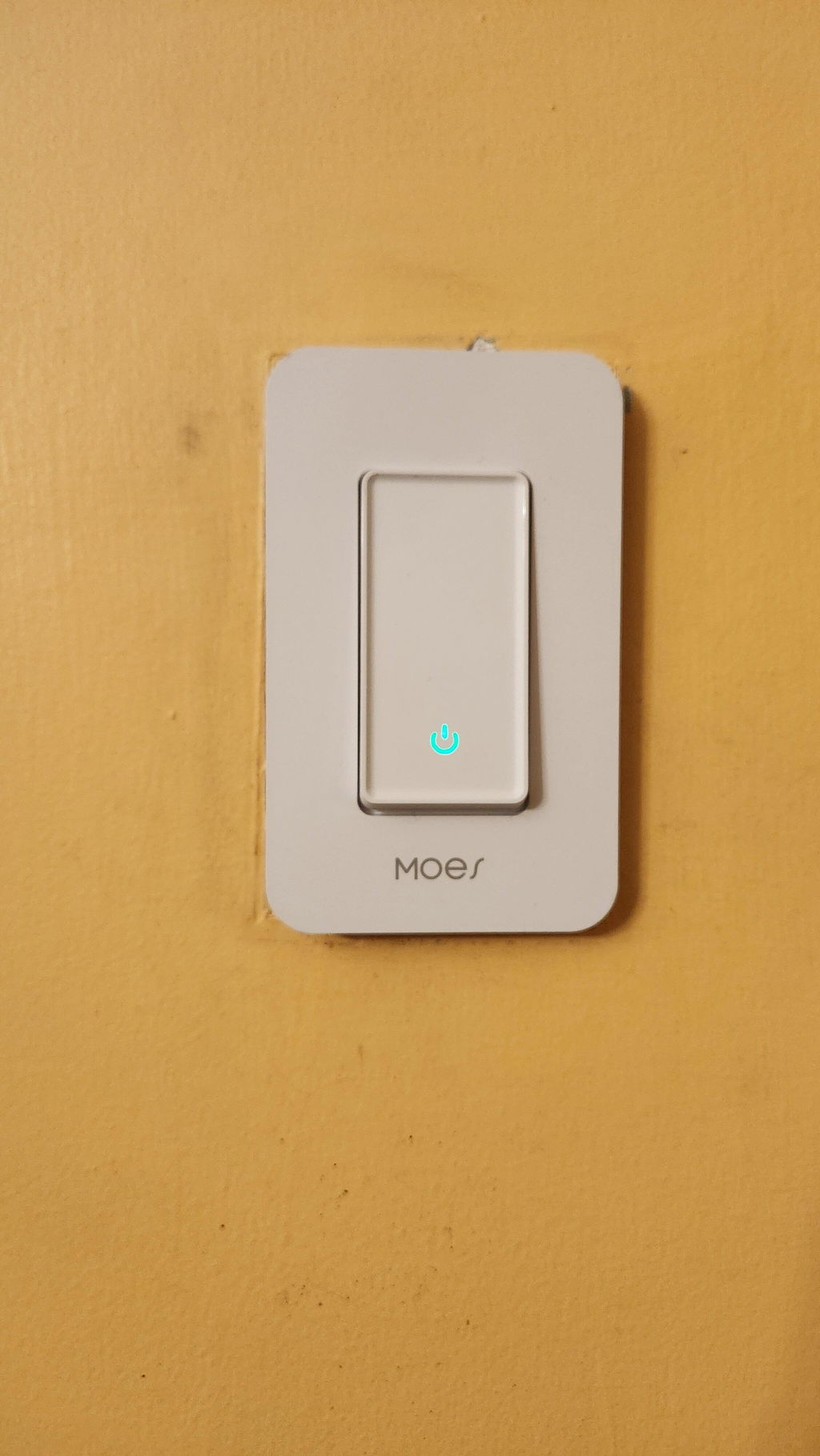
  • Stick-on install: Mount next to a rocker switch or push button with the included 3M tape. No wiring and no tools.
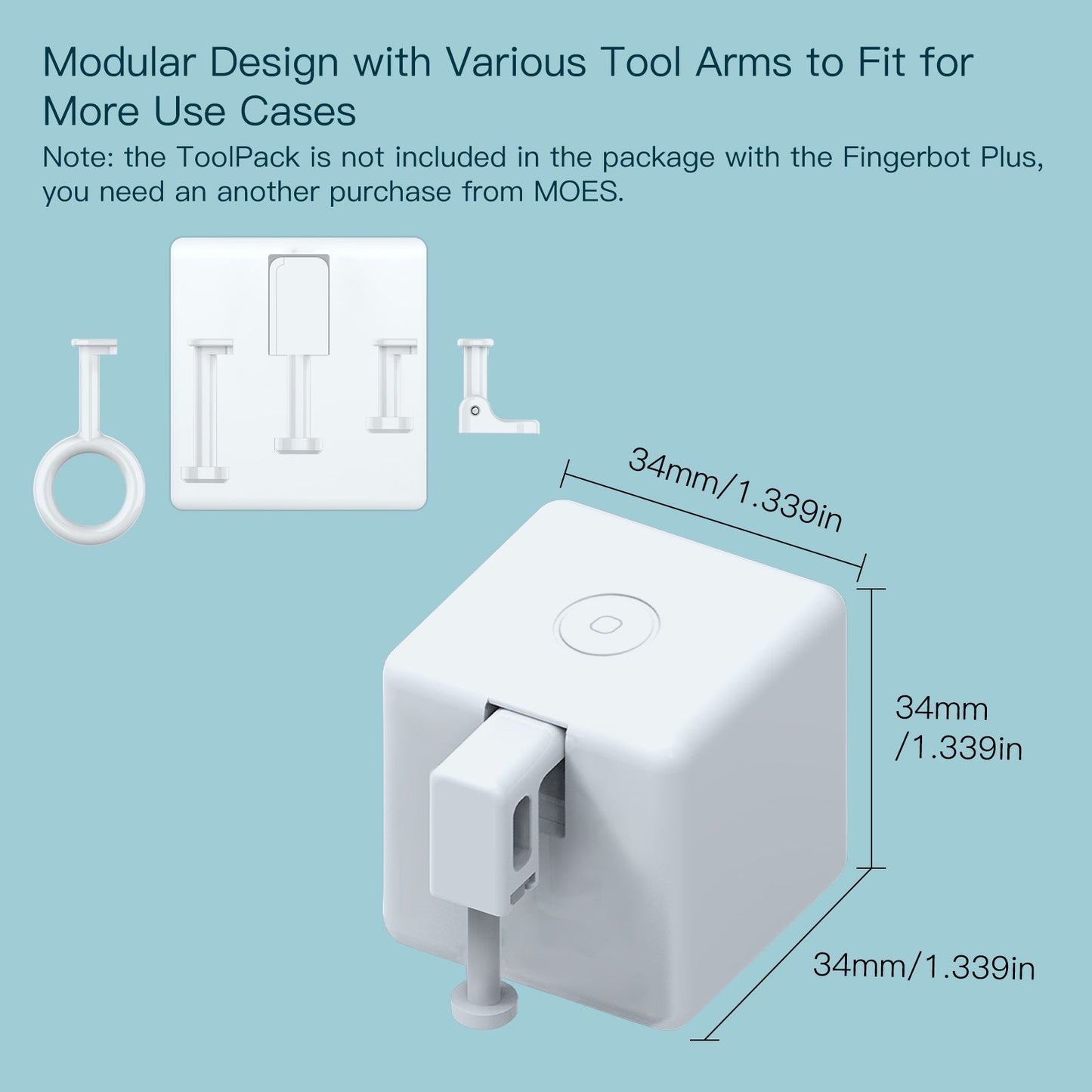
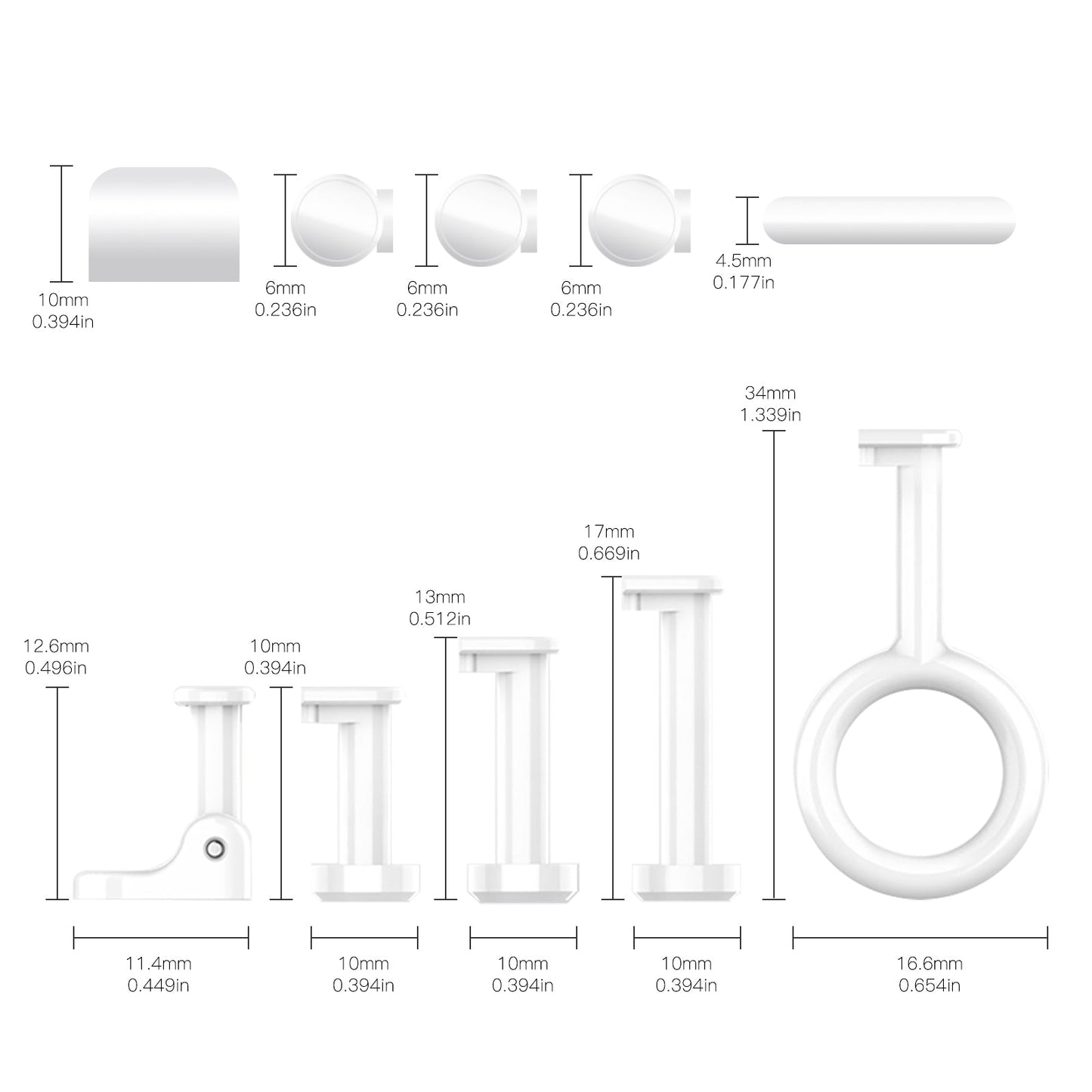
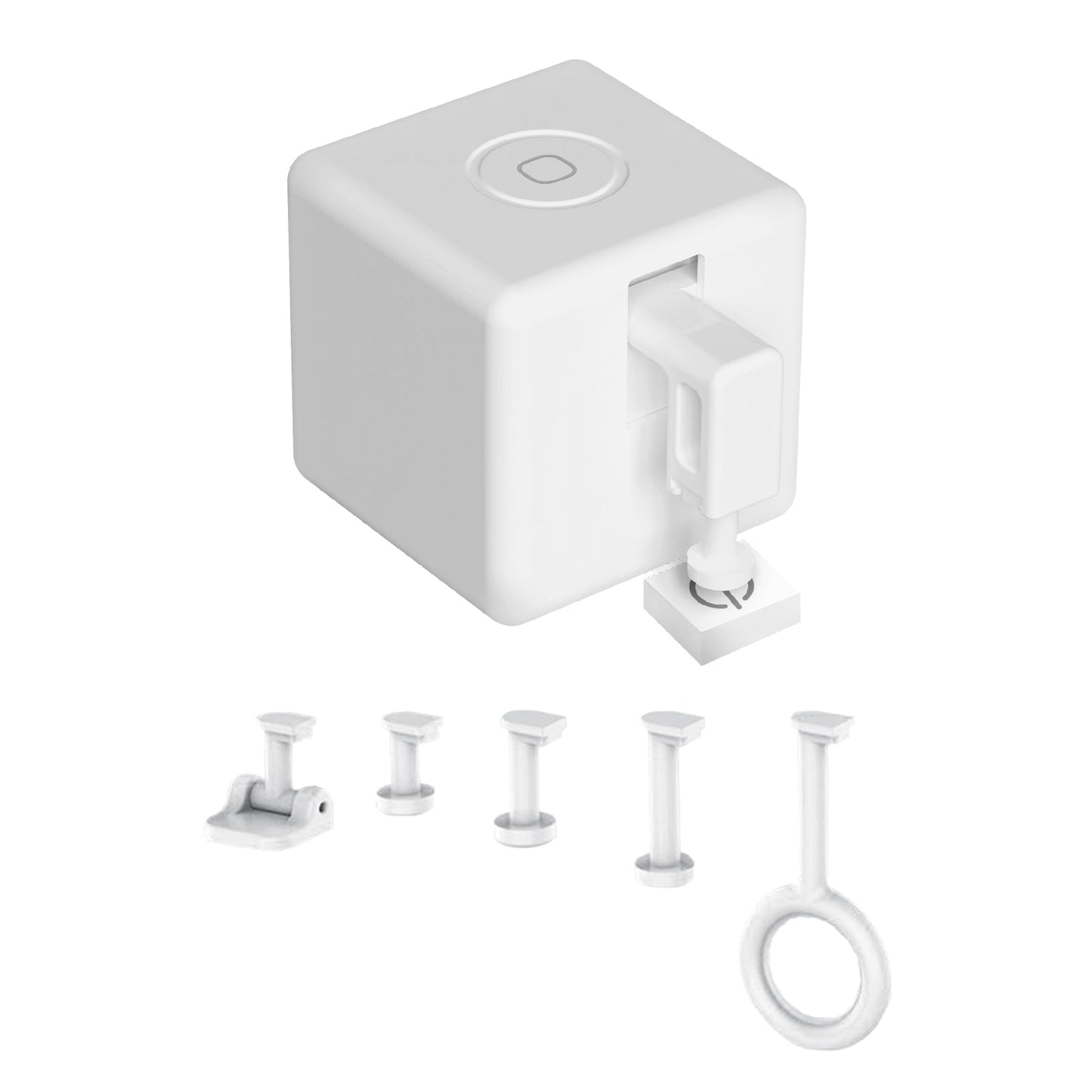
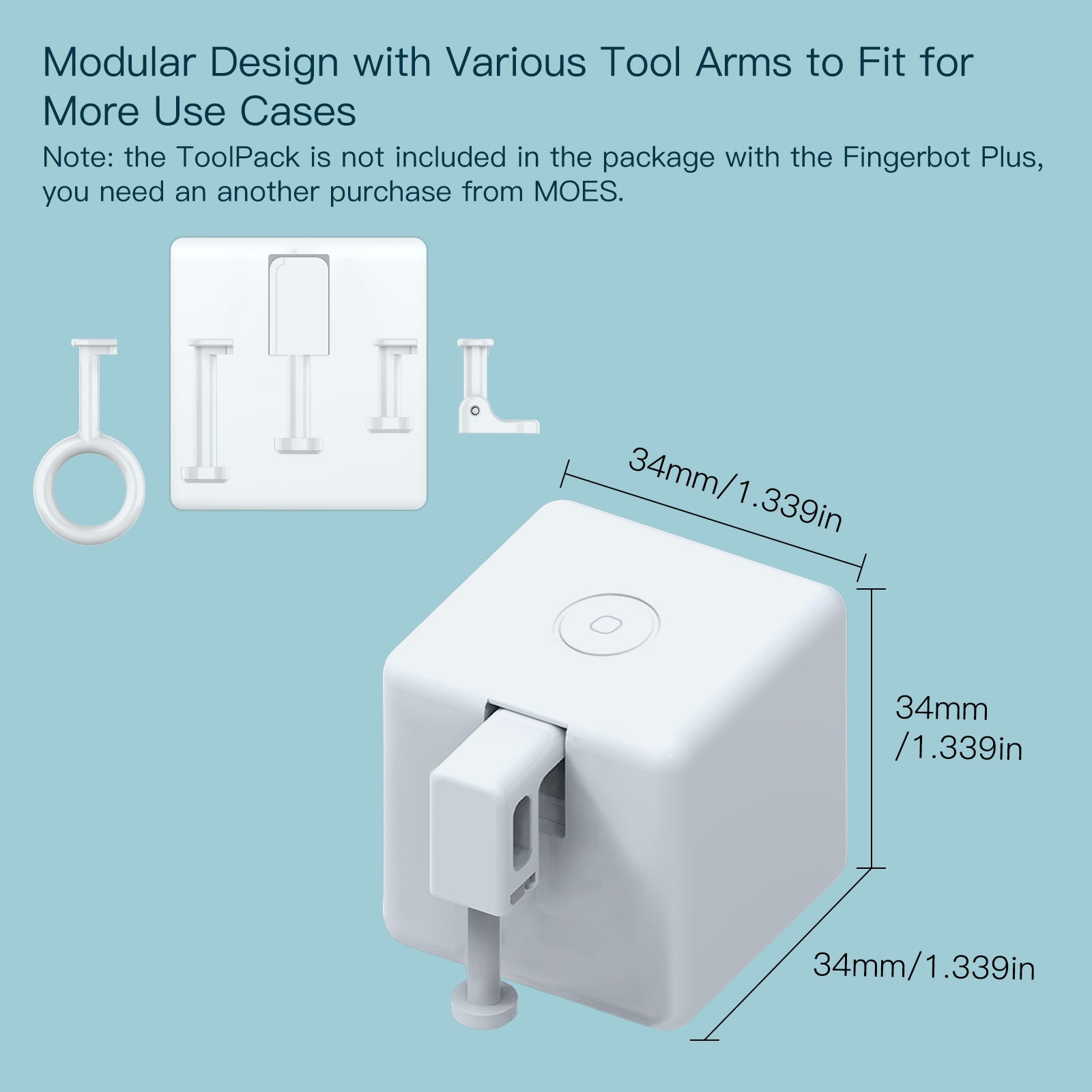
  • Works with common switches: Fits most physical buttons and rocker switches. Not for capacitive touch panels. Optional tool packs (sold separately) add push and pull options for more switch types.
  • CR2 battery included: Powered by one replaceable CR2 500 mAh cell for everyday use over several months.
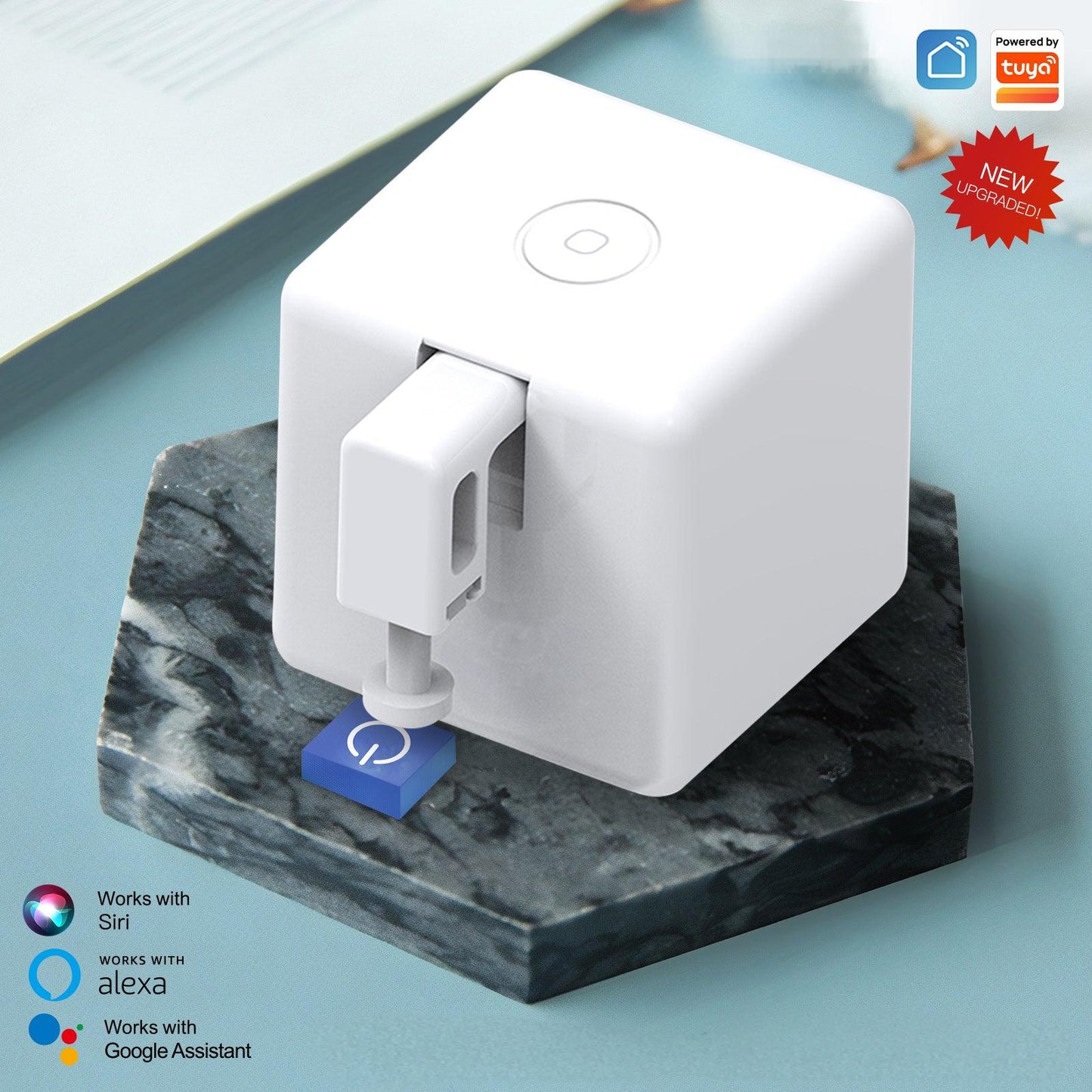
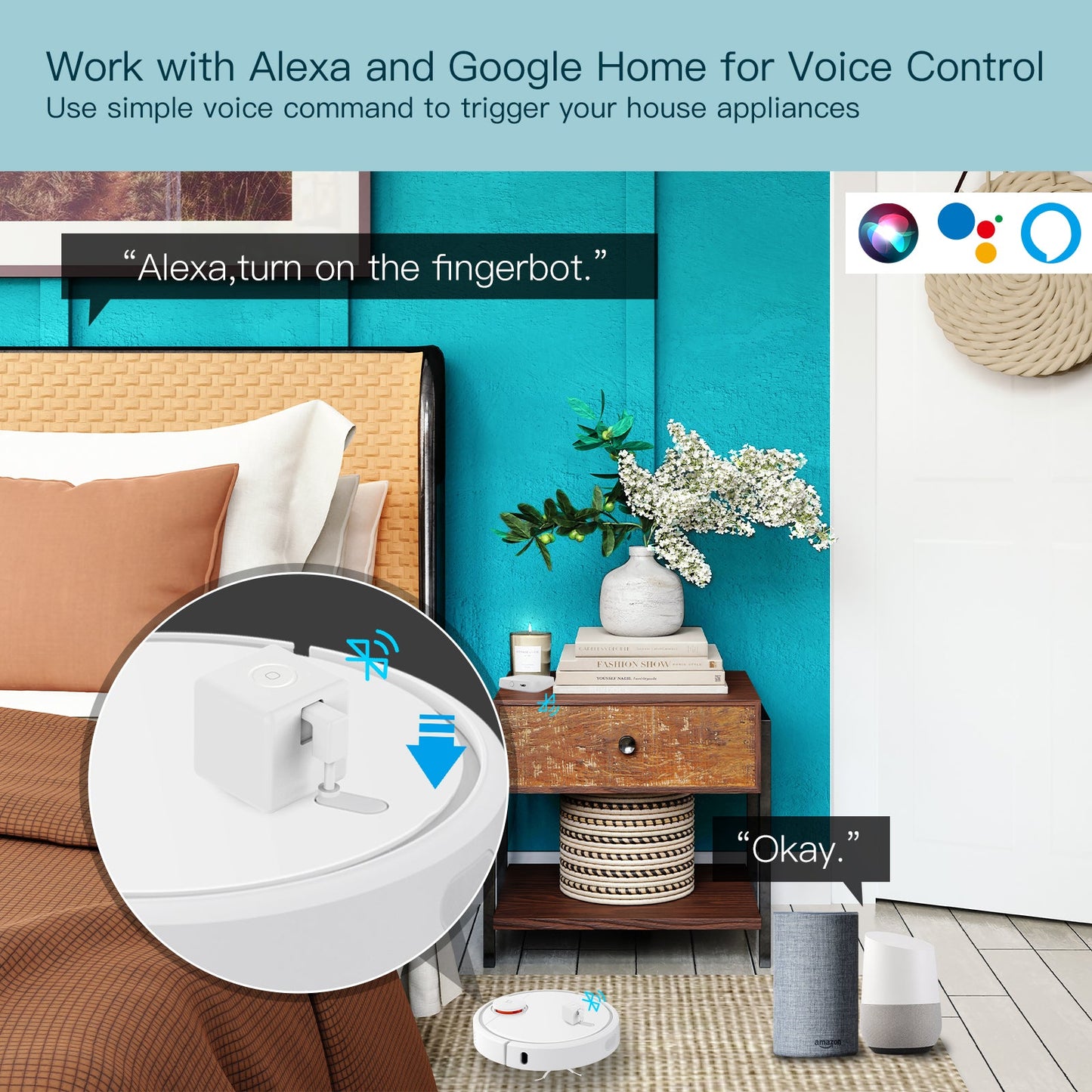
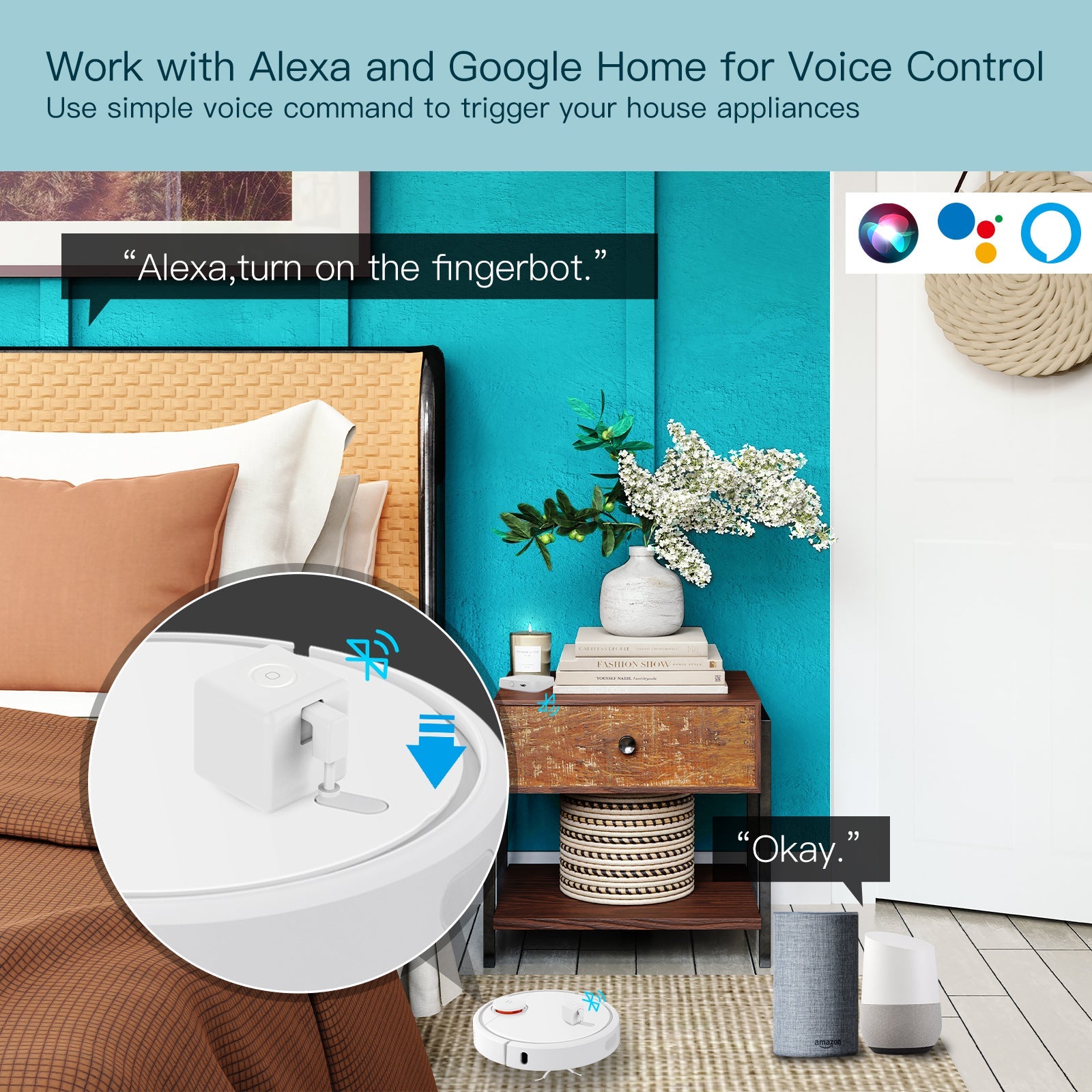
  • App and voice ready: Local Bluetooth control via MOES App, Smart Life, or Tuya Smart. With a Bluetooth gateway, you also get cloud remote control, schedules, Amazon Alexa, and Google Assistant.

Gateway note

  • Phone Bluetooth alone is enough for local on/off within range (about 10 m). A Bluetooth gateway is required for voice control, away-from-home access, and timers.

Specification

Technical details

  • Model: BS-FB-V3
  • SKU: BS-FB-V3-MS
  • Dimensions: 32 x 32 x 32 mm (1.3 x 1.3 x 1.3 in)
  • Weight: 32 g (1.1 oz)
  • Wireless protocol: Bluetooth Low Energy 4.2
  • Frequency band: 2.4 GHz
  • Max radio transmit power: +4 dBm
  • Stall torque: 1.6 kgf·cm
  • Battery: 1 x CR2 500 mAh (included, replaceable)
  • Operating temperature: -10°C to 55°C (14°F to 131°F)
  • App support: MOES App / Smart Life / Tuya Smart
  • Local functions: App control and manual touch control
  • With Bluetooth hub: Voice control, cloud remote control, and scheduling

Package list

  • Fingerbot Plus x 1
  • 3M sticker x 1
  • User manual x 1

Help File

Ver detalhes completos
Free Shipping Over $29.9
60 Days Refund | 2 Years Warranty
24/7 online support

BS-FB-V3

Make traditional switches work with your phone

Fingerbot Plus sticks beside a physical switch and presses it for you. Use local Bluetooth for nearby control, or add a Bluetooth gateway when you need timers, cloud remote access, Amazon Alexa, and Google Assistant.

32×32×32 mm

Body size

32 g

Weight

1.6 kgf·cm

Stall torque

CR2 500 mAh

Replaceable battery

Everyday use

Where to use Fingerbot Plus

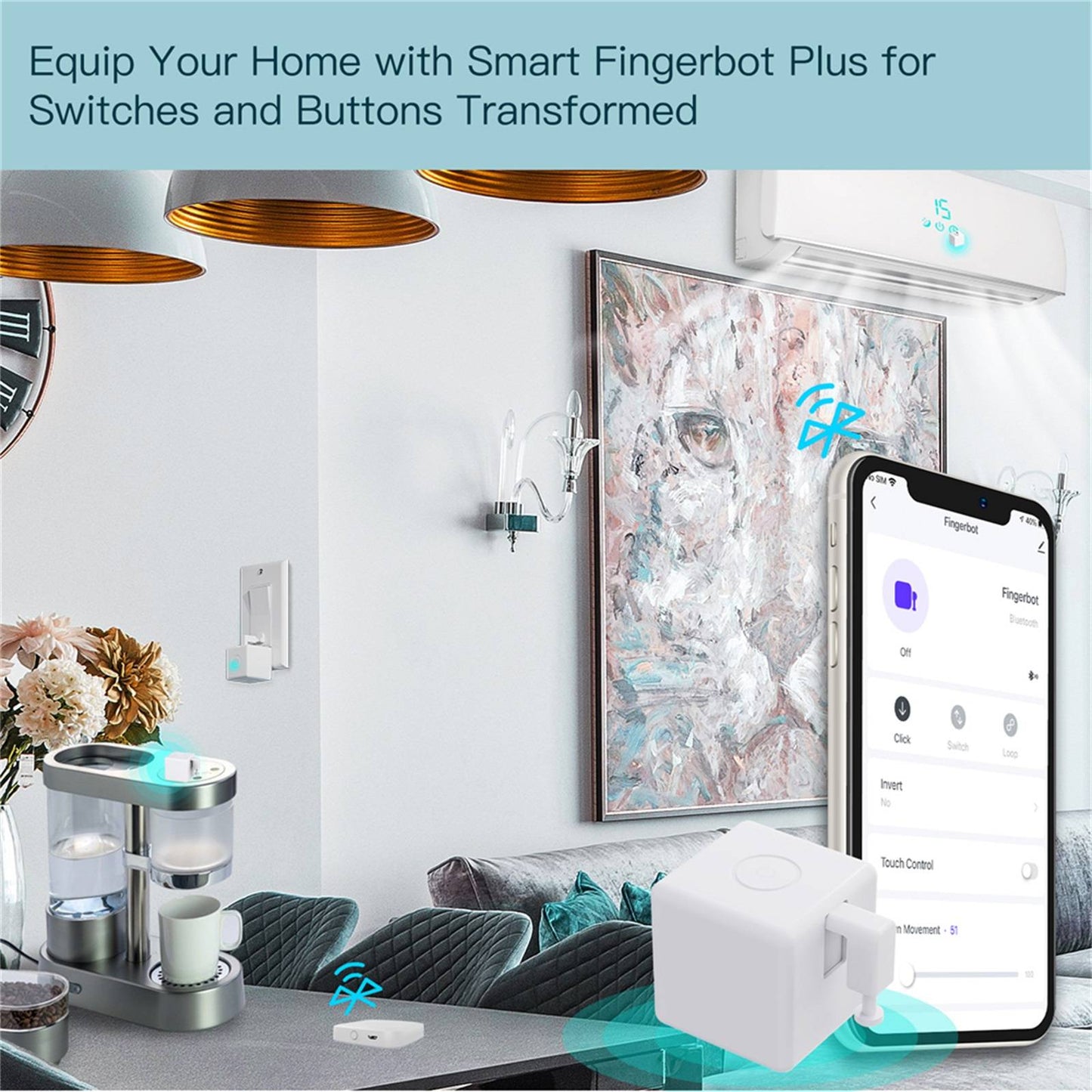
The MOES Smart Fingerbot Plus bridges traditional appliances and modern smart home systems. Using the MOES or Smart Life App, you can remotely trigger non-smart devices that normally require a physical press. Attach it to a legacy floor vacuum to start cleaning while you are at the office, or install it on a traditional garage door opener to trigger the door as you pull into the driveway. Any appliance with a real button or rocker switch can join your setup without replacing the whole device.

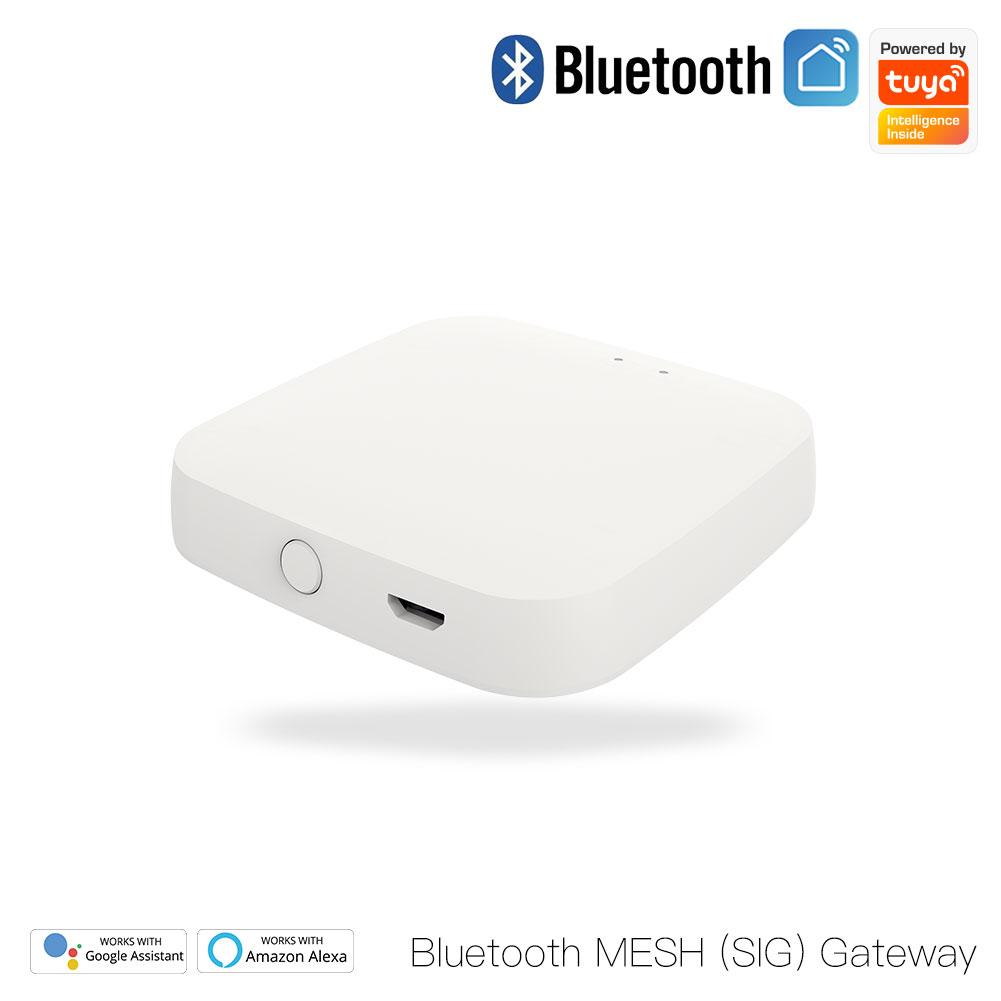
bluetooth hub required
house cleaning
wireless remote control

App control

Sustain time and child lock

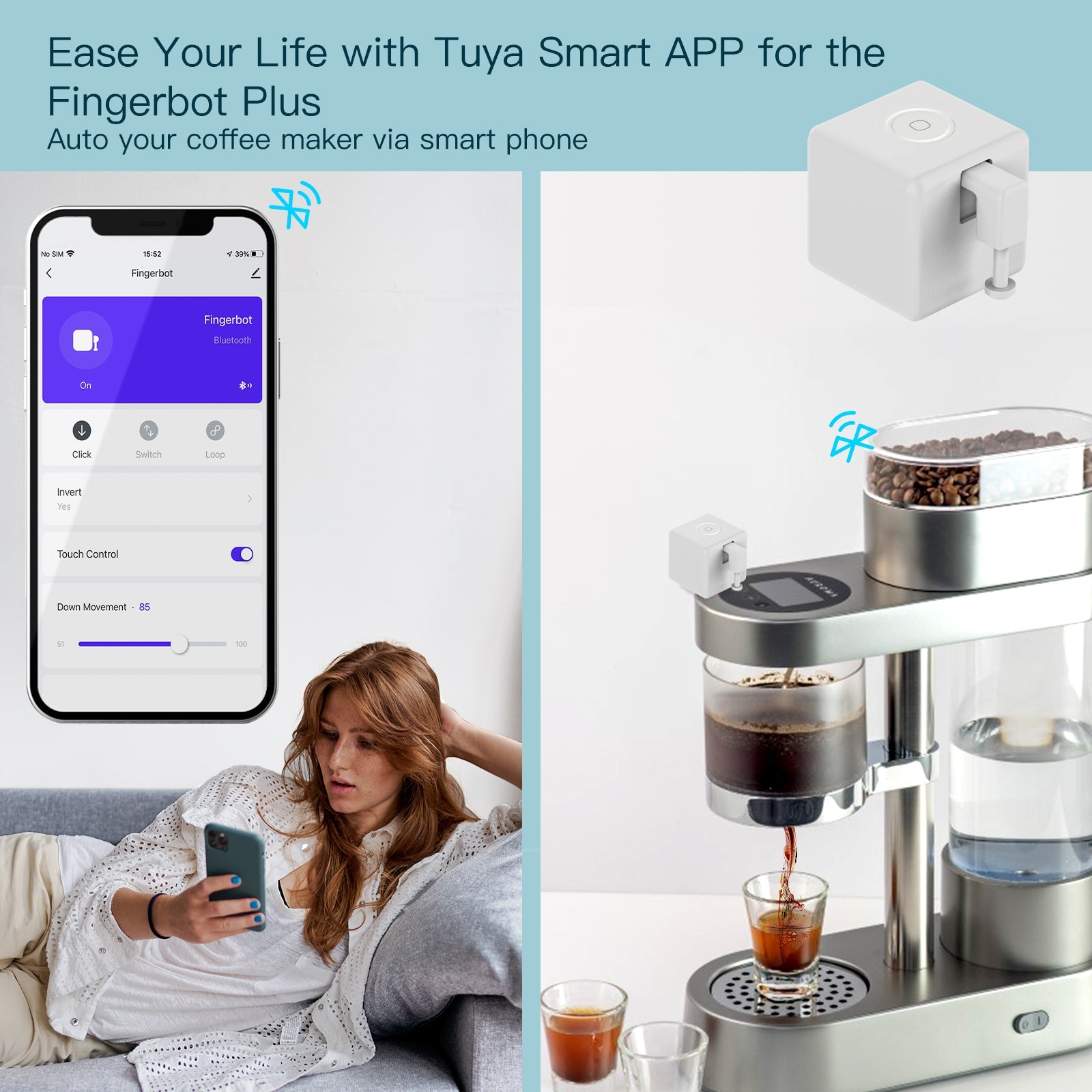
Fingerbot Plus is more than a simple click. Within the app, you can precisely adjust the sustain time so you define exactly how long the robotic arm holds the button down. That is useful for appliances that need a long press to activate. The physical touch button on the Fingerbot can also be disabled in the app. This works as a child lock and helps prevent children or pets from accidentally triggering your appliances.

set the sustain time
disable the touch control
timing schedule

Gateway required for timers

Schedules and routine management

Automate daily routines by setting specific ON/OFF schedules directly in the app. Program a coffee maker to start brewing at 7:00 AM, or have a PC boot up before you sit at your desk. Basic manual control works from your phone over Bluetooth without a hub. Automated background timers and schedules need the device to stay connected to the network, so a compatible MOES Bluetooth Gateway is required for timer functionality.

Fingerbot Plus in more detail

Fingerbot Plus

Frequently asked questions

Gateway needs, battery life, switch types, and app setup for BS-FB-V3.

Can Fingerbot Plus flip a rocker switch both ways?

The standard arm presses or clicks in one direction. To pull a rocker switch back up, use the loops and arms in the Fingerbot Toolpack, sold separately.

Do I need a Bluetooth gateway?

Not for basic use. Pair Fingerbot Plus to your phone over Bluetooth and control it locally within range. For away-from-home control, Alexa or Google Assistant, and automatic timers, add a MOES Bluetooth hub.

How long does the CR2 battery last?

Fingerbot Plus uses Bluetooth Low Energy. With typical daily presses, the included CR2 500 mAh battery lasts about 8 months before you replace it.

Does it work on touch screen buttons?

No. It is a mechanical pusher for physical buttons, tactile switches, and toggles. It cannot activate flat capacitive touch panels or digital screens.

Is 1.6 kgf·cm enough for stiff buttons?

Yes. Stall torque of 1.6 kgf·cm covers most standard wall switches, appliance buttons, and garage door panels.

Which apps work with Fingerbot Plus?

Use the MOES App, Smart Life, or Tuya Smart on iOS and Android. The same account can manage other MOES and Tuya devices.