
Central Control Panels: One Screen for Every Device in Your Home
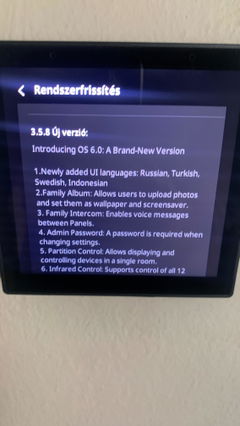
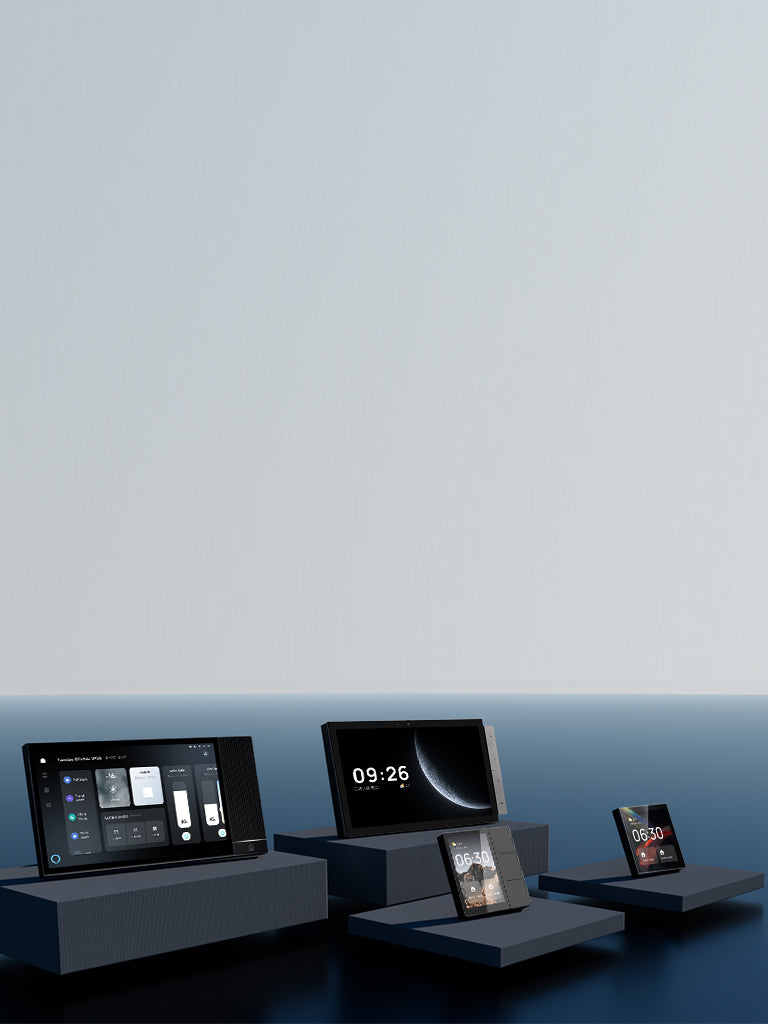
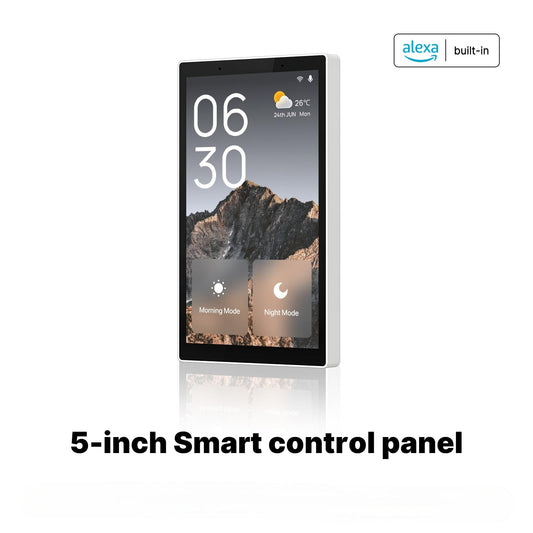
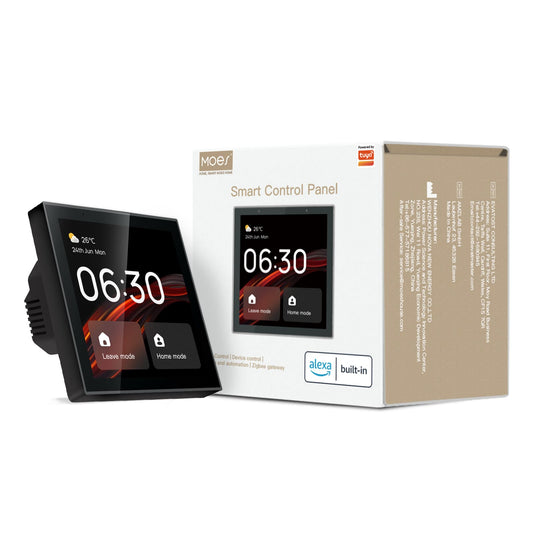
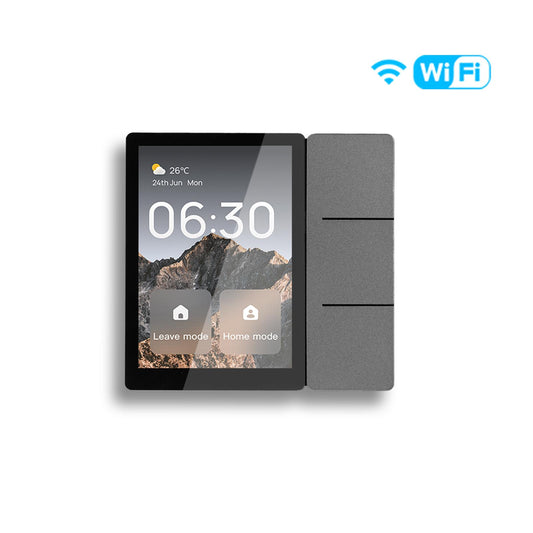
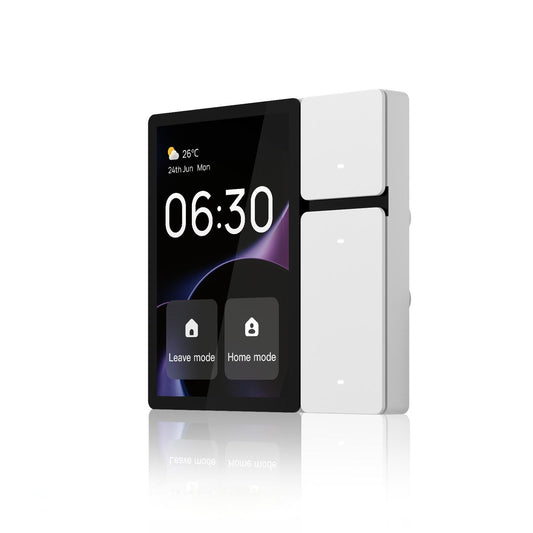
A smart home with many individual devices is only as convenient as the effort required to control them. Pulling out your phone, opening an app, and navigating to the right device every time you want to adjust something defeats the purpose of automation. A MOES central control panel mounts in the wall and gives you a permanent, always-on touchscreen interface for your entire smart home, with scenes, device status, and direct controls visible at a glance.
What a Central Control Panel Changes About Daily Life
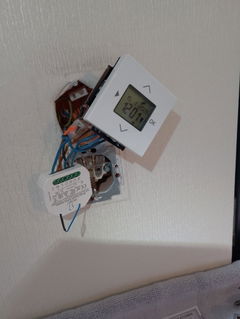
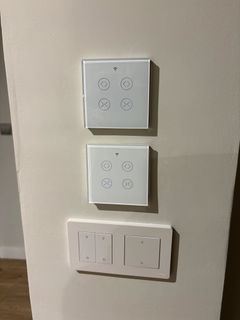
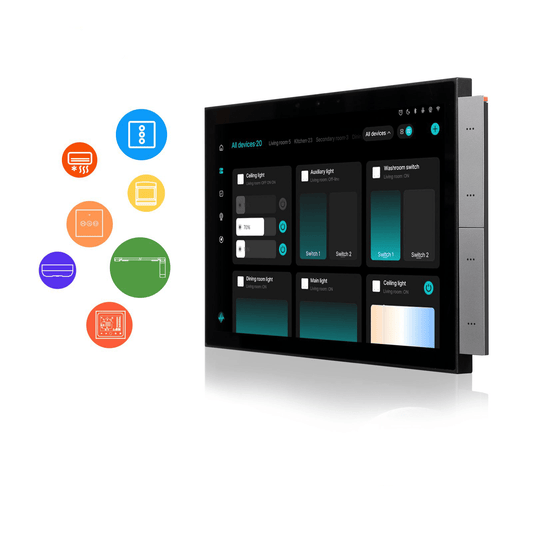
One-touch scene activation. A morning scene that opens the curtains, adjusts the thermostat, and turns on specific lights can be triggered with a single tap on the panel without unlocking your phone. Assign your most-used scenes to the home screen and access them in seconds. Pair with curtain switch modules and a smart heating thermostat to bring all climate and shading control into one interface.
Whole-home status at a glance. Instead of checking each device individually, the panel shows you the current state of every connected device on one screen. See which lights are on, what temperature each room is set to, and whether any sensors have triggered, without opening any app.
Built-in Zigbee gateway for a cleaner setup. Many MOES central control panels include a built-in Zigbee hub, eliminating the need for a separate gateway device. This reduces the number of devices plugged into your network and simplifies the overall setup. Connect your Zigbee sensors and other Zigbee devices directly through the panel.
Permanent wall-mounted interface for shared spaces. In a household where multiple people need to control shared devices, a wall panel is more accessible than a phone-based app. Anyone in the household can use it without needing the app installed or knowing which device to look for.