Saltar para a informação do produto
1 de 5

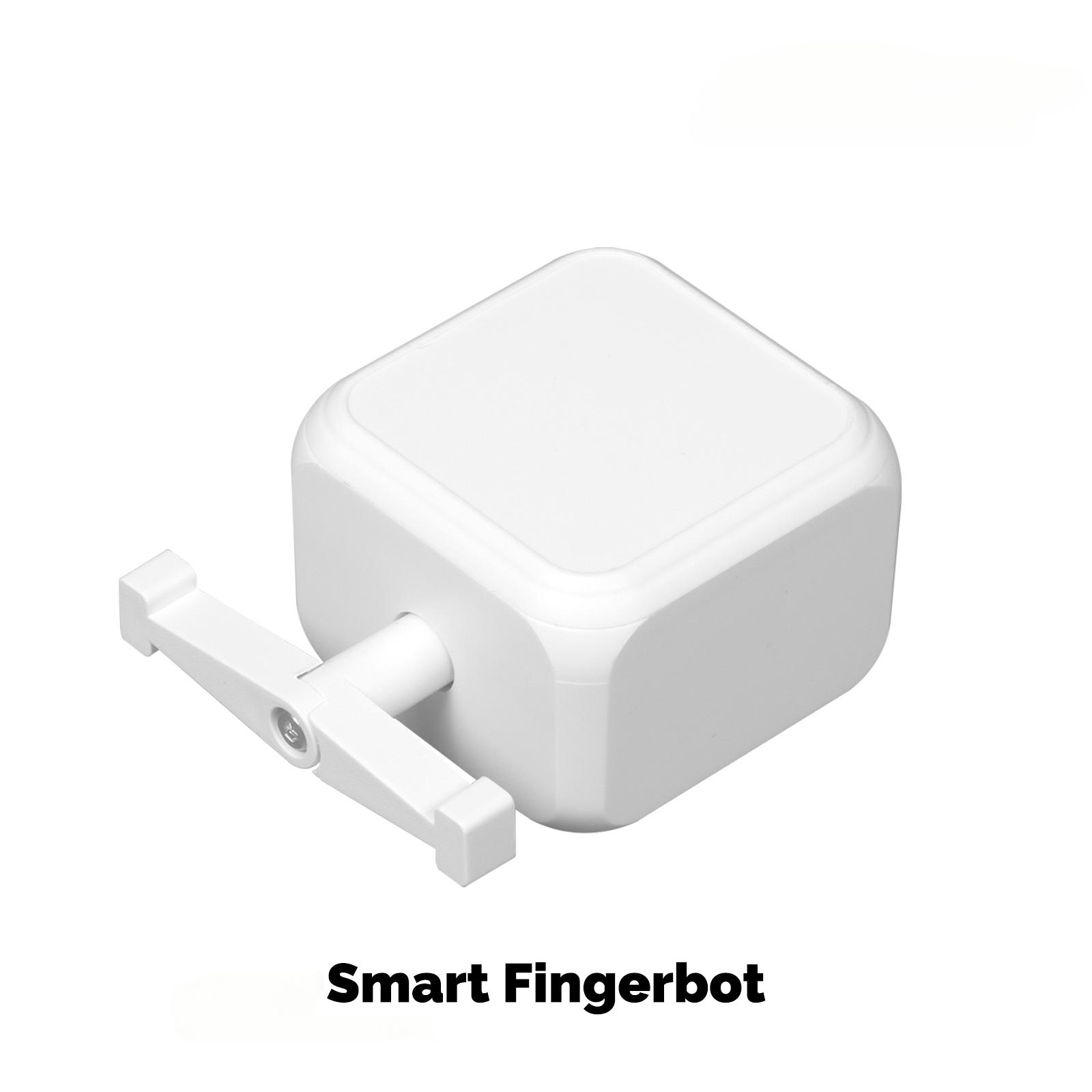
Smart Ble Finger Robot Warp Switch Button Wireless Switch Bot App Control

SKU: BS-FB02-WH-U-MS

Preço normal $29.99 USD
$29.99 USD Preço normal $32.99 USD Preço de saldo
Save 9% Esgotado
Kit
DISCOUNT CODE

MSHS25

$25 OFF

Over $100

DISCOUNT CODE

MSHS60

$60 OFF

ON ORDER OVER $200

Quantidade

Description

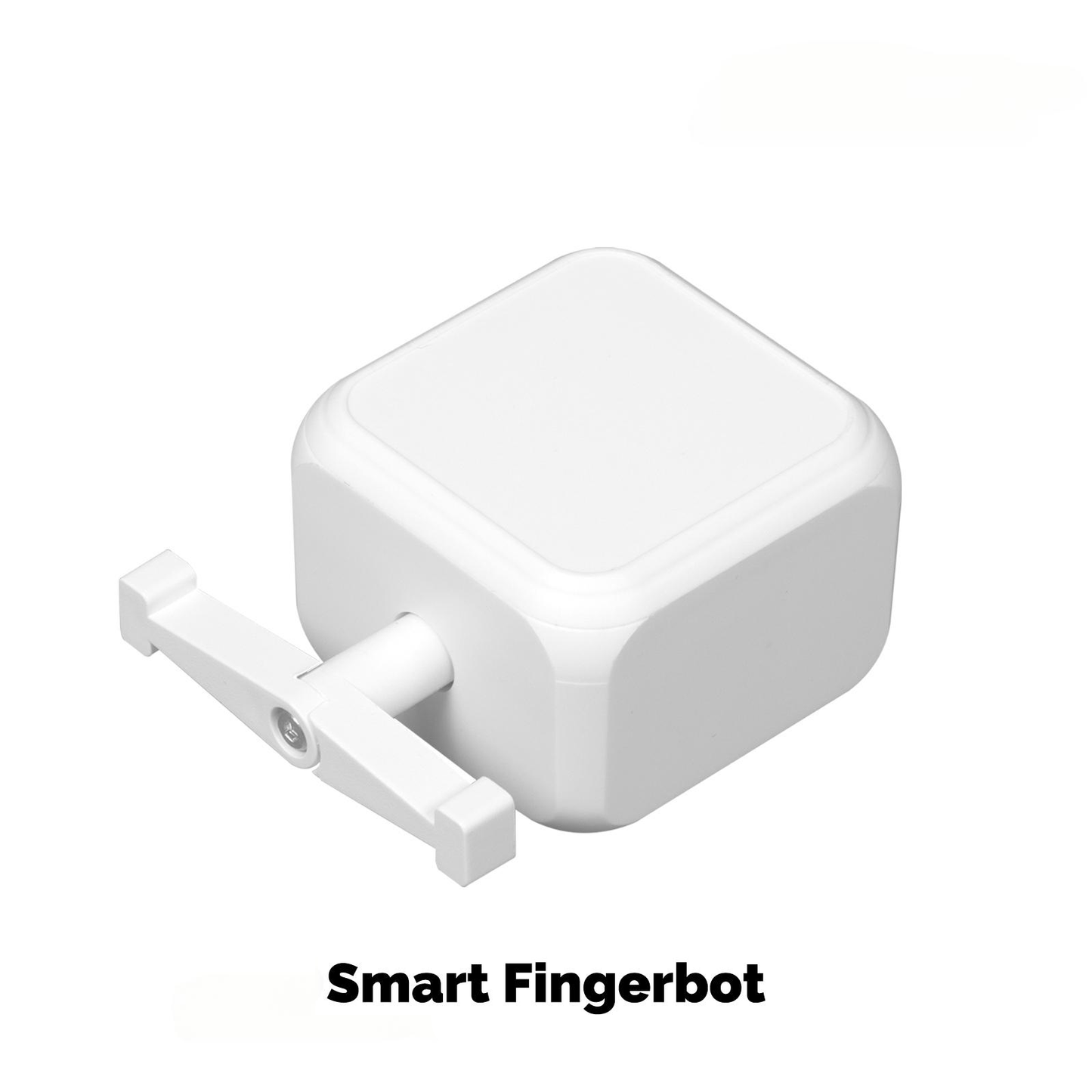
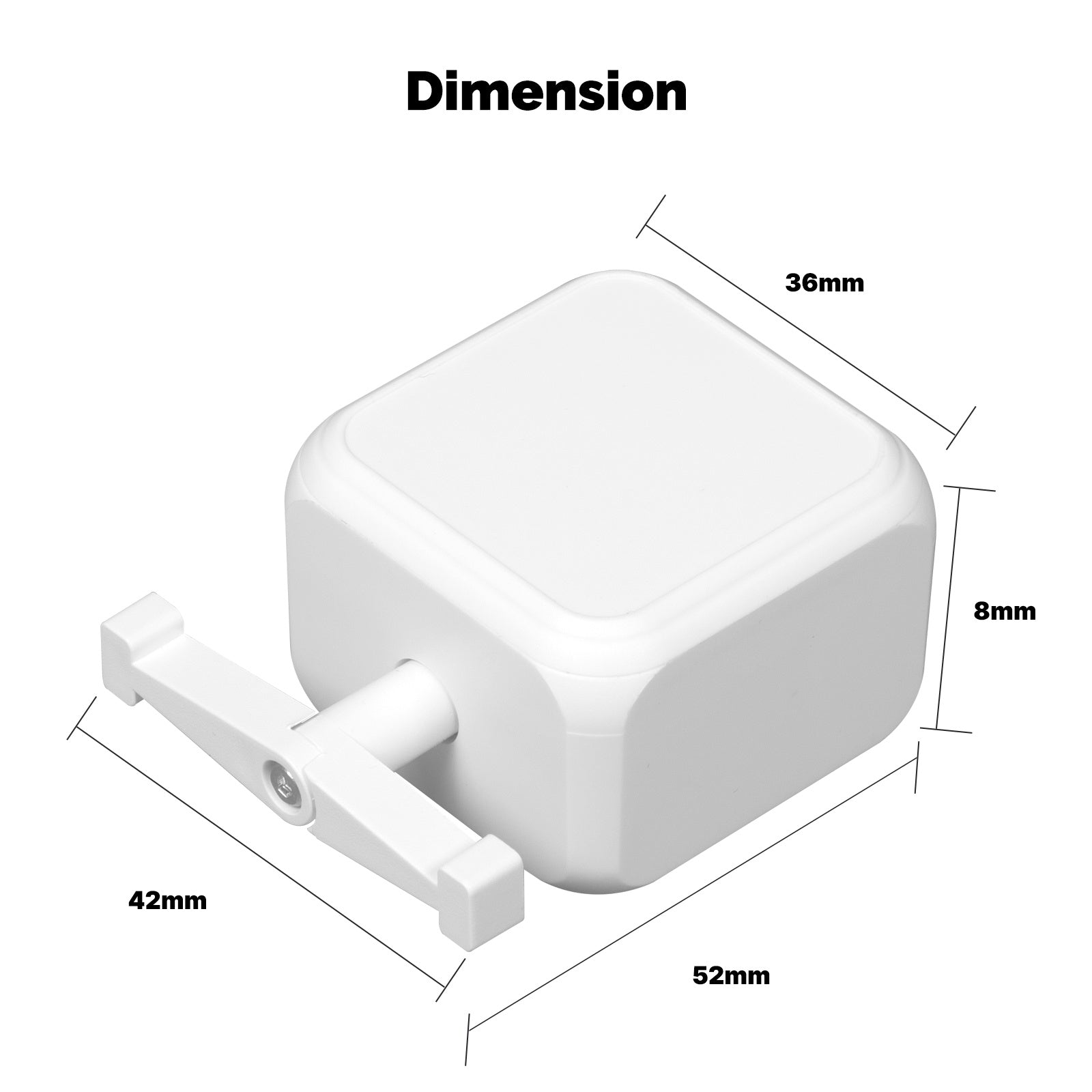
The MOES Smart Bluetooth Finger Robot (ADSBB201) is a rechargeable switch bot that presses wall switches, appliance buttons, and garage door panels. The main body measures 28 x 36 x 52 mm and weighs 38 g. Stick it beside the target with the included adhesive stickers. No rewiring and no tools.

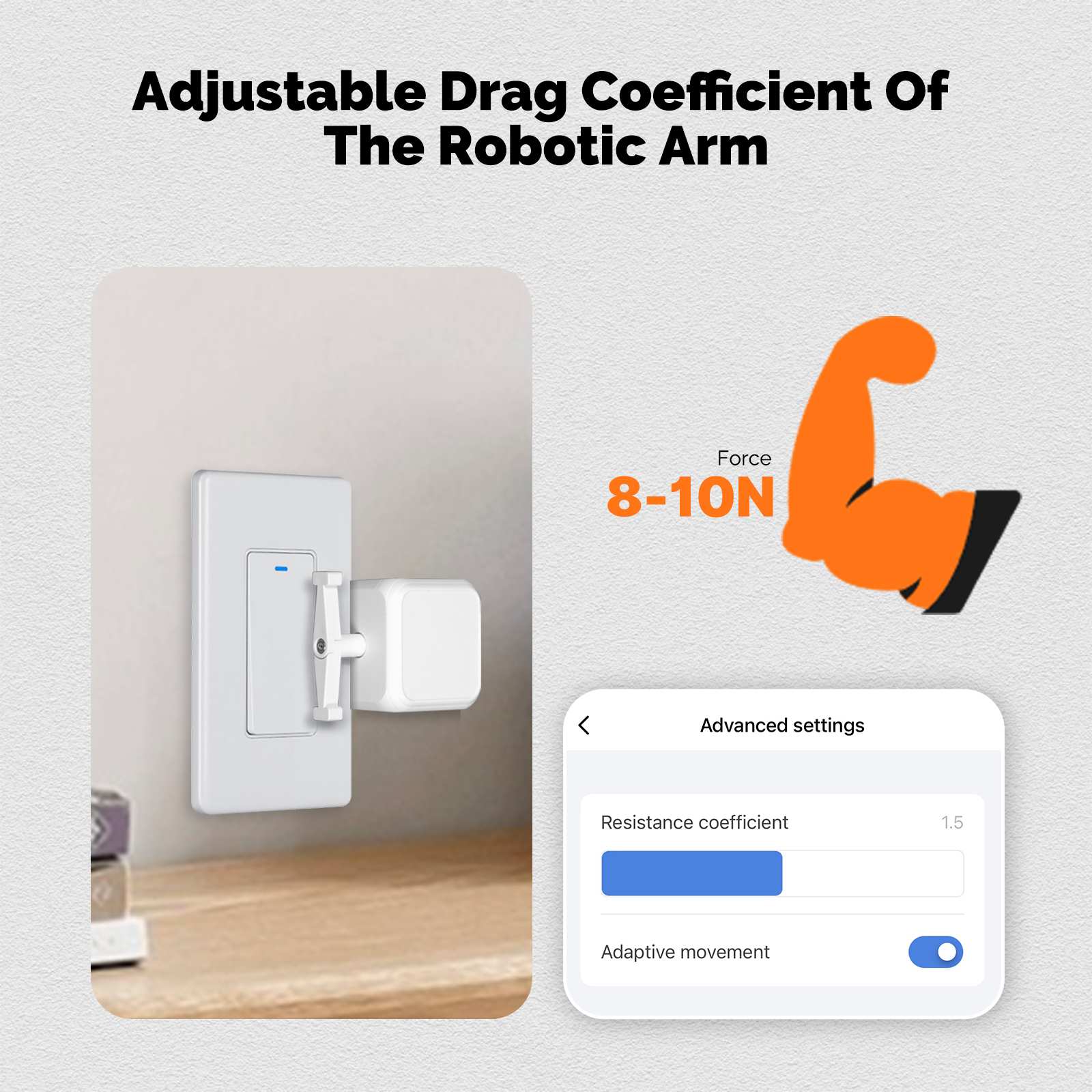
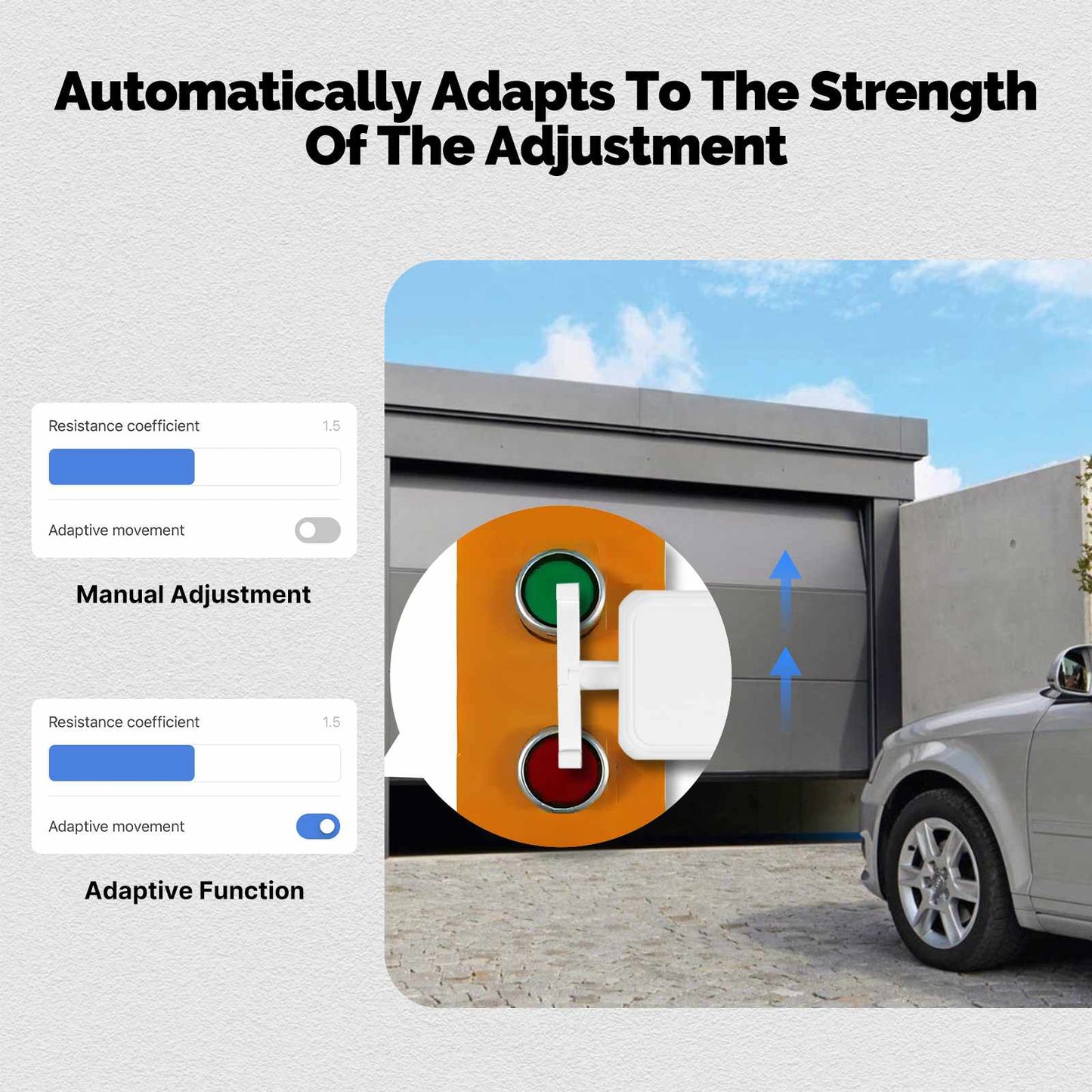
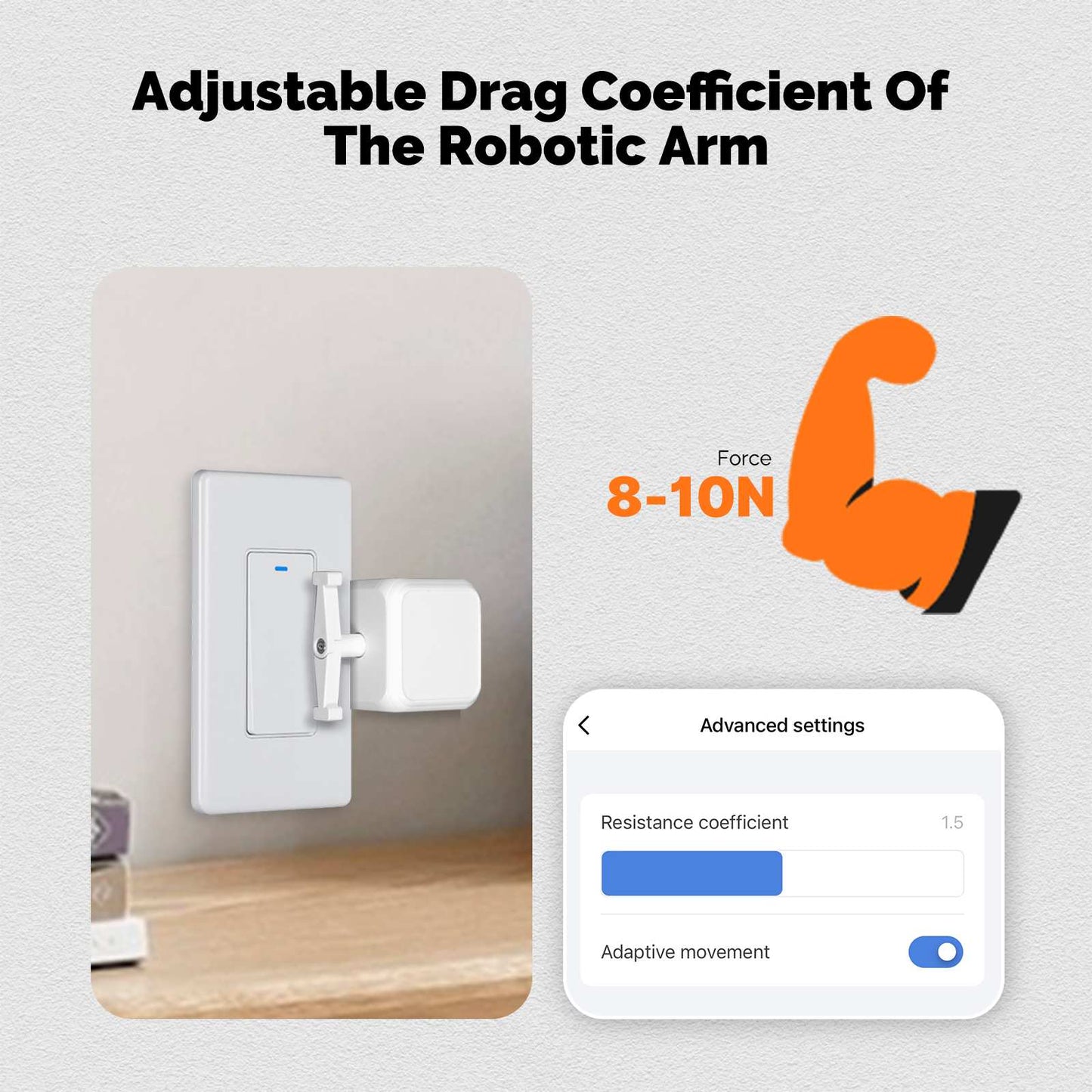
It connects over Bluetooth 4.2 and works with the MOES App. The arm turns clockwise or counterclockwise, and you can fine tune resistance for a cleaner press. Tap the built-in touch button for a quick on/off, or run it from your phone within Bluetooth range.

Power comes from a 3.7 V lithium battery charged via Type-C. Operating range is 0°C to 45°C (32°F to 113°F) on the 2.4 GHz band. A Bluetooth gateway is required for cloud remote control, timers, Amazon Alexa, and Google Assistant. It works on physical buttons and rockers only, not capacitive touch screens.

Features

  • Retrofit old switches: Fits most physical buttons and rocker switches (not touch screens). Stick it on with the included stickers and use it on garage doors, wall switches, and appliance keys.
  • On-device touch button: Tap the touch panel to move the arm without opening the app.
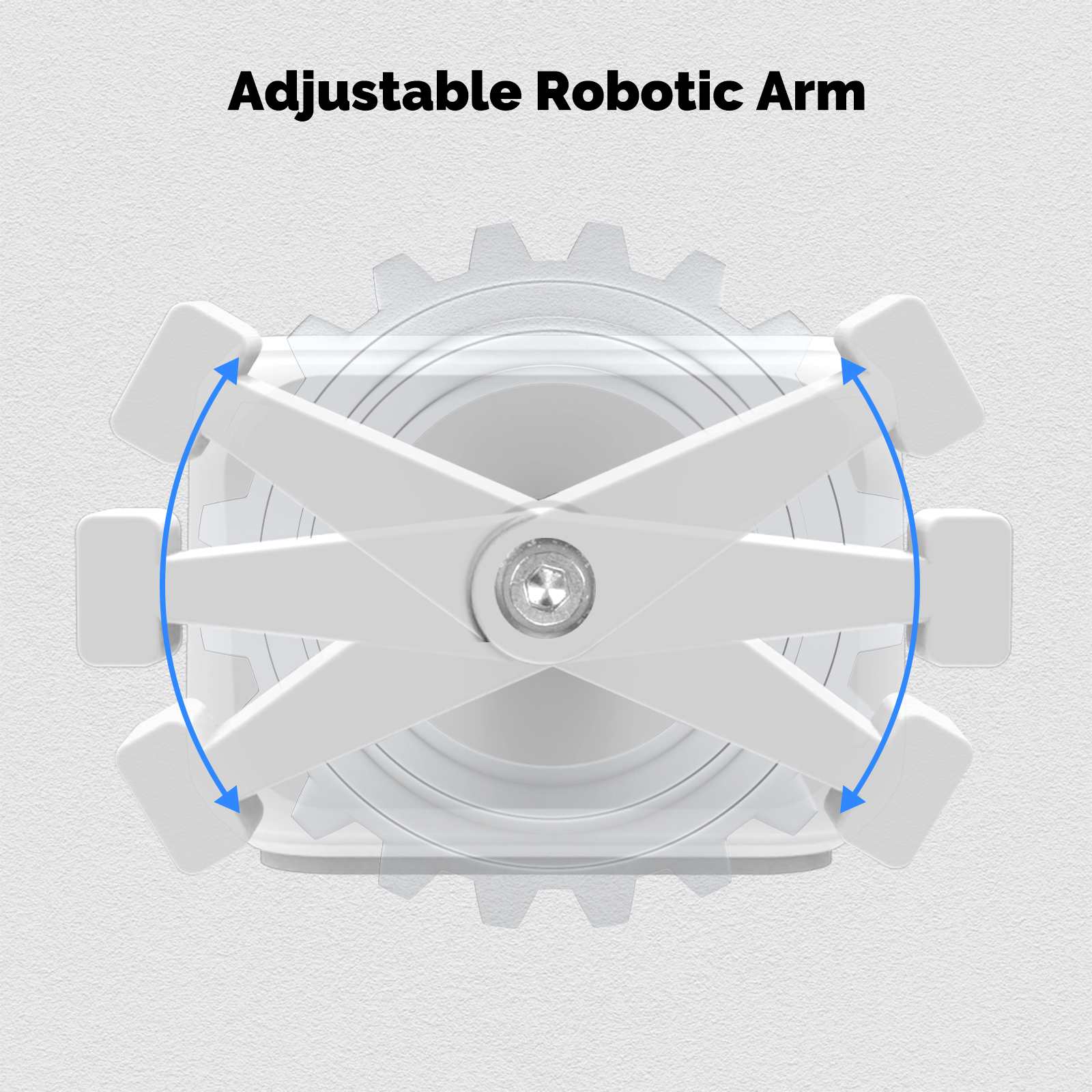
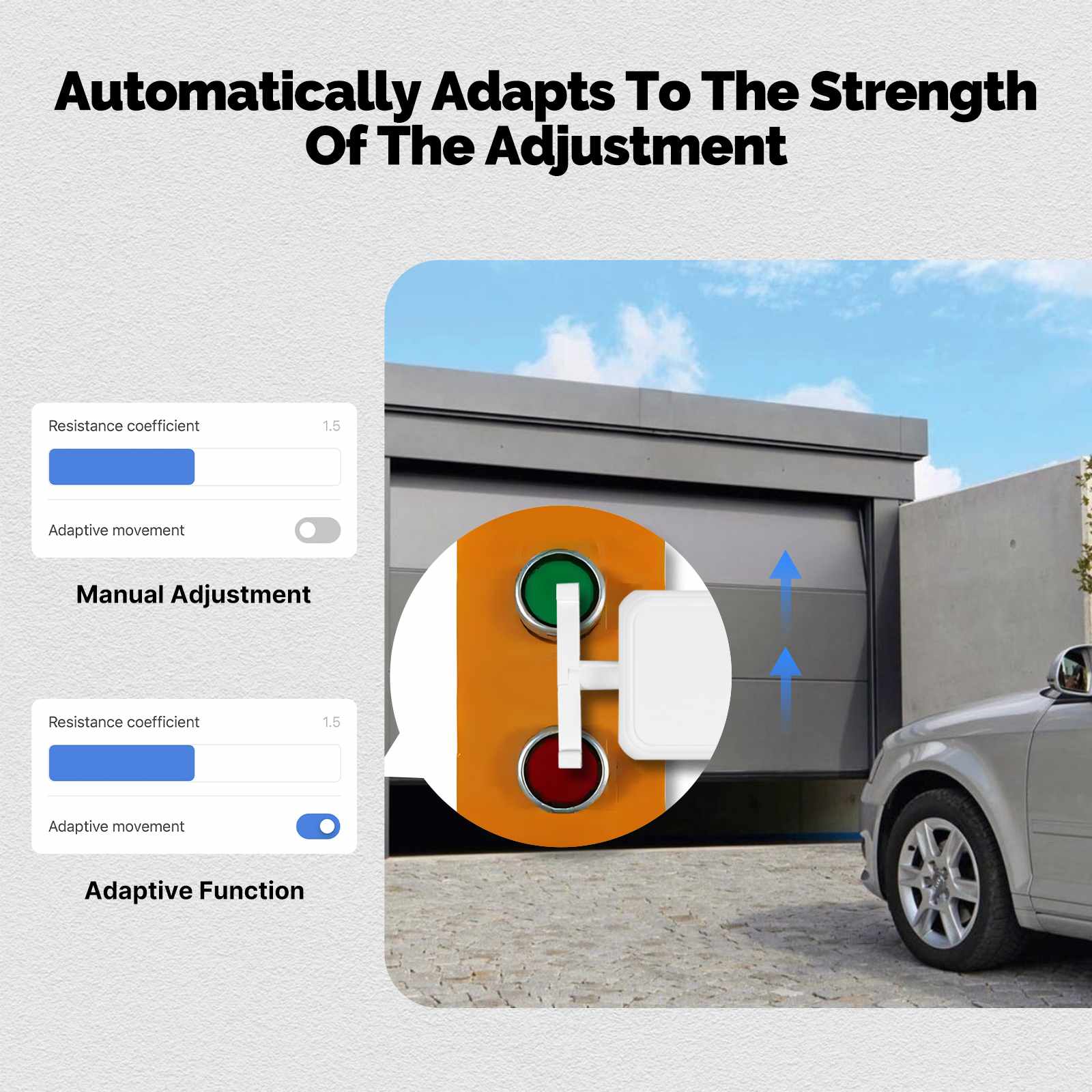
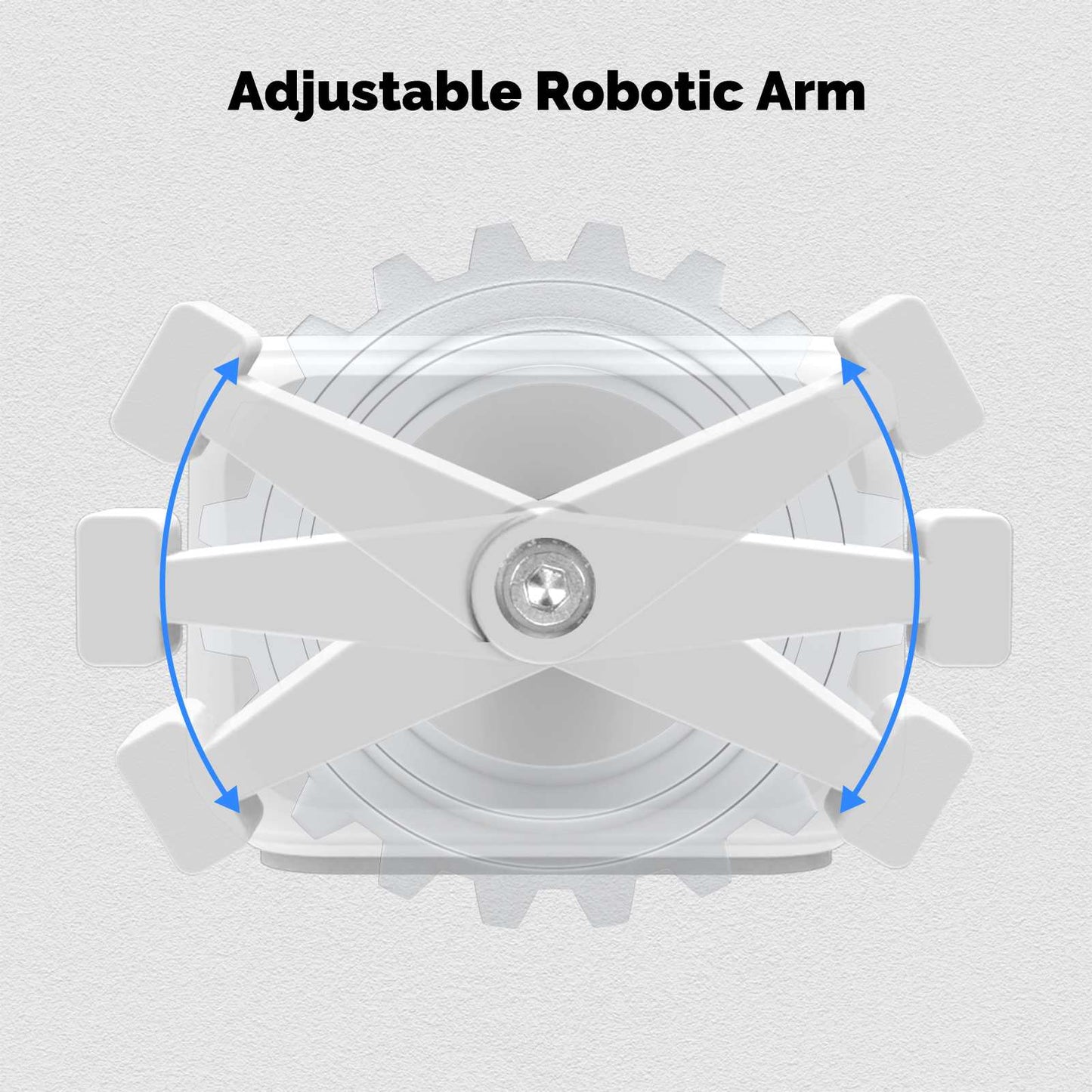
  • Adjustable arm: Set clockwise or counterclockwise motion and adjust resistance so the press matches the switch.
  • Type-C rechargeable battery: Built-in 3.7 V lithium battery, charged through the Type-C port. No CR2 replacements.
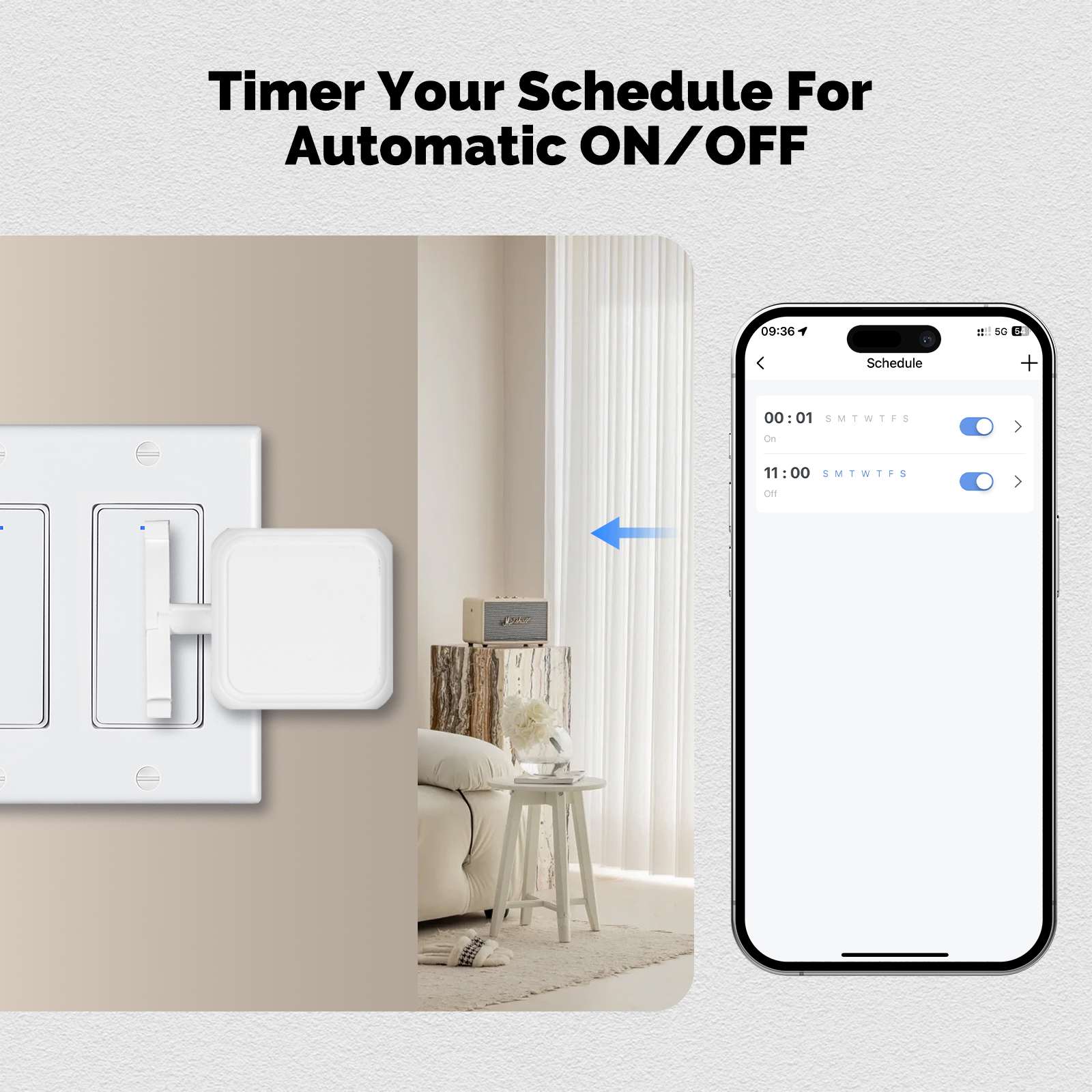
  • App, remote, and voice: Local Bluetooth control via the MOES App. With a Tuya or MOES Bluetooth hub you also get away-from-home control, schedules, Amazon Alexa, and Google Assistant.
  • 5-second install: Tape it next to a rocker or button. No tools and no wiring.

Gateway note

  • Phone Bluetooth alone covers local control. A Bluetooth gateway is required for remote access, voice assistants, and timing.

Specification

Technical details

  • Model: ADSBB201
  • SKU: BS-FB02-WH-U-MS
  • Main body dimensions: 28 x 36 x 52 mm
  • Main body weight: 38 g
  • Charging port: Type-C
  • Wireless protocol: Bluetooth 4.2
  • Battery type: 3.7 V lithium battery (rechargeable)
  • Operating temperature: 0°C to 45°C (32°F to 113°F)
  • Frequency band: 2.4 GHz
  • Max radio transmit power: +4 dBm
  • App support: MOES App
  • Local functions: App control and manual touch control
  • With Bluetooth hub: Voice control, cloud remote control, and scheduling

Package list

  • Bluetooth Finger Robot x 1
  • Instruction manual x 1
  • Sticker x 2

Help File

Ver detalhes completos
Free Shipping Over $29.9
60 Days Refund | 2 Years Warranty
24/7 online support

ADSBB201

Rechargeable Finger Robot for physical switches

Stick the MOES Bluetooth Finger Robot next to a rocker or button, set clockwise or counterclockwise motion, and press from the MOES App. Use Type-C charging for the built-in lithium battery, and add a Bluetooth gateway when you need remote control, timers, Alexa, or Google Assistant.

28×36×52 mm

Main body size

38 g

Weight

Type-C

Charging port

3.7 V Li-ion

Rechargeable battery

MOES App

App control for everyday switches

Use the MOES App to press lights, wall switches, and small appliances that still rely on a physical click. Mount the Finger Robot beside the button, set arm direction and resistance in the app, then run on/off from your phone within Bluetooth range. The modular arm and adjustable resistance help you match different switch depths and press feels without replacing the appliance.

App control for everyday switches

Modes and voice

Switch modes, schedules, and voice

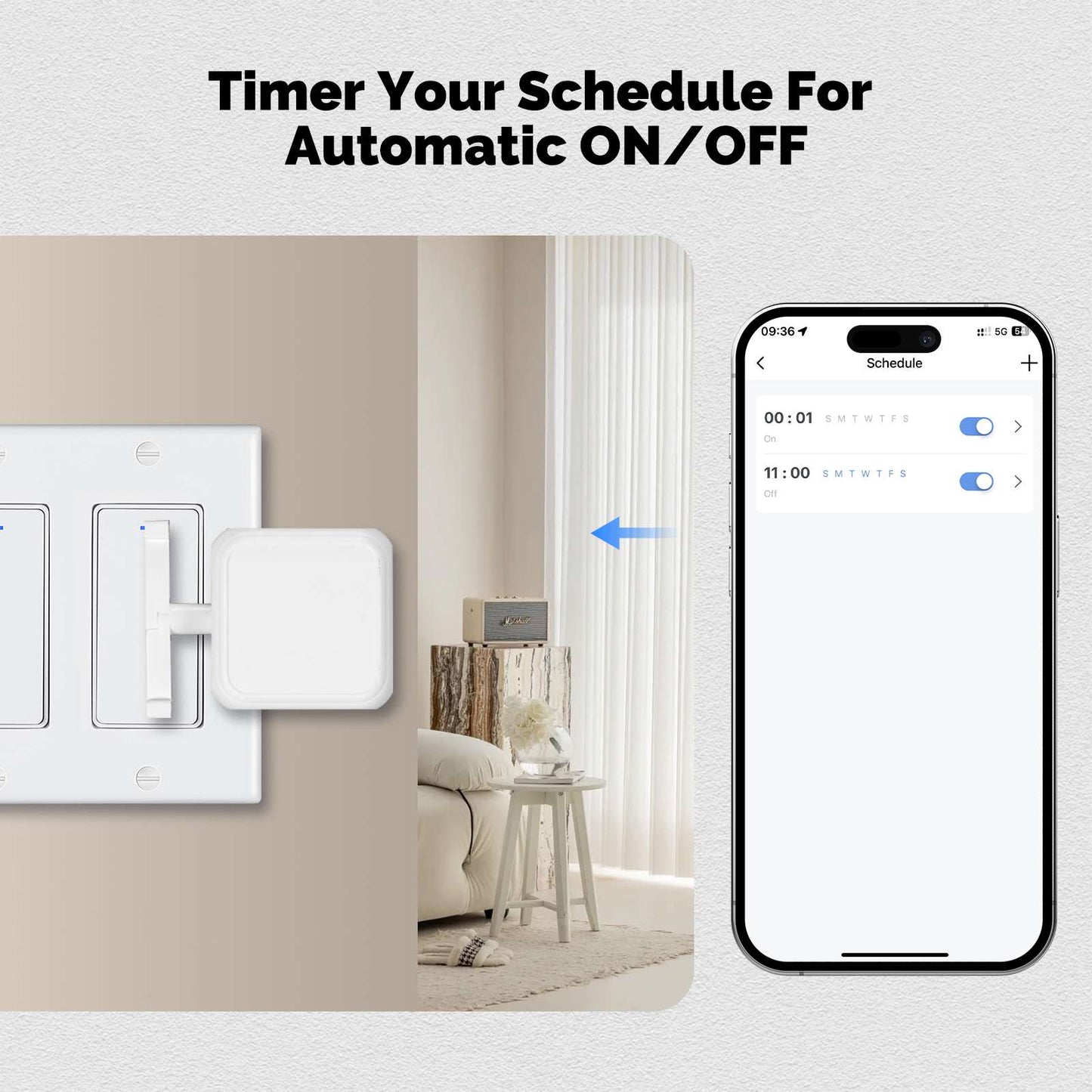
Pick a switching mode that matches your button, then add schedules once a Bluetooth hub is online. With a Tuya or MOES Bluetooth hub, Amazon Alexa and Google Assistant can trigger the same press when you are away from home. Timing functions still require a Bluetooth gateway so the device stays linked to the cloud for background schedules.

Switch modes, schedules, and voice

ADSBB201 power

Type-C rechargeable Finger Robot

ADSBB201 uses a built-in 3.7 V lithium battery and charges over Type-C, so you do not swap CR2 cells. Keep it within 0°C to 45°C (32°F to 113°F). For timers and remote access, keep the unit paired to a Bluetooth gateway so schedules stay online. Local Bluetooth control from the MOES App still works nearby without a hub.

Finger Robot dimensions

Finger Robot

Frequently asked questions

Charging, arm direction, gateway needs, and sizing for ADSBB201.

Do I need a Bluetooth gateway for this Finger Robot?

Not for basic local use. Pair ADSBB201 to your phone over Bluetooth and control it within range. For cloud remote control, timers, Amazon Alexa, and Google Assistant, add a Tuya or MOES Bluetooth hub.

How do I charge the Finger Robot?

Use the Type-C port on the device. The battery is a built-in 3.7 V lithium cell. Charge it instead of replacing disposable batteries.

Can I set the arm to turn both ways?

Yes. The mechanical arm supports clockwise and counterclockwise motion. You can also adjust resistance in the app so the press matches your switch.

Does it work on touch screen buttons?

No. It presses physical buttons and rocker switches only. Capacitive touch panels and flat digital screens are not supported.

What is the size and weight of ADSBB201?

The main body is 28 x 36 x 52 mm and weighs 38 g. The package includes the Finger Robot, a manual, and two stickers.

Which app do I use?

Install the MOES App. After pairing over Bluetooth, you can run local presses from your phone. Remote control, timers, and voice assistants become available once a Bluetooth gateway is added to the same account.