Smart Home Devices That Need Zero Wiring. A Guide for Renters
Most smart home content assumes you own the walls. Install a wired thermostat. Replace every light switch. For the 36 percent of U.S. households that rent, none of that applies.
Landlord restrictions, lease clauses forbidding modifications, and the reality of moving every 12 months make traditional setups impractical. A renter needs a system that installs in minutes, leaves no trace, and packs into a single box on moving day. 、
MOES builds products for exactly that. This article covers the no drill no rewire stack, the 30 minute setup, and the gear that moves with you.

Why Renters Get Left Out of Smart Home Conversations
The smart home industry designs for homeowners. Wired security systems need drilling. Smart thermostats need HVAC wiring. Wall switches need neutral wires. A renter who attempts any of these risks the security deposit.
Lease Restrictions Are the Real Barrier
Standard leases in the U.S., UK, Australia, and much of Europe prohibit modifications to electrical systems and wall surfaces. Replacing a light switch counts as electrical work. Even if you swap it back, the landlord may deduct from the deposit.
The Cost of Starting Over
A homeowner spreads a $2,000 smart home investment over 10 years. A renter moving every 12 to 24 months cannot justify that. Portability is not a bonus. It is the whole value proposition.
The No Drill, No Rewire Renter Stack
Four device types cover 90 percent of smart home functionality without touching a single wire. Each installs with tape, a plug, or a screw in bulb socket.

Start With Smart Plugs
A MOES Smart Plug connects over WiFi and pairs with Alexa or Google Home in under a minute. Plug one into any outlet to add remote control, scheduling, and voice control to the connected appliance.
A floor lamp becomes a scheduled porch light. Smart plugs also solve the hardwired switch problem. Instead of replacing a wall switch, use a smart plug and a battery switch. Same functionality. Zero modifications.
Stick On Battery Switches
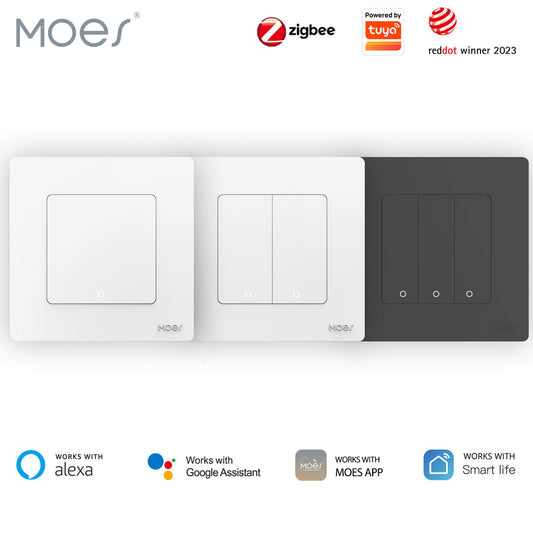
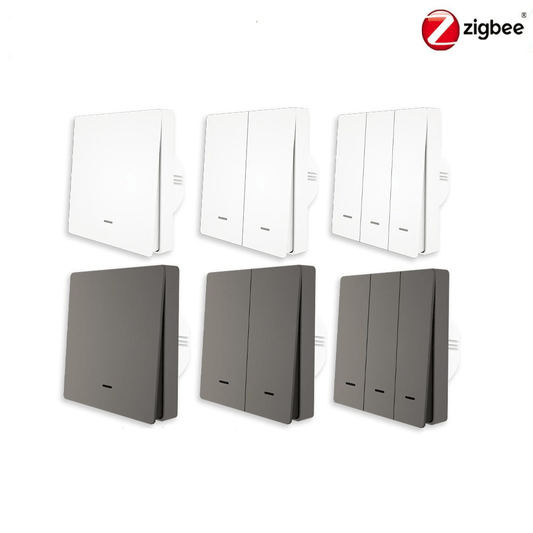
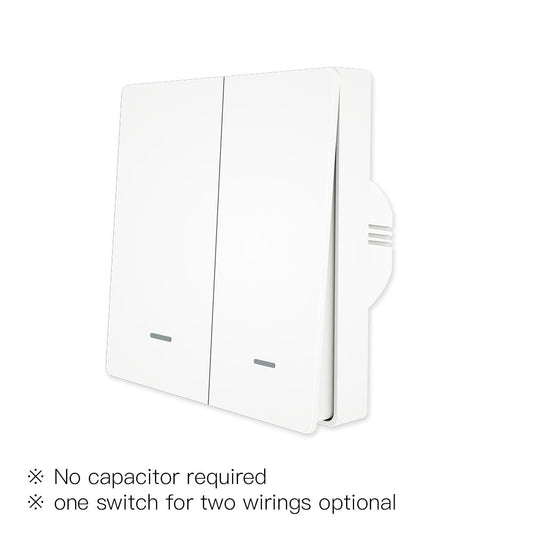
A MOES Battery Switch mounts with adhesive tape anywhere. It looks like a standard wall switch but runs on a coin cell battery lasting two years.
Place one at the bedroom entrance for living room lights. Stick one on the nightstand for an all off bedtime scene. The switch peels off cleanly when the lease ends.
Smart Bulbs
A MOES Zigbee Smart Bulb screws into any E27 socket. It delivers tunable white from 2700K to 6500K plus full RGB color. Control it from the app, a battery switch, or voice.
No wiring changes. Combined with a battery switch on the wall, a smart bulb feels exactly like built in smart lighting. The illusion disappears in 30 seconds when you move out.
Peel and Stick Sensors
A MOES Door Sensor sticks to any door or window frame with double sided tape. The two piece magnetic design detects open and close events and pushes alerts.
When the front door opens between midnight and 6 AM, flash the bedroom smart bulb red. Installation per sensor takes under 60 seconds. Removal leaves no residue.
Traditional Smart Home vs the Renter Friendly Stack
| Feature | Traditional Wired Setup | Renter Friendly MOES Stack |
| Installation | Requires electrician or drywall work | Plug in, stick on, screw in bulb socket |
| Time to Full Setup | 4 to 12 hours | 30 minutes or less |
| Leaves Trace on Removal | Holes, wire caps, paint touch ups needed | No trace, peel adhesive cleanly |
| Portability | Rewire required to move system | Packs into one box, reinstalls at next home |
| Landlord Approval | Often required, may be denied | Not needed, no modifications made |
| Cost for 5 Room Coverage | $800 to $2,500 installed | $150 to $350 total |
30 Minute Rental Apartment Setup Walkthrough
This walkthrough assumes a one bedroom apartment. Times are real world estimates.
Step 1. Position the Gateway
Plug in the MOES Zigbee Gateway near the center of the apartment. It needs WiFi and a power outlet. Open the Smart Life app, add the gateway, and wait for the solid blue LED.
Step 2. Deploy Smart Plugs
Place one smart plug behind the TV stand. One in the bedroom for a floor lamp. One in the kitchen for a coffee maker. Tap add device in the app. Each pairs in about 30 seconds. Name them by room.
Minutes 12 to 18: Screw in Smart Bulbs
Replace two bulbs with MOES Zigbee Smart Bulbs. One in a living room floor lamp. One in a bedside lamp. Pair through the gateway. Set the living room to 3000K warm white for evenings. Set the bedside to 10 percent red for a night light.
Minutes 18 to 24: Stick On Sensors and Switches
Peel the backing from a MOES Door Sensor and press it onto the front door frame. Repeat for a window. Stick a MOES Battery Switch on the bedroom wall. Pair everything through the app.
Minutes 24 to 30: Create Two Automations
Build an away scene. When you leave and the door sensor reports closed, all plugs and bulbs turn off. Build an evening scene. At sunset, the living room bulb fades to warm white and the TV plug activates. Test both scenes. Done.
Complete MOES Renter Smart Home Product Recommendations
These five products form a complete renter friendly system. Each installs without tools and removes without tools.
- MOES Smart Plug WiFi outlet adapter with remote control, scheduling, and voice control. 16A rating handles space heaters and air conditioners.
- MOES Zigbee Smart Bulb Tunable white and RGB color. E27 base fits standard sockets. Pairs with Zigbee gateway for scene control.
- MOES Door Sensor Peel and stick magnetic sensor for doors and windows. Pushes open/close alerts to your phone. Battery lasts 12 plus months.
- MOES Battery Switch Wireless wall switch with adhesive mount. Controls any paired smart plug or bulb. Coin cell battery rated for 2 years.
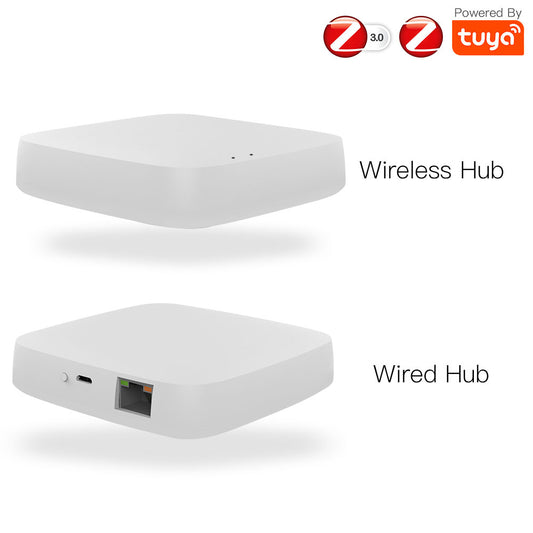
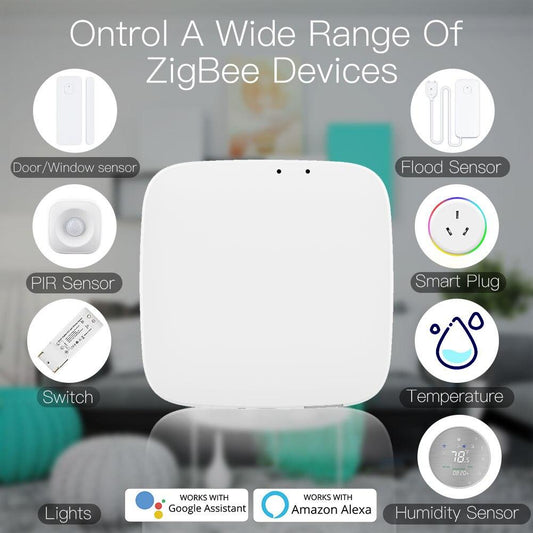
- MOES Zigbee Gateway Central hub for all Zigbee sensors, bulbs, and switches. Connects to WiFi and bridges to the Smart Life app. Supports up to 50 devices.
Frequently Asked Questions
Q: Do I need landlord permission?
A: No. These products require no electrical modification, wall drilling, or permanent installation. They use existing outlets and removable adhesive. Same category as a table lamp or phone charger.
Q: What happens when I move and the WiFi network changes?
A: Reset each device with a long press of its button. Pair with the new WiFi network. Reconfiguring five devices takes about 10 minutes. Scenes and automation names restore from the cloud.
Q: Can I expand the system when I buy a home?
A: Yes. All paired devices remain functional in a permanent home. Add wired MOES smart switches and a thermostat to the existing network. The renter stack becomes the foundation without wasted hardware.