Mantener el césped verde todo el verano suele significar arrastrar mangueras o preocuparse por las facturas de agua elevadas. El riego manual es tedioso, y los temporizadores de dial tradicionales son conocidos por estropearse después de una sola temporada.
El temporizador de agua inteligente MOES Wi-Fi cambia la forma en que cuidas tu jardín. Te da un control preciso sobre tu riego directamente desde tu teléfono, ayudándote a conservar agua y a mantener tus plantas prósperas.
Si estás listo para mejorar tu jardín, aquí tienes todo lo que necesitas saber sobre este dispositivo y cómo ponerlo en marcha.

Qué hace diferente a este temporizador inteligente
Antes de saltar a la configuración, es útil saber por qué este temporizador es un gran paso adelante con respecto a los modelos básicos de plástico que encuentras en la ferretería.
- Conector de latón macizo: La mayoría de los temporizadores de exterior utilizan roscas de plástico que se enroscan y gotean fácilmente. Hemos mejorado este modelo con una entrada de latón de alta resistencia. Maneja la alta presión del agua sin problemas y evita esos molestos goteos en el grifo.
- Medidor de flujo incorporado: ¿Te preguntas cuánta agua usan tus aspersores? Este temporizador registra tu consumo exacto de agua en tiempo real. Puedes ver tu uso diario directamente en la aplicación para evitar facturas de servicios públicos sorpresa y controlar tus esfuerzos de conservación.
- Diseño resistente a la intemperie: Con una clasificación de impermeabilidad IP65, este dispositivo está diseñado para exteriores. Soporta fácilmente fuertes lluvias, luz solar directa y polvo arrastrado por el viento.
-
Control Wi-Fi global: Ajusta tu programa de riego desde el sofá o desde otro país. Siempre que tengas conexión a internet, tendrás un control total sobre el riego de tu jardín.
Guía de instalación sencilla
No necesitarás contratar a un fontanero ni buscar herramientas para esta configuración. Todo el proceso lleva solo unos minutos.
Paso 1: Instala las baterías
Abre el compartimento trasero sellado del temporizador e inserta cuatro pilas alcalinas AA. Asegúrate de que estén orientadas correctamente según el diagrama interno. Una vez dentro, cierra la tapa firmemente. Esto asegura que el sello impermeable permanezca completamente intacto.
Paso 2: Conecta el concentrador Wi-Fi
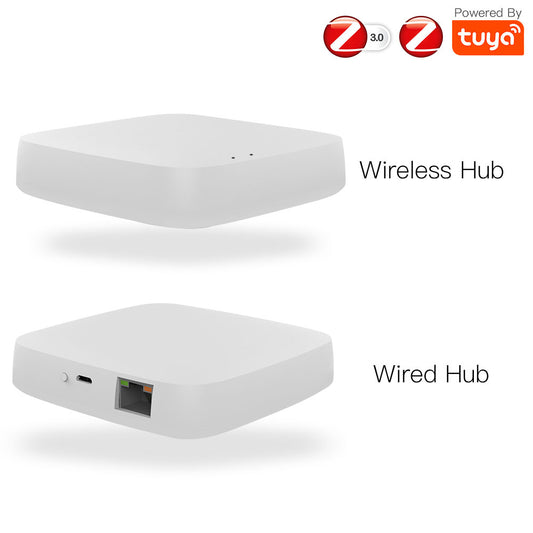
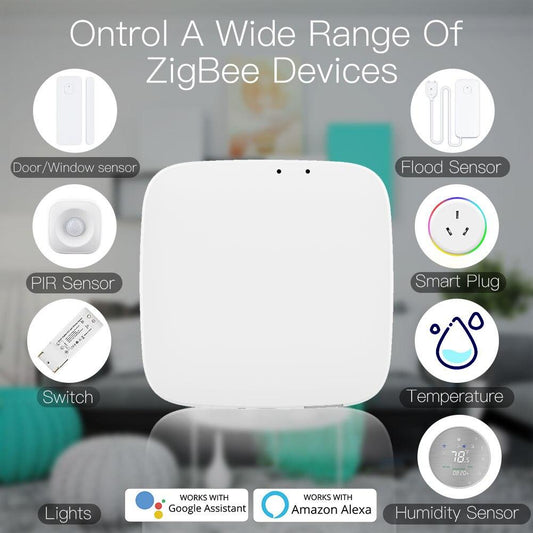
Las señales Wi-Fi exteriores pueden ser notoriamente débiles. Para solucionar esto, el sistema MOES utiliza un concentrador de puerta de enlace interior. Conecta este pequeño concentrador a una toma de corriente interior estándar que mire hacia tu jardín. Abre la aplicación MOES, toca el icono de más y conecta el concentrador a tu red Wi-Fi doméstica.
Paso 3: Empareja el temporizador
Con tu concentrador interior en línea, es hora de conectar la unidad exterior. En la aplicación, selecciona el concentrador y toca Agregar subdispositivo. Luego, mantén presionado el botón físico principal de tu temporizador de agua exterior durante unos 5 segundos.
El LED comenzará a parpadear rápidamente para indicar que está listo. La aplicación encontrará automáticamente el temporizador y lo vinculará a tu sistema.
Paso 4: Conéctalo al grifo
Sal fuera y asegúrate de que el suministro de agua exterior esté completamente cerrado. Enrosca la entrada de latón del temporizador MOES directamente en tu grifo.
Apriétalo a mano para asegurar un ajuste firme. Luego, conecta tu manguera de jardín o línea de riego por goteo a la salida inferior. Vuelve a abrir el agua y verifica que no haya goteos.
Paso 5: Personaliza tu riego
Ahora puedes establecer tus horarios exactos directamente desde tu teléfono. Programa los aspersores para que funcionen al amanecer, revisa tus análisis de flujo de agua o conecta el sistema a Alexa para comandos de voz de manos libres.
Incluso puedes configurar retrasos meteorológicos para que tu sistema omita automáticamente un ciclo de riego si se pronostican lluvias intensas en la zona.

El cuidado más inteligente del césped comienza aquí
Actualizar a un sistema de riego inteligente es la forma más fácil de mantener un jardín hermoso sin desperdiciar recursos preciosos. Hazte hoy mismo con tu temporizador inteligente MOES , sigue estos sencillos pasos y disfruta de una experiencia de riego completamente automatizada durante todo el verano.