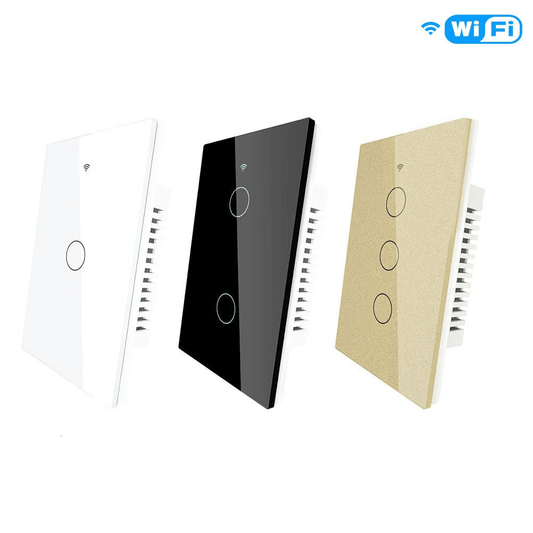
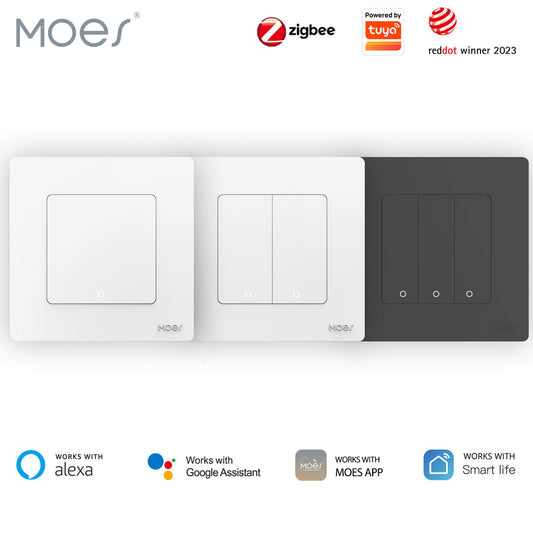
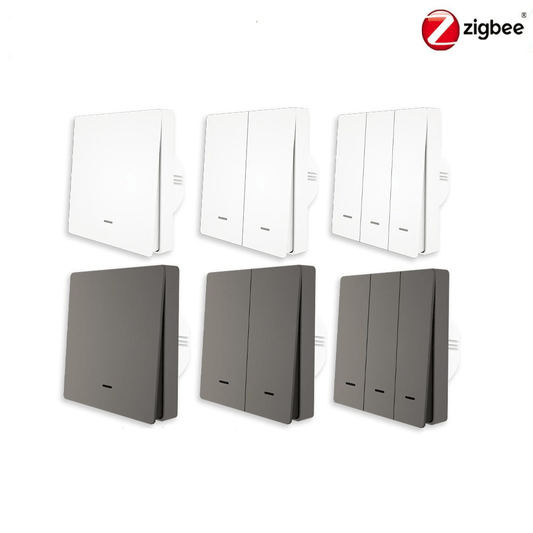
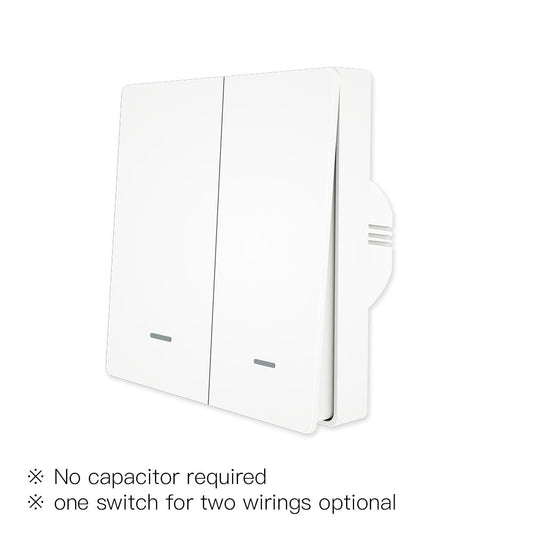
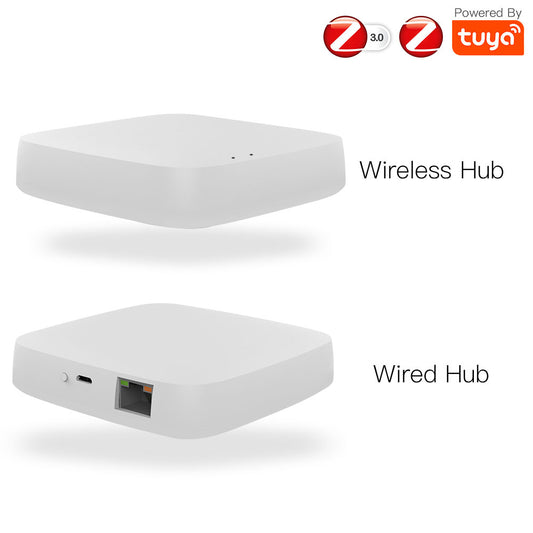
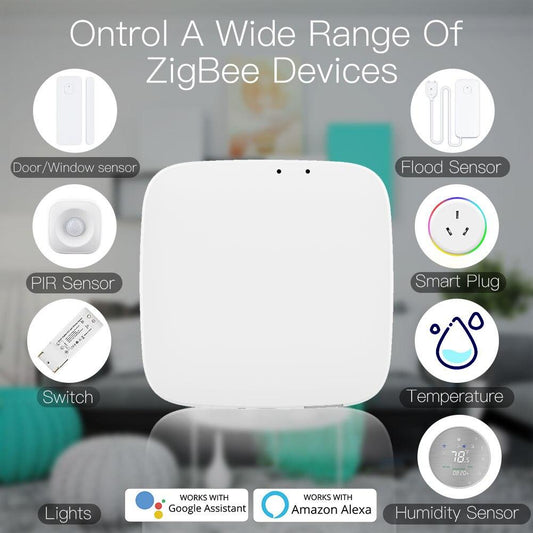
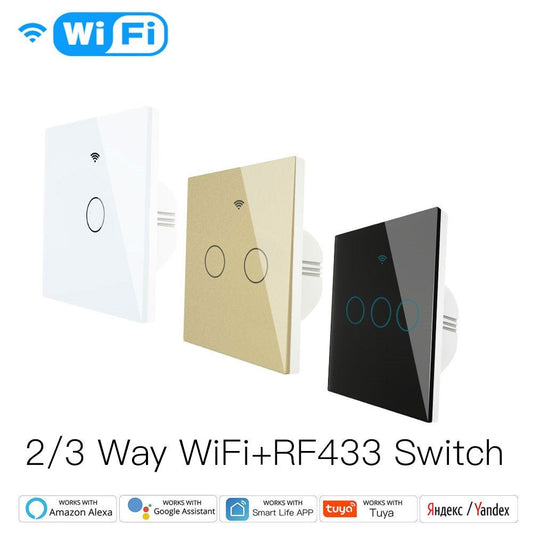
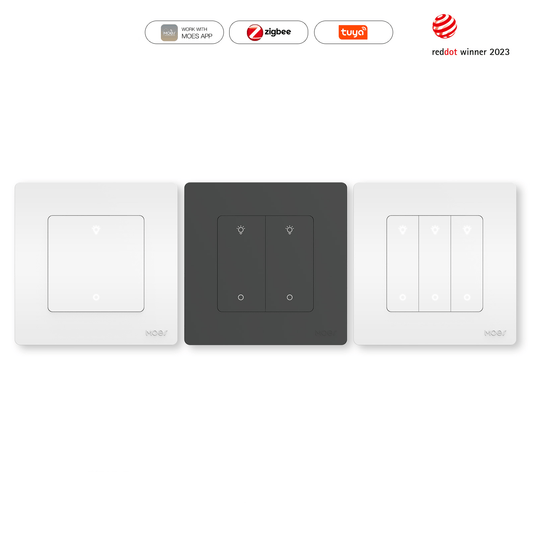
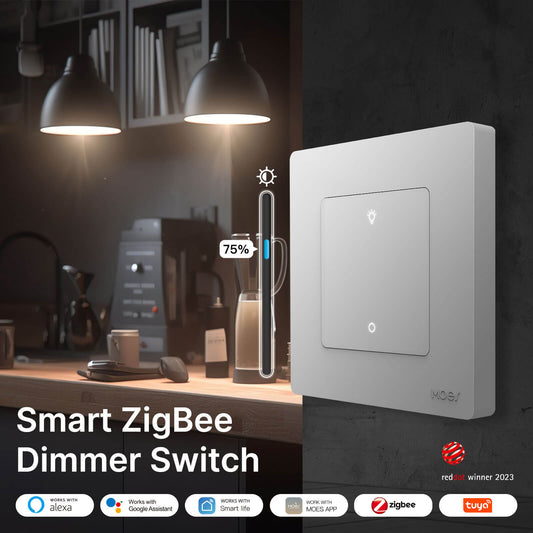
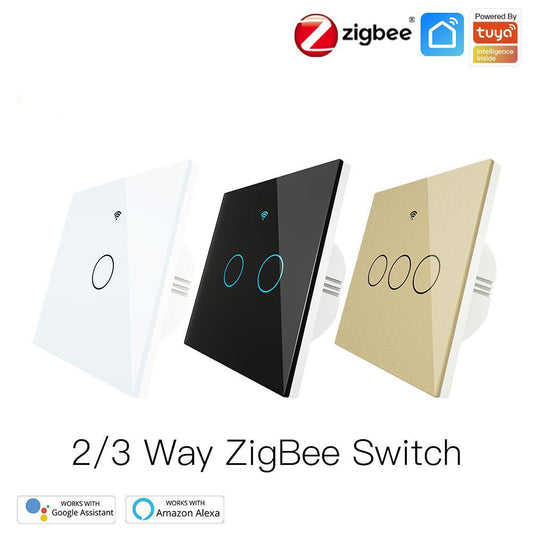
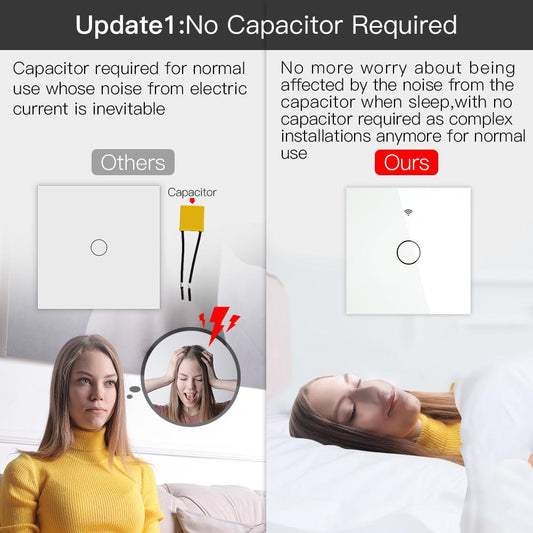
Bienvenido a la guía de instalación del interruptor de cortina inteligente Zigbee de MOES Star Feather con panel táctil antideslumbrante. Vea el video a continuación o siga el proceso paso a paso para cablear y configurar su nuevo sistema de control de cortinas inteligente.
Advertencia de seguridad
Apague la energía en el disyuntor antes de comenzar la instalación. Verifique que la energía esté apagada usando un comprobador de voltaje.
Herramientas necesarias
- Destornillador de cabeza plana
- Destornillador Phillips
- Comprobador de voltaje
- Pelacables
Pasos de instalación y cableado
Paso 1 Quite el interruptor antiguo
Apague la fuente de alimentación principal. Desenrosque la placa frontal y retire el interruptor de cortina existente de la caja de pared. Tire suavemente del interruptor para exponer el cableado.
Paso 2 Identifique los cables
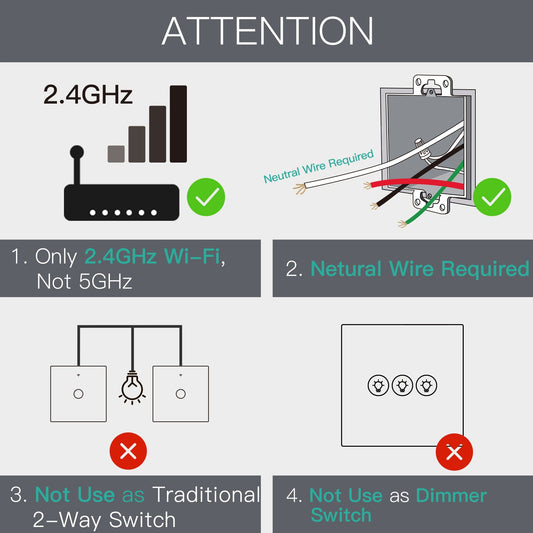
Localice los cuatro cables específicos en su caja de pared. Necesita el cable de fase (vivo), el cable neutro, el cable de apertura del motor y el cable de cierre del motor. El cable neutro es necesario para que este interruptor inteligente funcione.
Paso 3 Conecte el interruptor de cortina MOES
Afloje los tornillos en la parte posterior del interruptor MOES Star Feather. Conecte los cables en consecuencia
- Inserte el cable neutro en el terminal N.
- Inserte el cable de fase en el terminal L.
- Inserte el cable de apertura del motor en el terminal L1.
- Inserte el cable de cierre del motor en el terminal L2.
Apriete todos los tornillos de forma segura para garantizar conexiones eléctricas sólidas.
Paso 4 Monte el interruptor
Doble cuidadosamente los cables hacia atrás en la caja de pared. Alinee la base del interruptor con los orificios de montaje y asegúrela con los tornillos proporcionados.
Paso 5 Coloque el panel táctil antideslumbrante
Encaje el panel de cristal Star Feather en la base del interruptor. Asegúrese de que todas las esquinas encajen en su lugar para un ajuste al ras contra la pared.
Paso 6 Restaure la energía y empareje
Vuelva a encender la energía en el disyuntor. La luz de fondo del interruptor parpadeará indicando que está listo para la configuración. Abra la aplicación MOES, asegúrese de que su Hub Zigbee esté en línea y agregue el nuevo interruptor de cortina. Siga las instrucciones en pantalla para completar el proceso de emparejamiento de red.
Calibración de cortinas
Después de un emparejamiento exitoso, acceda a la configuración del dispositivo en la aplicación MOES para calibrar el tiempo de recorrido de la cortina. Esto garantiza un posicionamiento preciso de apertura, cierre y pausa para su uso diario.
¿Necesita ayuda o está listo para expandirse?
Si necesita orientación durante el proceso de cableado o emparejamiento, comuníquese con nuestro equipo de soporte técnico para obtener soluciones directas. ¿Listo para automatizar más habitaciones? Explore la colección completa de MOES Star Feather en nuestra tienda para encontrar interruptores a juego y construir un sistema de hogar inteligente unificado.