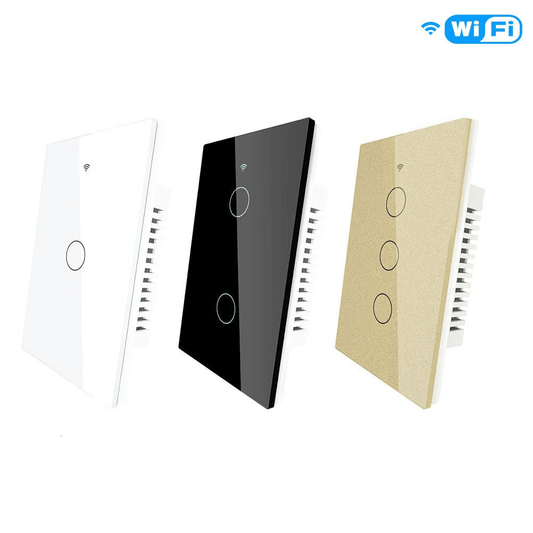
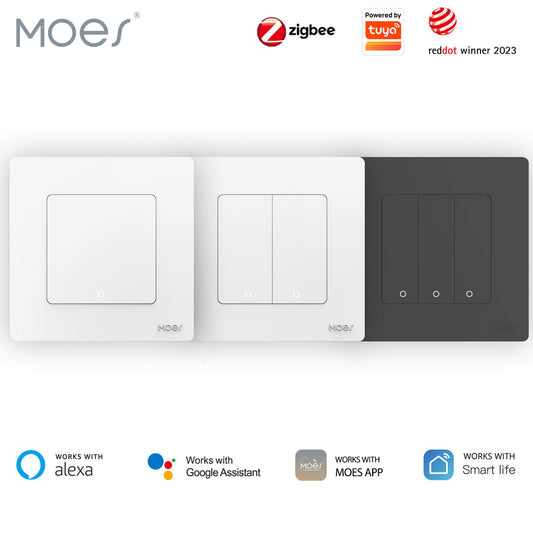
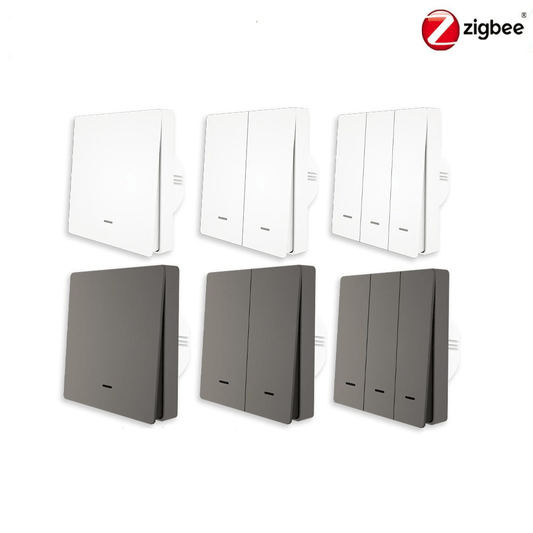
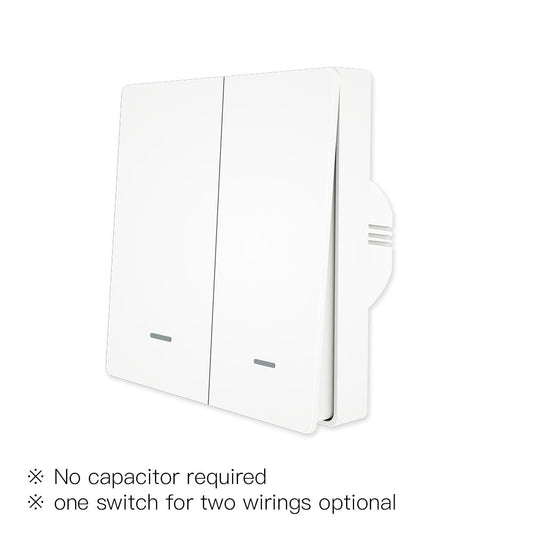
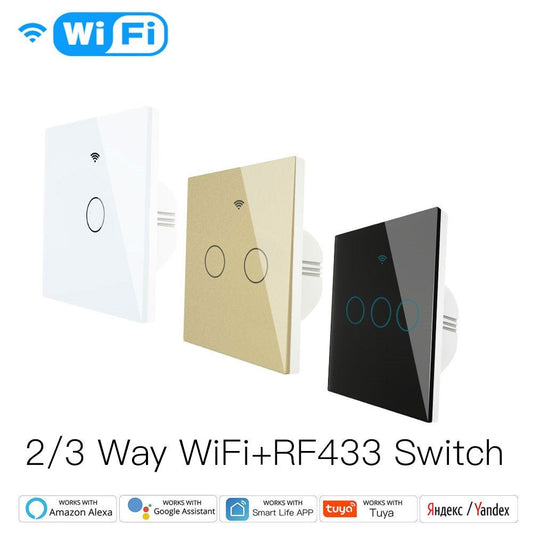
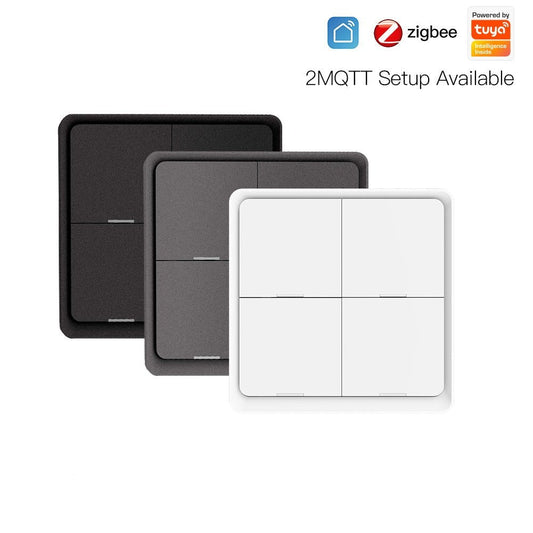
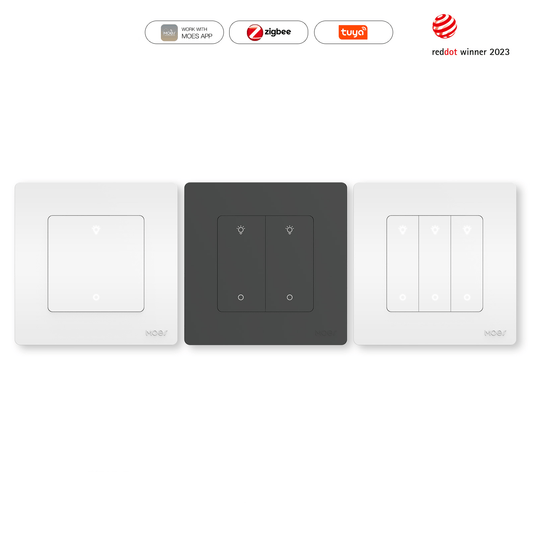
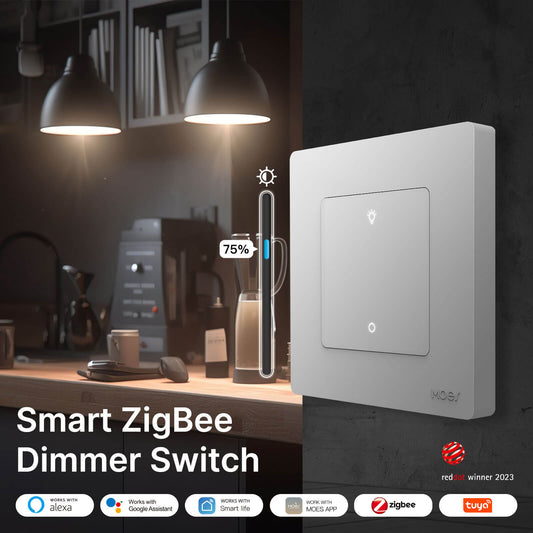
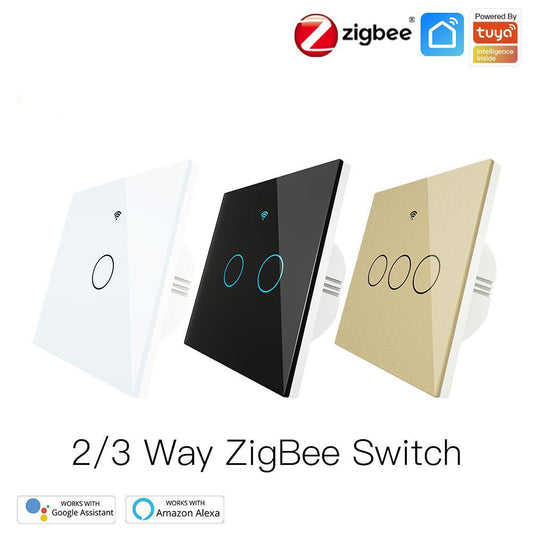
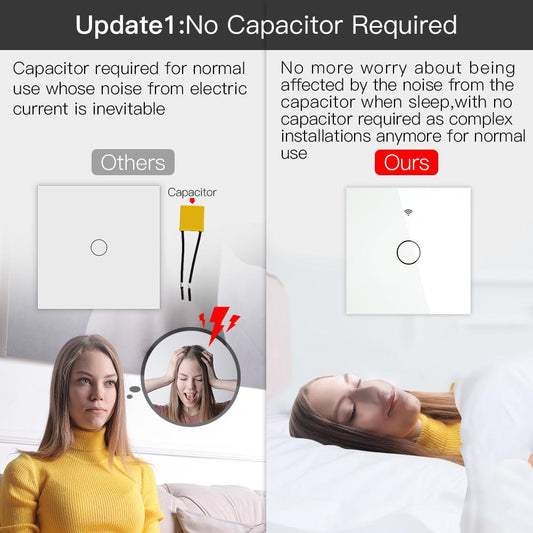
El MOES Star Feather Series es un interruptor inteligente 2 en 1 de primera calidad que combina botones pulsadores táctiles con capacidades avanzadas de escenas inteligentes. Con respuesta háptica y un elegante diseño de "pluma" táctil, esta guía cubre el modelo que requiere cable neutro (versión de EE. UU.).
Requisitos previos a la instalación
- Apagar la corriente: Desconecte la corriente en el disyuntor y utilice un probador de voltaje para verificar que no haya corriente.
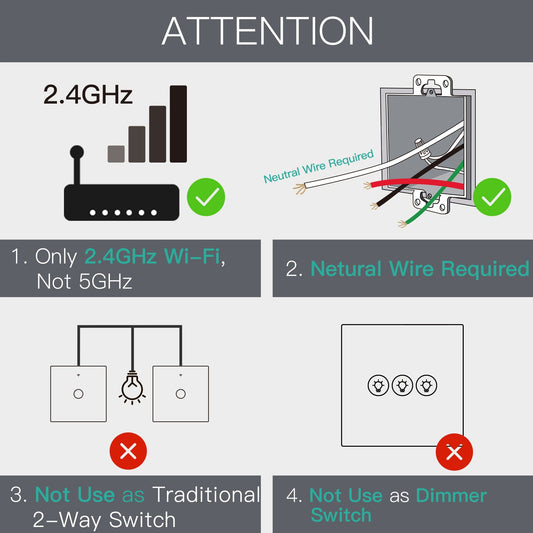
- Cable neutro: Confirme que su caja eléctrica tenga un cable neutro (generalmente un grupo de cables blancos). Este interruptor no funcionará sin él.
- Wi-Fi: Asegúrese de tener una red Wi-Fi de 2.4GHz disponible.
Diagrama de cableado y conexión
Siga las definiciones de terminales a continuación para conectar el interruptor Star Feather de 2 módulos al cableado de su hogar:
| Terminal | Color típico de cable en EE. UU. | Función |
|---|---|---|
| L | Negro | Cable vivo / de fase (Entrada) |
| N | Blanco | Cable neutro (Requerido) |
| L1 | Rojo o negro | Carga 1 (A la primera luz) |
| L2 | Rojo o negro | Carga 2 (A la segunda luz) |
| GND | Verde o cobre desnudo | Cable de tierra |
Instalación del hardware
- Retire el interruptor antiguo: Etiquete los cables antes de desconectar.
- Cableado: Asegure los cables en los terminales del interruptor Star Feather según la tabla anterior. Asegúrese de que no quede ningún cable expuesto.
- Montaje: Empuje suavemente los cables en la caja de pared y atornille el interruptor en su lugar. Nota: No instale el panel de vidrio todavía; primero pruebe la función manual del interruptor.
Guía en video: Instalación de la serie Star Feather de 2 módulos
Emparejamiento y configuración de la aplicación
- Modo de emparejamiento: Encienda el interruptor. Mantenga presionado cualquier botón durante 5-10 segundos hasta que la luz indicadora parpadee rápidamente.
- Agregar a la aplicación MOES: Abra la aplicación MOES, toque "+", y el dispositivo se detectará automáticamente. Siga las instrucciones para conectarse a su Wi-Fi de 2.4 GHz.
Exclusivo de Star Feather: modo 2 en 1
Este interruptor admite tanto el modo relé (control de luces físicas) como el modo escena (funcionando como un control remoto inalámbrico). Puede cambiar estos modos en la configuración de la aplicación para activar escenas inteligentes como "Buenas noches" o "Tiempo de películas" con una sola pulsación.
Consejos y solución de problemas
- Retroalimentación háptica: Ajuste la intensidad de la vibración en la configuración de la aplicación (Apagado/Bajo/Medio/Alto).
- Calibración táctil: Si los botones no responden después de colocar la placa de vidrio, apague el disyuntor durante 30 segundos y vuelva a encenderlo para que se calibre automáticamente.