How the Thread Protocol Works in Your Smart Home
Smart home wireless protocols have been a source of confusion for years. WiFi, Zigbee, Z-Wave, Bluetooth LE -- each has strengths and trade-offs, and choosing between them has been a headache for homeowners building their first smart home.
Thread changes the conversation entirely. It is a low-power, self-healing mesh protocol built specifically for smart homes, and it is backed by some of the biggest names in technology: Apple, Google, Amazon, and Samsung.
If you are building or expanding a smart home in 2026, understanding Thread helps you make better purchasing decisions.
This article explains what Thread is, how it compares to other protocols, why its self-healing mesh matters, and how MOES Thread-enabled products fit into your smart home strategy.

What Is Thread?
Thread is a wireless networking protocol designed from the ground up for IoT (Internet of Things) devices in the home.
Unlike WiFi, which was designed for high-bandwidth data like video streaming, Thread was built for the low-bandwidth, low-latency needs of sensors, switches, lights, and locks.
The protocol operates on the same 2.4 GHz frequency band as WiFi and Zigbee, which means it uses standard radio hardware that is already inexpensive and widely available. What makes Thread different is how it handles the network itself.
Key characteristics of Thread:
IPv6 Native
Thread devices use IPv6-based networking, allowing them to communicate with other IP-based devices through a Thread Border Router without requiring a proprietary protocol gateway. Thread is designed to integrate naturally with existing IP networks.
Self-Healing Mesh
If one device drops offline, the network reroutes traffic through other devices automatically. There is no single point of failure -- the network adapts and continues operating without user intervention.
Low Power
Thread was built for battery-operated devices. Sensors can run for years on a single coin cell battery thanks to efficient sleep-wake cycles and optimized message routing.
No Dedicated Hub Required
Thread does not require a dedicated application-specific hub for routing within the mesh. However, a Thread Border Router is required to connect the Thread network to your home IP network and other external networks.
AES Encryption
All Thread traffic is encrypted end to end with bank-grade security. Every packet on the network is authenticated and encrypted, with no option to disable security.
Comparing Thread, Zigbee and WiFi
Choosing the right protocol for your smart home depends on what you are connecting and how you want it to behave. Here is how Thread stacks up against the two most common alternatives:
| Feature | Thread | Zigbee | WiFi |
| Network type | IPv6 mesh | Proprietary mesh | Star (router-centered) |
| Hub/coordinator needed | No -- distributed routing | Yes -- Zigbee Coordinator | No (uses existing router) |
| Self‑healing | Yes -- automatic rerouting | Yes -- but coordinator is single point | No -- router failure breaks network |
| Power consumption | Very low | Low to medium | High |
| Battery device support | Excellent -- years per battery | Good -- months to years | Poor -- not designed for battery |
| Latency | Sub‑100ms | 30‑100ms | 10‑50ms (but variable under load) |
| Range per device | 30‑50 meters indoor | 10‑100 meters (varies) | 30‑50 meters (router dependent) |
| Max devices per network | 250+ | 240‑250 (theoretical) | Limited by router (typically 30‑50) |
| Matter compatible | Native -- designed for Matter | Bridge required | Bridge required (except WiFi Matter devices) |
| Internet required for local operation | No | No | Usually no, but many WiFi devices require cloud |
| Setup complexity | Low -- QR code or app pairing | Medium -- coordinator setup required | Low -- familiar WiFi setup |
When WiFi still makes sense: High-bandwidth devices like security cameras and video doorbells should use WiFi because Thread is not designed for streaming video. Use WiFi for cameras and Thread for everything else -- sensors, switches, plugs, locks, and lights.
When Zigbee still makes sense: If you already have an extensive Zigbee network with 30+ devices, there is no urgent need to replace them. Zigbee remains a reliable protocol.
When adding new devices going forward, Thread-enabled products offer a future-proof path that aligns with the Matter standard.
Thread Self Healing Keeps Your Network Running
Traditional smart home networks have a weak point -- the hub. Zigbee networks depend on a coordinator; Z-Wave networks depend on a primary controller. If that single device fails, the entire network goes dark.
Devices cannot communicate, automations stop running, and you are left troubleshooting while your smart home reverts to manual operation.
Thread eliminates this single point of failure through distributed routing. Here is how the self-healing mesh works in practice:
Normal Operation
Multiple Thread devices act as "routers" (typically mains-powered devices like smart plugs and light switches).
Battery-powered devices act as "end devices" that sleep between communications to conserve power. Router devices maintain the mesh topology and relay messages between all devices.
When a Router Drops Offline
The remaining routers detect the failure within seconds. They recalculate the network topology and establish new routing paths that bypass the failed device.
End devices that were connected through the failed router automatically attach to a new parent router. This process is invisible to the user -- automations continue running without interruption.
When You Add a New Device
The new device performs a commissioning process that takes 30-60 seconds. It discovers neighboring Thread routers, authenticates with the network, and joins the mesh.
No manual repeater configuration is needed. The mesh automatically integrates the new device and optimizes routing paths.
The Border Router Concept
A Thread Border Router connects the Thread mesh to your WiFi network and the internet. Multiple Border Routers can exist on the same network for redundancy.
Common Border Routers include Apple HomePod, Google Nest Hub, Amazon Echo (4th gen and newer), and dedicated Thread Border Routers. If one Border Router goes offline, others take over transparently.
How Thread and Matter Work Together
Thread and Matter are often mentioned together, and for good reason. Understanding the relationship between them helps you make smarter product choices.
Thread provides the low-power IPv6 mesh networking technology, while Matter is the application-layer smart home standard that defines how compatible devices communicate and interoperate.
When a device is labeled "Matter over Thread," it means:
- It uses Thread for wireless communication (the transport)
- It speaks the Matter protocol (the language)
- It can work across Matter-compatible smart home platforms that support the device type and required Matter features, including Apple Home, Google Home, Amazon Alexa, and Samsung SmartThings.
This is the big breakthrough. Before Matter, a device might work with Alexa but not HomeKit, or with Google Home but not SmartThings.
You had to check compatibility lists carefully before buying. With Matter over Thread devices, one purchase works across all major platforms.
Why this matters for the MOES ecosystem: MOES Matter over Thread devices are designed to work with your chosen platform.
Start with Apple HomeKit, switch to Google Home later -- your MOES devices come with you. This platform independence protects your investment and prevents vendor lock-in.
Building a Thread Smart Home With MOES
MOES offers a growing range of Matter over Thread products that bring the benefits of Thread networking to your smart home. Here is a practical roadmap for building a Thread-based smart home using MOES devices.
Step 1: Establish your Thread Border Router
You need at least one Thread Border Router to form the bridge between your Thread mesh and your home network. If you already have a compatible smart speaker or display, you may already own a Border Router. Common options include:
- Apple HomePod (2nd generation) or HomePod mini
- Google Nest Hub (2nd gen), Nest Hub Max, or Nest Wifi Pro
- Amazon Echo (4th gen), Echo Show 10, or Eero 6/Pro 6E
Step 2: Add mains-powered Thread router devices first
Start with devices that plug into wall power -- these will form the backbone of your mesh. MOES Matter over Thread Smart Plugs and Smart Switches are ideal starting devices.
Install two or three of these across your home to establish a robust mesh with multiple routing paths.
Step 3: Layer in battery-powered endpoint devices
Once your router backbone is in place, add battery-powered sensors. MOES Matter over Thread Door Sensors and Motion Sensors will automatically attach to the nearest router device and benefit from the mesh's self-healing properties.
Step 4: Use the MOES Zigbee Gateway for legacy devices
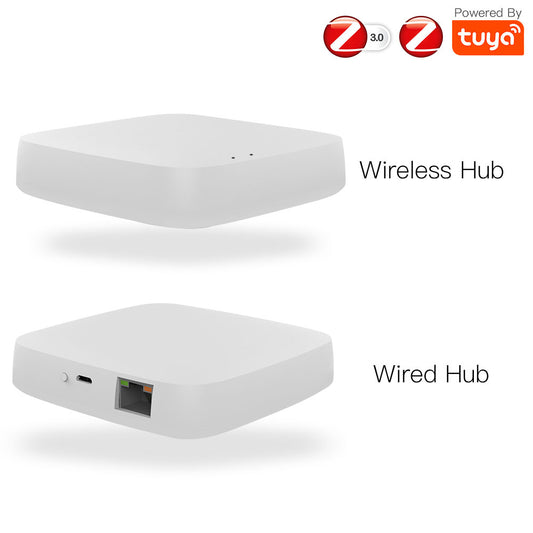
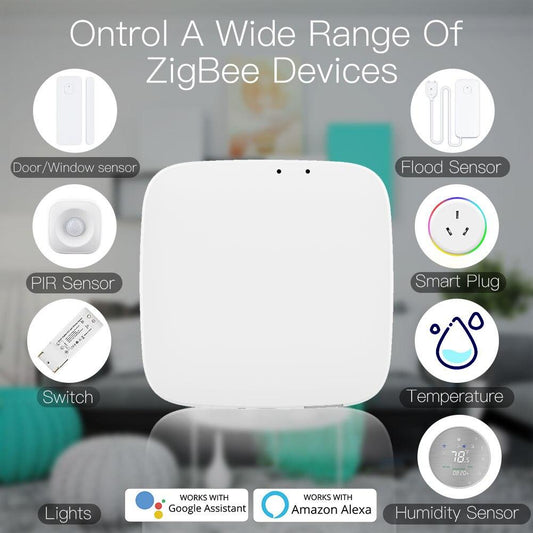
If you already own MOES Zigbee devices, the MOES Zigbee Gateway bridges them into your smart home alongside new Thread devices.
The MOES app provides a unified interface that lets you control Zigbee and Thread devices together, create cross-protocol automations, and manage everything from a single dashboard.

Complete MOES Thread Product Recommendations
- MOES Matter over Thread Smart Plug -- Forms the backbone of your Thread mesh while controlling plugged-in devices.
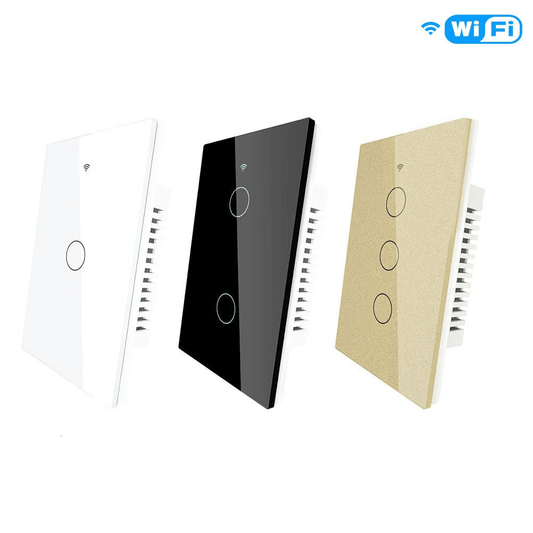
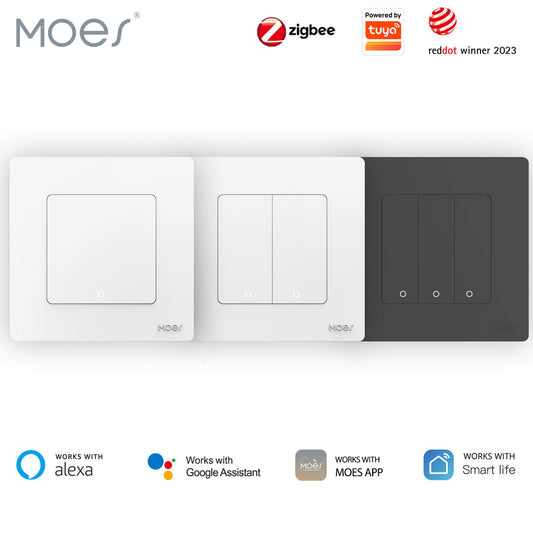
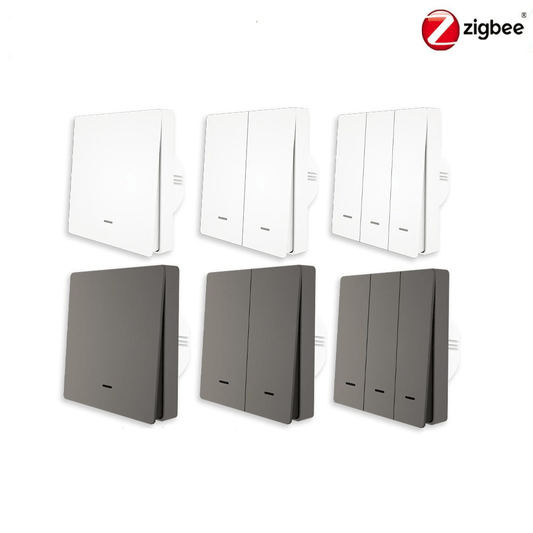
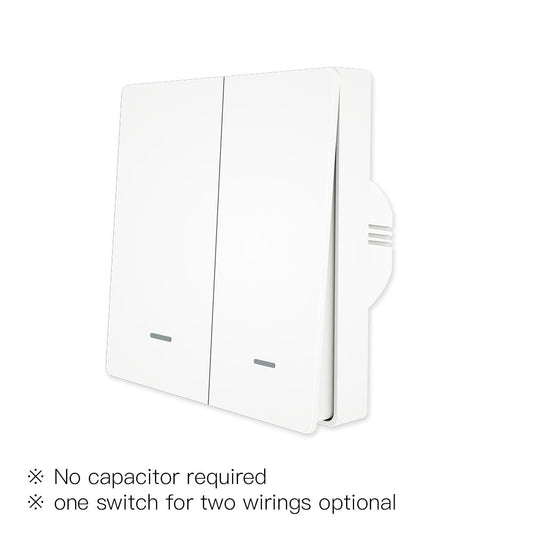
- MOES Matter over Thread Smart Switch -- Replaces existing wall switches with Thread-connected control for lights and fans.
- MOES Matter over Thread Smart Bulb -- Brings energy-efficient smart lighting with Thread connectivity, allowing users to control brightness, color, and lighting scenes across their smart home.
- MOES Matter over Thread Smart Thermostat -- Provides intelligent temperature control with Thread connectivity, helping maintain a comfortable home environment while integrating seamlessly with Matter-compatible platforms.
- MOES Zigbee Gateway -- Bridges existing Zigbee devices into your unified smart home alongside new Thread products.
Frequently Asked Questions
Q: Do I need to replace my existing Zigbee devices to use Thread?
A: No. Thread and Zigbee can coexist in the same home. The MOES Zigbee Gateway continues to manage your existing Zigbee devices, while Thread devices connect through your Thread Border Router. The MOES app provides unified control of both protocol families. You can gradually add Thread devices over time without retiring functional Zigbee hardware.
Q: How many Thread devices can I have on one network?
A: A single Thread network supports 128 devices. The practical limit is driven by your physical space and the density of router devices (mains-powered) versus endpoint devices (battery-powered). A well-designed mesh with router devices spread across the home ensures reliable connectivity for a full house of sensors, switches, and plugs.
Q: Does Thread work if my internet goes down?
A: Yes. Thread supports local device-to-device communication, so basic communication within the Thread network does not inherently require an Internet connection. Local Matter automations may also continue to operate when the Internet is unavailable if the required controller and automation logic are available locally. Cloud-dependent features and remote access require an Internet connection.
Q: Is Thread more secure than WiFi or Zigbee?
A: Thread uses AES-128 encryption for all network traffic, which is the same encryption standard used by banks and government agencies. Every device is authenticated during commissioning using a secure process tied to the Matter standard. Unlike older protocols that sometimes used weaker or optional encryption, Thread mandates encryption on every packet. Combined with IPv6's built-in security features, Thread offers a security posture that matches or exceeds other smart home protocols.
*Discover MOES Matter over Thread products and build a future-proof smart home at moeshouse.com.*