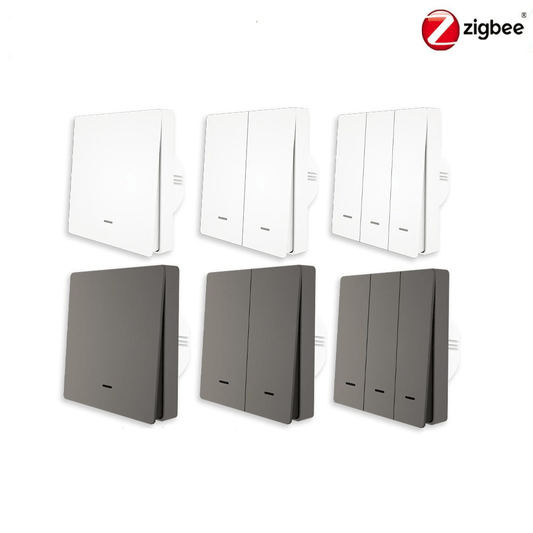
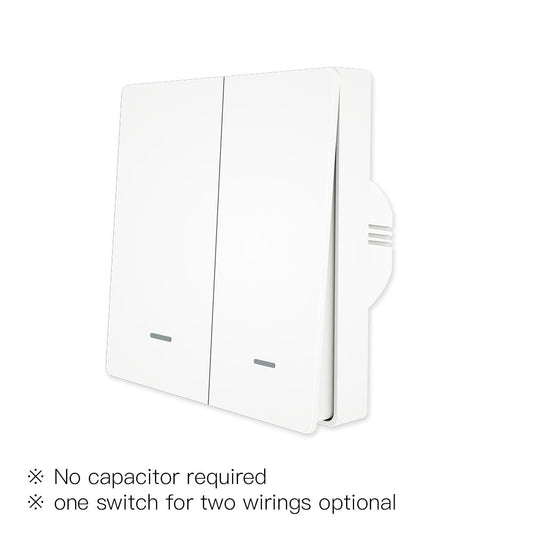
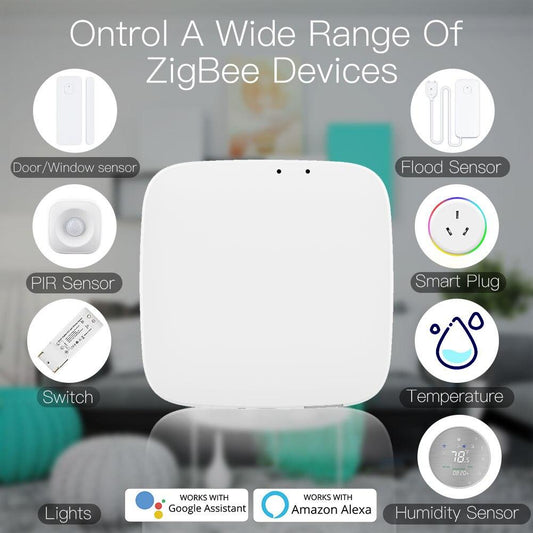
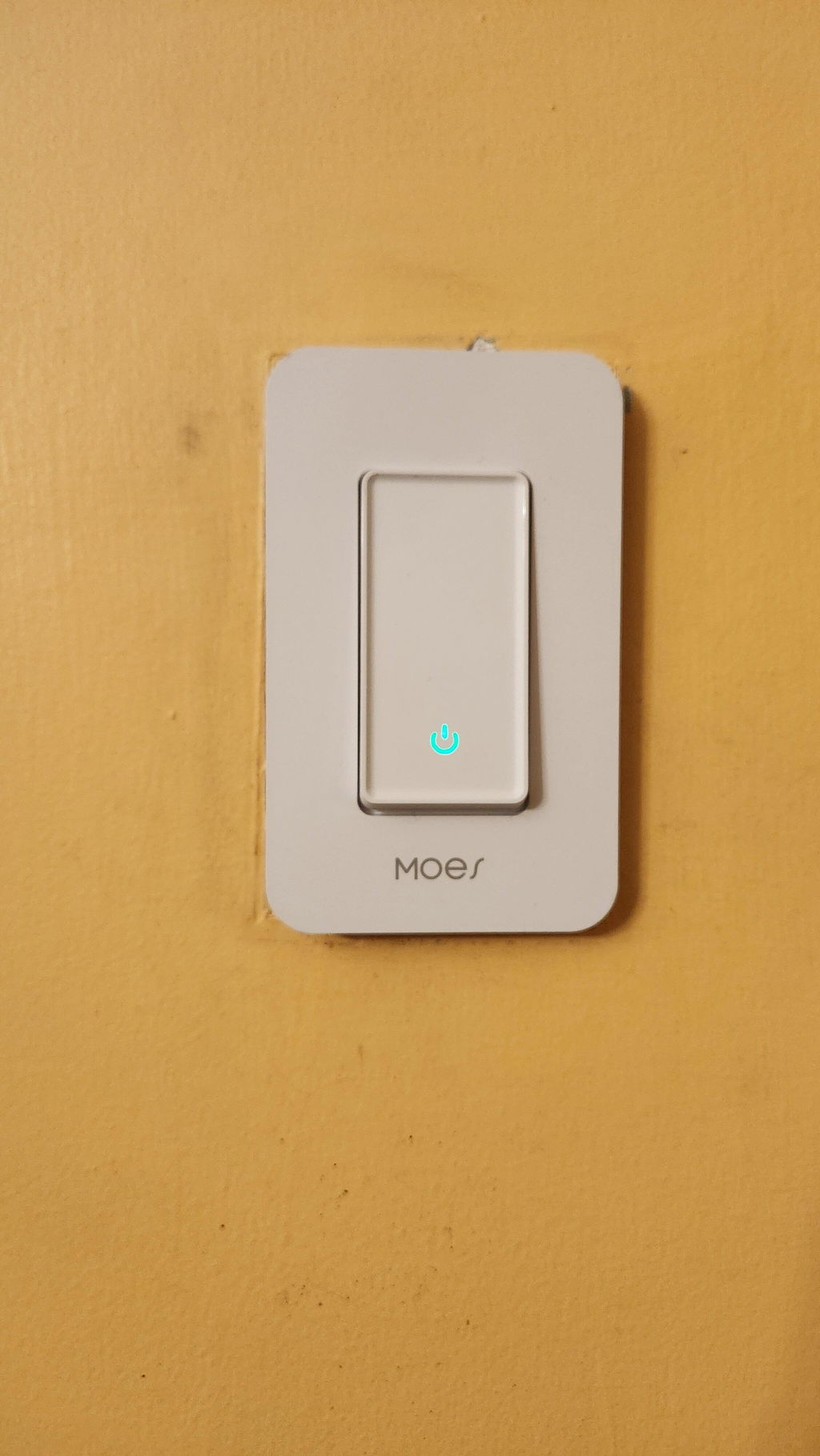
How to Add MOES Devices to Home Assistant
MOES devices can be integrated with Home Assistant in different ways, depending on the device model, supported protocols, and your existing setup. Compatible Zigbee devices can connect directly through a Zigbee coordinator. Zigbee devices connected to a MOES gateway can also be exposed to Home Assistant through a Matter bridge, provided the gateway supports this feature. Wi-Fi devices may use a compatible local or cloud-based integration, depending on the model.

Three Routes, Three Setups
Direct Zigbee integration offers a high degree of local control. It allows Home Assistant to communicate directly with compatible Zigbee devices through a Zigbee coordinator, without relying on a MOES gateway or cloud service for basic device communication.
This local control is one of the main reasons people choose Home Assistant. Rather than tying an entire smart home to a single manufacturer's platform, Home Assistant can bring compatible devices from different ecosystems into one interface.
The best connection method depends on the device's supported protocols, its compatibility with Home Assistant, and the hardware you already have. Understanding these factors before you begin can help you choose the right setup and avoid unnecessary purchases.
Which Route Should You Use?
Home Assistant can integrate compatible MOES devices through Zigbee, Matter, or supported vendor integrations. The right approach depends on your device model, the available hardware, and the features you want to use.
Consider your current setup:
If you already have a Zigbee coordinator, direct Zigbee integration is worth considering. If you own a MOES gateway that explicitly supports Matter bridging, you may be able to use it to expose compatible Zigbee devices to Home Assistant. For Wi-Fi devices, check whether a compatible local or cloud-based integration is available.

Route One: Zigbee Direct
Direct Zigbee integration is a straightforward option for users who want local control. A Zigbee coordinator connected to the Home Assistant host communicates with compatible Zigbee devices without requiring a separate vendor gateway.
What You Need
The main hardware requirement is a compatible Zigbee coordinator. Before choosing one, check that it is supported by your Home Assistant Zigbee integration.
For better reliability, connect your coordinator using a USB extension cable and keep it away from USB 3.0 devices, metal enclosures, and other potential sources of radio interference. A USB hub is not inherently incompatible, but connection quality and interference can affect reliability.
You will also need to choose a Zigbee integration. Home Assistant offers two popular options: ZHA and Zigbee2MQTT.
Check ZHA and Zigbee2MQTT Compatibility
MOES Zigbee devices may differ in their compatibility with ZHA and Zigbee2MQTT, two popular ways to integrate Zigbee devices with Home Assistant. Support depends on the specific product model, so not every device is guaranteed to work with both integrations or expose all its features. Before purchasing, check the product details page to confirm whether the device supports ZHA, Zigbee2MQTT, or both.
You can explore the available models in the MOES Zigbee product collection.
What Happens During Pairing
First, configure your chosen Zigbee integration in Home Assistant and enable its device-joining mode. Then, put the MOES device into pairing mode according to its product instructions.
Zigbee devices generally remain paired until they are reset or removed from the network. If a device was previously connected to a MOES gateway, it may need to be removed from the old network or factory-reset before it can join a new one. Follow the reset and pairing instructions for your specific model.
If a device cannot be discovered, check its pairing mode, battery level, network status, and compatibility with your chosen integration before assuming the device is faulty.
What You Gain and What You Lose
Direct Zigbee integration can provide local device communication and allow Home Assistant to run automations without an internet connection, provided the Home Assistant host, coordinator, devices, and required services remain operational.
The trade-off is that some manufacturer-specific features may not be available through ZHA or Zigbee2MQTT. Supported controls, sensors, and configuration options can vary by device and integration.
For many users, the benefits of local control outweigh these limitations. For more information about offline operation, see our guide to offline smart homes and local execution.

Route Two: Through the MOES Gateway as a Matter Bridge
If you already own a MOES gateway that supports Matter bridging, you may be able to bring compatible Zigbee devices into Home Assistant without connecting a separate Zigbee coordinator to your Home Assistant host.
In this setup, the gateway acts as a Matter bridge, exposing supported devices connected to it to compatible Matter controllers, including Home Assistant. The devices and features available through the bridge depend on the gateway model, firmware, and Matter implementation.
Which Gateway Does This?
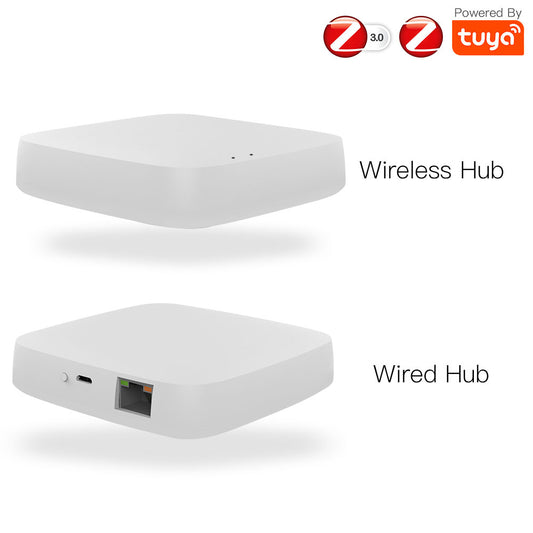
Bridging requires a multimode gateway rather than a plain Zigbee hub. The models that work as a Matter bridge are the three-protocol gateway, the MHub gateway, and the MHub W Q gateway.
Do not assume that a gateway supports Matter bridging simply because it supports multiple wireless protocols. If Matter Bridge support was introduced through a firmware update, you may need to update the gateway before configuring the connection.
The Trade-Offs of This Approach
A supported Matter bridge can allow you to keep using the MOES app while bringing compatible devices into Home Assistant. This can be useful in households where different people prefer different smart home interfaces.
However, the gateway becomes another component that must remain operational. If it goes offline, the bridged devices may become unavailable through Home Assistant.
The gateway may also continue to use the manufacturer's cloud services for certain functions. If privacy or offline operation is a priority, check which functions require an internet connection and which operate locally.
Route Three: Cloud-Based Integration
Home Assistant may also connect to compatible Wi-Fi devices through a vendor's cloud integration. This approach does not require a Zigbee coordinator, but it depends on the integration and services supported by the particular device.
With a cloud-based integration, commands and status updates may need to pass through the vendor's servers. Internet outages can interrupt remote control and automations that depend on cloud services, while response times may vary with network and server conditions.
The setup also depends on the continued availability and compatibility of the vendor's service.
Cloud-based integration can be a reasonable option when a device does not offer a suitable local integration. However, if local control is important to you, check for a supported local alternative before choosing a device.
Choosing the Right Route Before You Buy
| Situation | Recommended Route | What You Need |
|---|---|---|
| You have Zigbee devices and no gateway | Direct Zigbee | A compatible Zigbee coordinator and integration |
| You already own a MOES gateway with confirmed Matter Bridge support | Matter bridge | A compatible gateway and the required firmware |
| You own Matter devices | Native Matter integration | Compatible Matter devices and the required network infrastructure |
| You own Wi-Fi devices only | Local or cloud integration | A compatible Home Assistant integration |
| You have both Zigbee and Wi-Fi devices | Direct Zigbee plus local or cloud integration | A Zigbee coordinator and compatible integrations |
A Matter device does not automatically require a Thread border router. Matter devices can communicate over Wi-Fi, Ethernet, or Thread, depending on the product. Thread-based Matter devices require a compatible Thread border router, while Wi-Fi and Ethernet Matter devices do not necessarily need one.
Home Assistant also needs the appropriate integration and network configuration for the devices you want to add.
If you are building a system from scratch and primarily use compatible Zigbee devices, a Zigbee coordinator can be a practical choice. However, check product compatibility and your existing equipment before purchasing additional hardware.
Why Devices Fail to Pair
Connection problems can result from pairing procedures, compatibility limitations, network interference, or configuration issues. A device that uses Zigbee is not necessarily guaranteed to expose all its features through every Home Assistant integration.
Here are some common issues to check:
- The device is still connected to an old network. Remove it from the previous network or reset it according to the manufacturer's instructions before pairing it again.
- The coordinator is poorly positioned. USB 3.0 devices, metal enclosures, and other sources of radio interference can affect Zigbee communication.
- The Zigbee and Wi-Fi channels interfere with each other. Channel overlap can contribute to unreliable connections and dropped messages.
- The device has not entered pairing mode. Battery-powered devices may need to be awakened or reset before they can be discovered.
- The device is not fully supported by the chosen integration. Check the product's compatibility with ZHA or Zigbee2MQTT and verify which features are supported.
- The gateway does not expose the device through Matter. A Matter bridge may expose only supported devices and functions, rather than every device connected to the gateway.
Checking these factors systematically is usually more useful than repeatedly attempting to pair the device. For additional troubleshooting advice, read our guide to Zigbee interference and dropped connections.
Frequently Asked Questions
The five questions below are the ones that decide whether a MOES device connects on the first attempt or not. Each answer stands on its own.
Does MOES work with Home Assistant without a gateway?
Yes, compatible MOES Zigbee devices can connect directly to Home Assistant through a supported Zigbee coordinator and integration, without a separate MOES gateway. Before purchasing, check the product details page to confirm whether the device supports ZHA, Zigbee2MQTT, or both.
For Wi-Fi devices, the available connection methods depend on the specific model and its supported Home Assistant integrations.
Can a MOES gateway act as a Matter bridge for Home Assistant?
Yes, provided the specific gateway supports Matter bridging and the required firmware and configuration are in place. A supported gateway can expose compatible devices connected to it to Home Assistant through Matter.
The available devices and features depend on the gateway model and its Matter implementation, so check the product specifications before choosing this setup.
Why will a MOES device not pair with Home Assistant?
Common causes include an incorrect pairing procedure, a device that remains connected to its previous Zigbee network, wireless interference, or compatibility limitations.
For Zigbee devices, follow the model-specific reset instructions and check whether the device supports your chosen integration, such as ZHA or Zigbee2MQTT.
Do MOES automations keep working when the internet goes down?
It depends on how the devices and automations are configured. Automations executed locally by Home Assistant can generally continue working without internet access if the required devices, coordinator, host, and services remain available.
Operations that depend on cloud services may stop working or become unavailable during an internet outage.
Is Home Assistant compatible with both Zigbee and Matter MOES devices at once?
Yes. Home Assistant can manage compatible Zigbee devices through a supported Zigbee integration and Matter devices through its Matter integration. Compatible devices exposed through a Matter bridge may also be available.
Once integrated, supported devices can appear in the same dashboard and participate in automations, subject to their available features and configuration.
Final Notes
If local control is your priority, direct Zigbee integration is worth considering. It can reduce your reliance on vendor gateways and cloud services, provided your devices are compatible with the selected Home Assistant integration.
Before purchasing a MOES Zigbee device, check its product details page to confirm support for ZHA, Zigbee2MQTT, or both. For Matter bridging, verify the gateway model, firmware requirements, and supported devices.
If a device fails to connect, check its pairing mode, reset procedure, integration compatibility, coordinator placement, and potential wireless interference.
Once your devices are connected, you can start building automations tailored to your smart home needs.
Need help checking device compatibility? Contact the MOES team.