How a Matter Bridge Differs From a Matter Controller
A Matter controller runs the smart home system and decides what happens, while a Matter bridge translates for devices that cannot speak the Matter protocol. Every Matter setup needs at least one controller, and only setups with older non-Matter devices need a bridge.
Almost every confusing question about Matter comes down to one thing: two devices in the same system are called very similar names and do entirely different jobs, and mixing them up produces a setup that does not work for reasons that are hard to see.
This guide separates the two, then shows what the difference means when you are buying hardware.

A Controller Makes Decisions and a Bridge Passes Messages
A controller is the device that runs your automations and decides what happens. It is the app on the phone, the speaker in the kitchen, or the hub on the shelf, and without one, nothing in a Matter system can be commanded.
A bridge does not decide anything. It takes devices that do not speak Matter and presents them to the network as though they did, so a controller can see them.
The two are often inside the same box, which is exactly why the distinction gets lost. A smart speaker is usually a controller, and a multimode gateway is usually a bridge, and some products do both.
What Each One Does in Practice
| Question | Controller | Bridge |
|---|---|---|
| What it is for | Running the system | Translating older devices |
| Decides automations | Yes | No |
| Connects to the internet | Usually | Usually |
| Required for anything to work | Yes | Only if you have non-Matter devices |
| Number needed | At least one | One per group of older devices |
| Example on this site | A speaker or a phone app | A multimode gateway |
The row that decides most purchases is the fourth. A house full of Matter devices needs a controller and no bridge at all, which is the outcome the standard was designed to produce.
Why Bridges Still Exist in a Matter System
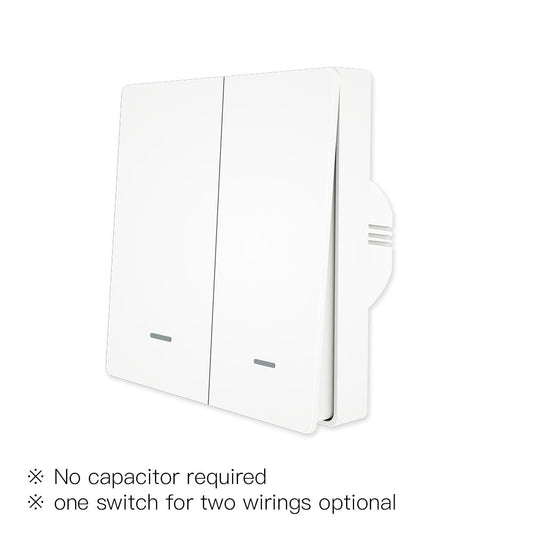
Matter was written to replace the tangle of vendor-specific systems rather than to make every existing device obsolete. A bridge is what allows a switch bought three years ago to appear in a modern app without being replaced.
What a Bridge Exposes
A bridge exposes the devices underneath it, and it exposes them as a package. Adding one device to the gateway adds one device to the Matter network, and removing it from the gateway removes it from both.
That package behavior is convenient, and it has a consequence. The bridge has to be online for anything under it to work, so a bridged device stops responding when the gateway loses power even though the device itself is fine.
What a Bridge Cannot Do
A bridge cannot make a device do something it was never designed to do. A switch that has no power monitoring does not gain power monitoring by being bridged, because the bridge passes messages rather than adding capability.
It also cannot improve reliability. A bridged device depends on the gateway, the network, and the controller in sequence, which is a longer chain than a device connecting on its own.
Where a device speaks Matter natively, connecting it directly is always the shorter path. The range of native Matter hardware is listed under Matter devices.

The Hardware Question This Answers
The practical question is whether to buy a gateway or to buy devices that connect on their own. The answer depends on what you already own rather than on which product looks more capable.
If You Are Starting From Nothing
Buy Matter devices and a controller, and skip the gateway. Many smart speakers and home hubs from major platforms include Matter controller functionality, but support varies by model. Check the device specifications before assuming that your existing speaker can commission and control Matter devices.
If You Already Own Zigbee Devices
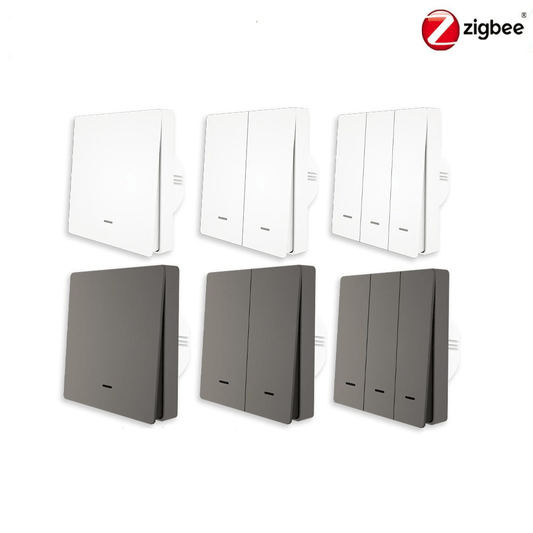
If you already own Zigbee devices, a compatible Matter bridge may be a more cost-effective option than replacing them. Before buying a gateway, verify that it supports Matter bridging and that your specific devices and their required features are supported.
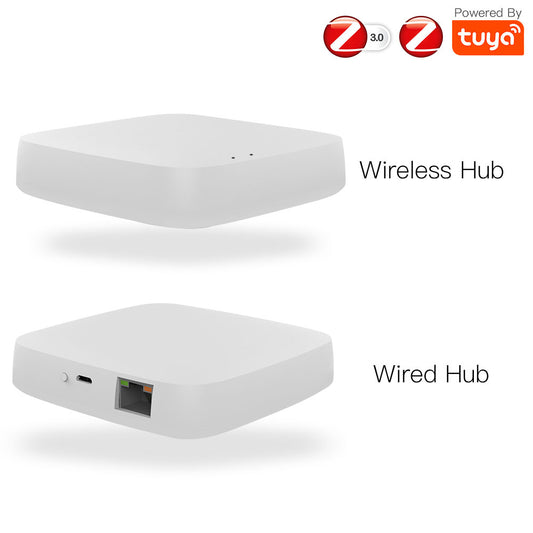
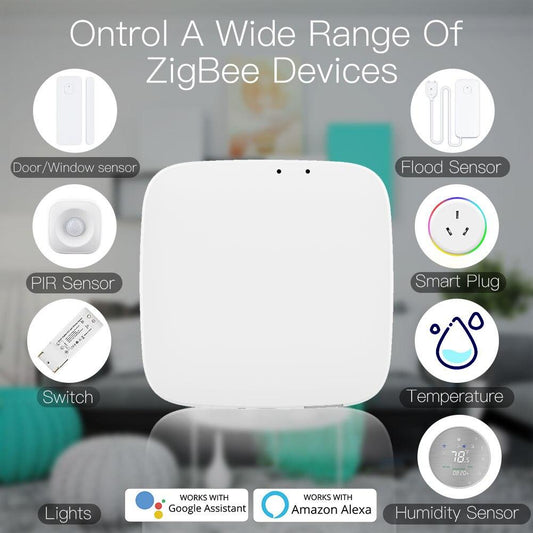
The gateway models that do this are the three-protocol gateway and the MHub gateway.
This is the single most common reason a bridge is bought, and it is a good reason. The alternative is replacing working hardware for the sake of a cleaner diagram.
If You Own Both Kinds
Run the Matter devices directly and bridge only the Zigbee ones. That arrangement keeps the newer devices on the shorter path and still brings the older ones into the same app.
What a Matter Controller Actually Is
People look for a product called a Matter controller and do not find one, because it is usually sold as something else. A controller is a role rather than a category.
- A smart speaker from a major platform, which controls Matter devices as part of its normal function
- A phone app that holds the pairing information and the automations
- A dedicated home hub, which is a controller with a processor in it
- A smart display, which is a speaker with a screen attached
Because the role is common, most households already own a controller without knowing it. Checking whether a device supports Matter is worth doing before buying a second one.
The protocol in general, including how Thread fits alongside it, is covered in the Matter protocol guide.
How to Read a Product Listing
A listing that says Matter-compatible is not saying the same thing as one that says Matter bridge. The first describes a device that speaks the protocol, and the second describes a device that translates for others.
The word to look for on a device is Matter, and on a gateway it is Matter bridge or Matter hub. A gateway advertised only as Zigbee will not expose its devices to a Matter app until it has been updated.
Where a product is described as Matter over Thread, it is a device rather than a bridge. The Matter over Thread roller blinds motor is an example of a device that connects on its own.
Frequently Asked Questions
The five questions below cover the points that decide a purchase. Each answer is written to stand alone.
What is the difference between a Matter bridge and a Matter controller?
A controller runs the system and executes automations, and a bridge translates older devices into the Matter protocol. The controller is required for anything to work, and the bridge is only required when a system contains devices that do not speak Matter natively.
Do I need a Matter bridge if all my devices support Matter?
No. A system made entirely of native Matter devices needs a controller and nothing else, because there is nothing to translate. This is the arrangement the standard was designed to produce.
Is a smart speaker a Matter controller?
Usually, yes. Smart speakers and smart displays from the major platforms act as Matter controllers as part of their normal function, which means most households already own a controller without realizing it.
Does a Matter bridge work when the internet is down?
Whether a Matter bridge continues to work during an internet outage depends on its local control capabilities and the network setup. If the bridge remains powered and local communication is available, bridged devices may continue to respond to local Matter commands. However, cloud-dependent features may become unavailable. If the bridge itself loses power, devices that rely on it generally cannot be controlled through that bridge.
How do I tell whether a product is a bridge or a device?
Look for the word bridge or hub in the description. A product described as Matter or Matter over Thread is a device that connects on its own, and a product described as a Matter bridge or Matter hub is translating for others.
Summing Up
A controller runs the system, and a bridge translates for devices that cannot speak the standard. Every Matter setup needs a controller, and only some need a bridge, which is the distinction worth carrying into a purchase. Buy Matter devices and a controller when starting fresh, and buy a bridge only when there is existing hardware worth keeping. Check whether the speaker or display you already own is a controller before buying another one, and read a listing for the word bridge rather than for the word Matter.
Need help choosing a compatible gateway? Contact the MOES team.