
Scene Switches: One Button That Controls Your Whole Home
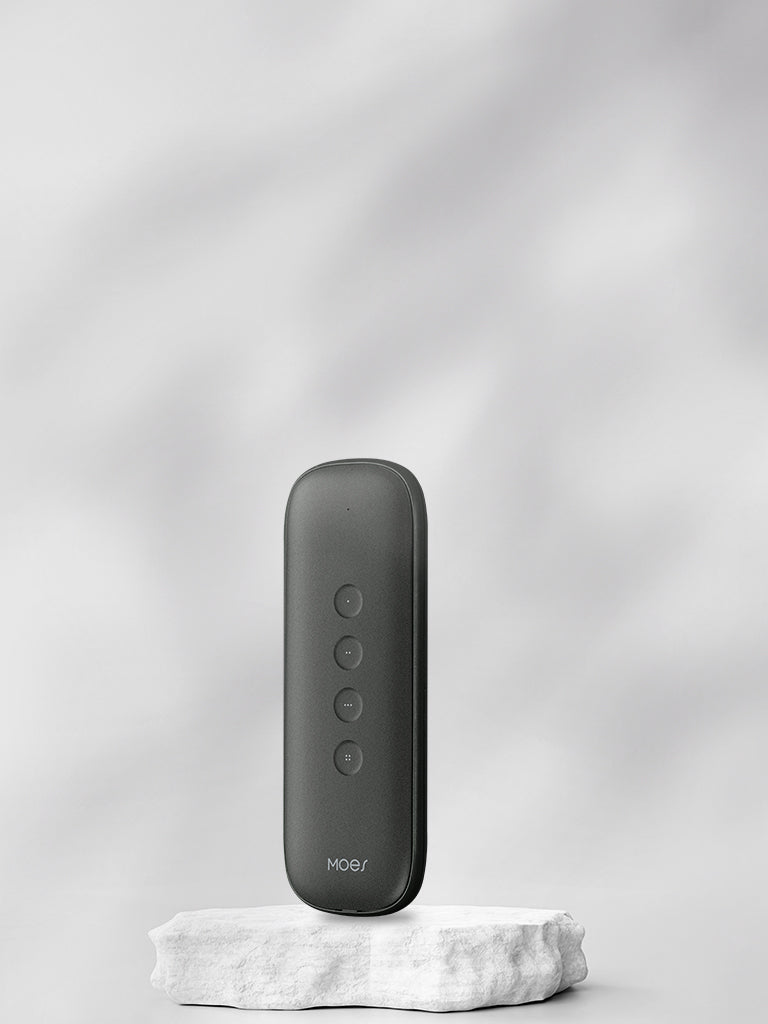
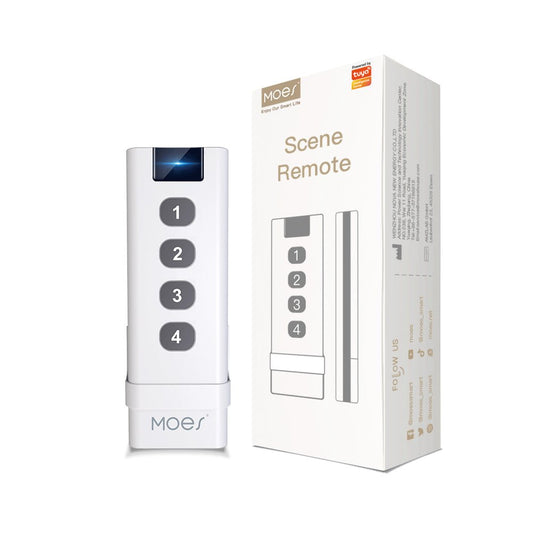
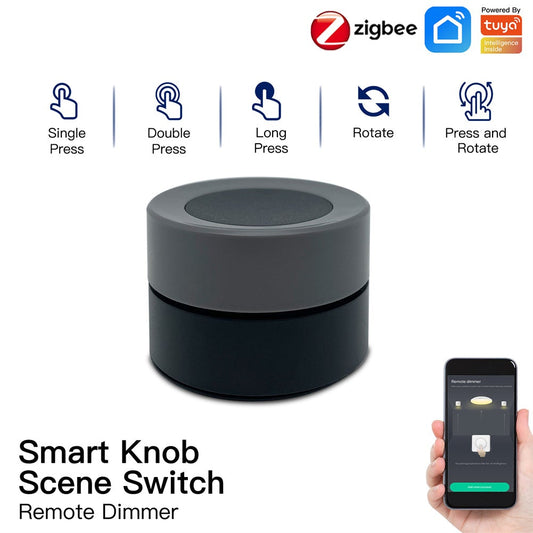
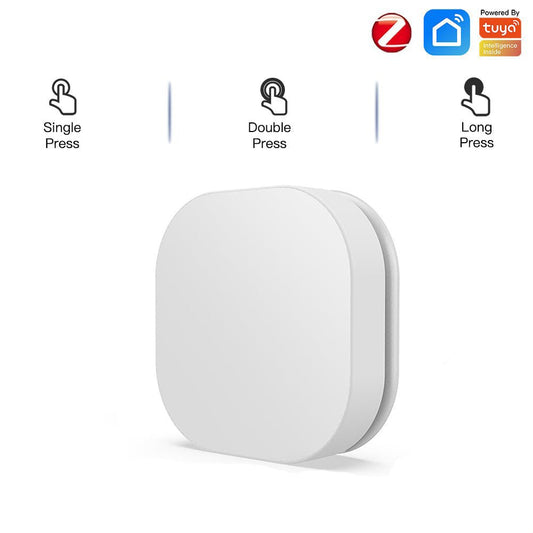
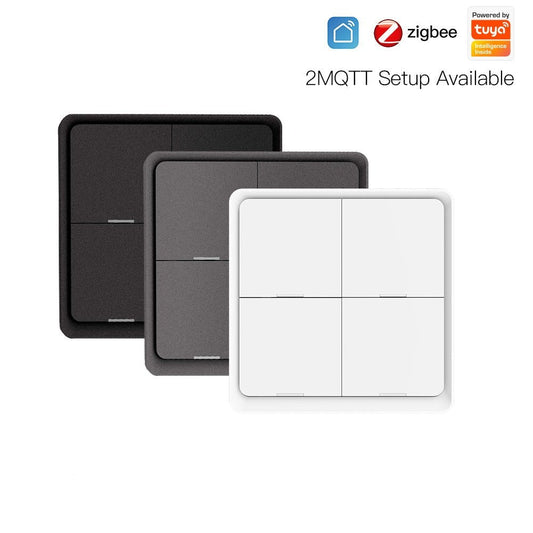
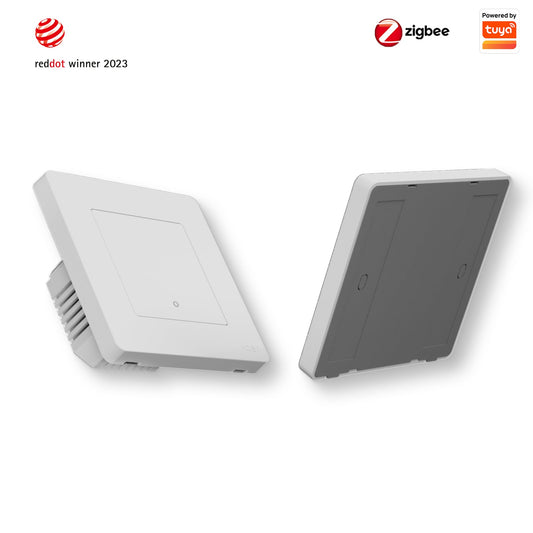
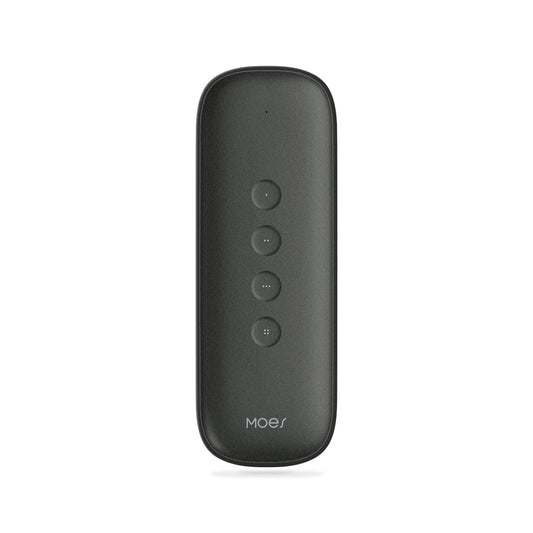
The problem with smart home apps is that you still have to pick up your phone. A MOES scene switch solves that. It is a wireless Zigbee button that sticks to any surface, sits on any table, or mounts on any wall without any wiring. Each press, double press, or long hold can trigger a completely different scene, controlling lights, curtains, sockets, and any other Tuya-compatible device in your home simultaneously.
What Makes Scene Switches Different from Regular Smart Switches
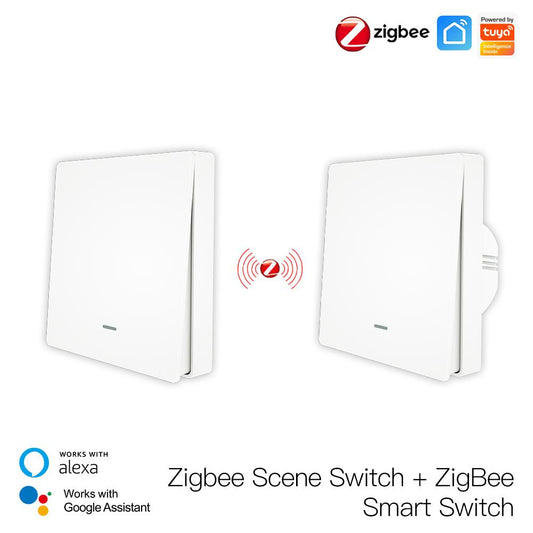
A regular smart switch replaces a wall switch and controls the light it is wired to. A scene switch is not wired to anything. It is a portable, battery-powered button that you can place anywhere and program to trigger any combination of actions across any devices in your home. You can have one by the sofa to control the living room, one on the bedside table to turn everything off at night, and one by the front door to activate a leaving-home scene that turns off all lights, closes the curtains, and arms the sensors in one tap.
Scene Ideas to Get You Started
Good morning scene: Single press opens the bedroom curtains, turns on the bathroom light at 50%, and starts the coffee maker via a smart socket.
Movie mode: Double press dims the living room lights to 20%, closes the curtains, and turns off the hallway light.
Leaving home: Long press turns off all lights, closes all curtains, activates the door and window sensors, and cuts power to non-essential sockets.
Bedtime: Single press in the bedroom turns off all lights except a dim bedside lamp, closes the bedroom curtains, and sets the thermostat to night mode.
All of these are configured once in the Tuya Smart Life app and then triggered with a single physical button press, no phone required.