Choosing and Placing a Thread Border Router
A Thread border router is the device that connects a Thread network to the rest of the home network, and without one, a Thread device cannot be reached by a Matter controller. Every Thread device needs to be within radio range of the Thread mesh network, and the number and placement of your border routers and mains-powered Thread devices determine whether the network is reliable.
This guide covers which hardware acts as a border router, where to place it, and how many a typical house needs.

What a Border Router Actually Does
Thread is a mesh radio protocol, and a Thread network is separated from the home network by design. A border router bridges the two, so a Matter controller on Wi-Fi can reach a device on Thread.
The role is a function rather than a product. Several things already in a house may be performing it without the owner knowing, including smart speakers, smart displays, and some hubs.
What the Role Requires
A border router needs a Thread radio and a connection to the home network, which in practice means mains power. It also needs to stay powered, because a Thread device that loses its border router becomes unreachable even though its own radio is fine.
A border router is not the same thing as a Matter controller, though one device can be both. The controller runs the system, and the border router moves traffic between two networks.
How It Differs From a Matter Bridge
A bridge translates devices that do not speak Matter, and a border router carries Thread traffic onto the network. A device described as Matter over Thread needs a border router, and a device described as Matter over Wi-Fi does not.
The distinction between a controller and a bridge is set out in the guide on how a Matter bridge differs from a Matter controller.
Which Hardware Acts as One
Four categories of products fill the role, and a household may already own one. Checking first avoids buying a second device that does the same thing.
- A smart speaker from a major platform with a Thread radio built in
- A smart display, which is a speaker with a screen and the same radio
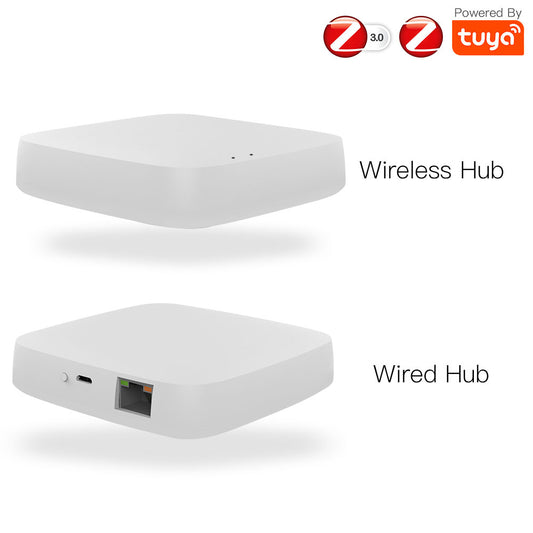
- A dedicated hub sold as a Thread border router or a Matter hub
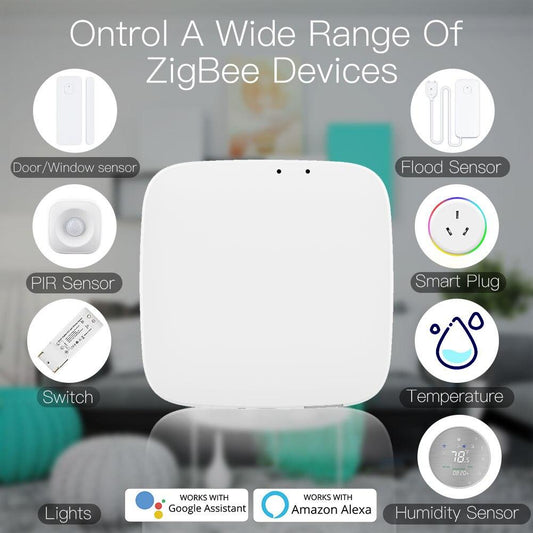
- A multiprotocol gateway that includes Thread alongside Zigbee and Matter

The gateway route is the one worth considering where a house already runs Zigbee, because a single device then covers both protocols. The three-protocol gateway handles Zigbee, Matter, and Thread together.
The Matter over Thread roller blinds motor is an example of a device that needs a border router rather than a bridge, because it speaks Thread natively.
How Many You Need
One border router covers a typical apartment or a small house, and it fails at the far end of a larger one. Thread is a mesh, so adding a second border router extends coverage the same way adding a mains-powered Zigbee device extends a Zigbee network.
| Home size | Border routers | Where they go |
|---|---|---|
| Apartment or small house | One | Central position, away from metal |
| Two-story house | Two | One per floor |
| Large house or thick walls | Three or more | One per zone, with overlap |
| Detached garage or outbuilding | One extra | At the boundary of the main network |
| Any home with a metal structure | One per room affected | Inside the affected area |
The pattern in that table is that border routers are placed for coverage rather than for convenience. A router in one corner leaves the far corner on the edge of the radio range, which is where the unreliable devices will be.
Where to Put One
The placement rules are the same as for any 2.4 GHz radio, and they are broken more often than they are followed. A border router hidden inside a metal cabinet is the most common reason a Thread device works in one room and not the next.
- Raise it off the floor and out of cabinets, since both shorten the useful range
- Keep it clear of metal, including shelving, filing cabinets, and the back of a television
- Keep it away from USB 3 ports and external drives, which are noisy at 2.4 GHz
- Place it centrally within the area it needs to cover rather than beside the router
A router beside the Wi-Fi router is the natural place to put one and a poor one for radio coverage. The border router does not need to be next to the network equipment, since it reaches the network over the existing Wi-Fi.
When a Thread Device Will Not Connect
A Thread device that will not join is almost always missing a border router within range or has one that is not powered. Thread devices cannot be reached without one, so the check comes before anything else.
The second cause is a border router that is present but on a different Thread network. Two border routers from different ecosystems can form separate networks, and a device paired to one will not appear in the other.
The third is range, and it looks like a pairing failure rather than a signal problem. A device that pairs successfully beside the border router and fails on the far wall is a coverage problem, not a device problem.
Frequently Asked Questions
The five questions below cover what people ask when a Thread device will not join. Each answer stands on its own.
Do I need a Thread border router if my devices use Matter over Wi-Fi?
No. Matter over Wi-Fi devices connect through the home network directly and need a Matter controller rather than a border router. A border router is only required for devices that communicate over Thread, which includes anything described as Matter over Thread.
Can one device be a Thread border router and a Matter controller?
Yes, and many smart speakers and hubs are both. The two roles are separate functions that can sit in the same box, which is why the same product can run automations and also carry Thread traffic onto the network.
How many Thread border routers does a house need?
One covers an apartment or a small house, and a two-story house usually needs one per floor. A large house or one with thick walls benefits from three or more, placed so their coverage overlaps rather than leaving gaps between them.
Why does my Thread device work in one room and not another?
That pattern is a coverage problem rather than a device fault. Thread is a mesh radio at 2.4 GHz, so metal, thick walls, and distance all reduce the range, and a second border router closer to the failing room resolves it.
Is a Thread border router the same as a Zigbee gateway?
No. A Zigbee gateway runs a Zigbee network, and a border router carries Thread traffic. Some products do both, such as the MOES three-protocol gateway, which handles Zigbee, Matter, and Thread in one unit.
The Bottom Line
A Thread device is unreachable without a border router in range, so the device is only half the purchase. Check whether a speaker or display already in the house is performing the role before buying another, and add one per floor in a two-story home. Place them for radio coverage rather than beside the network equipment, since metal and cabinets shorten the range more than distance does. Where a house already runs Zigbee, a single multiprotocol gateway covers both and removes a device from the shelf.
Need help choosing a gateway for your home? Contact the MOES team.