How to get multi-control association in Smart Life App
Note:Please confirm you have successfully finished the WiFi link method above for adding this switch to your Smart Life App before the association.
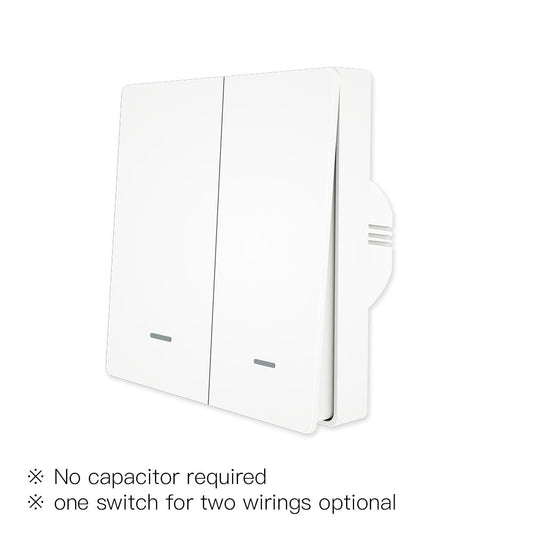
1.WiFi add another smart switch to the same Smart Life/Tuya App.(If there is a smart switch having been added before to the app,just go to next step.)Note:There is no need to wire the new added switch to the light,only L and N are required for wiring.
2.Then you will see two devices in the app and click the main switch(as One gang switch as below) by entering into the next operation.
1.WiFi add another smart switch to the same Smart Life/Tuya App.(If there is a smart switch having been added before to the app,just go to next step.)Note:There is no need to wire the new added switch to the light,only L and N are required for wiring.
2.Then you will see two devices in the app and click the main switch(as One gang switch as below) by entering into the next operation.

3.Click the icon in the upper right corner and choose“Multi-Control Association, and then click “+” in the right corner.


 4.Choose the switch that you want to associate to and then choose the switch button that you want to control the same light.

5.Then go back to previous page,you will see two items in the page,one is your main switch,the other is the one you associate just now.
Note:Please confirm the associated switch is enabled.
Note:Please confirm the associated switch is enabled.

6.Now you are able to control your light with two switches. Do not associate another button in the same switch for multi-control.


7.If you want to add another third or more smart switches to control your light,just repeat the steps above.And you will see the result as below when you associate another new switch.